
1.2 Navigating between projects
Preconditions:
- You are logged into the Redouble AI system
- At least one project exists in the system
Steps:
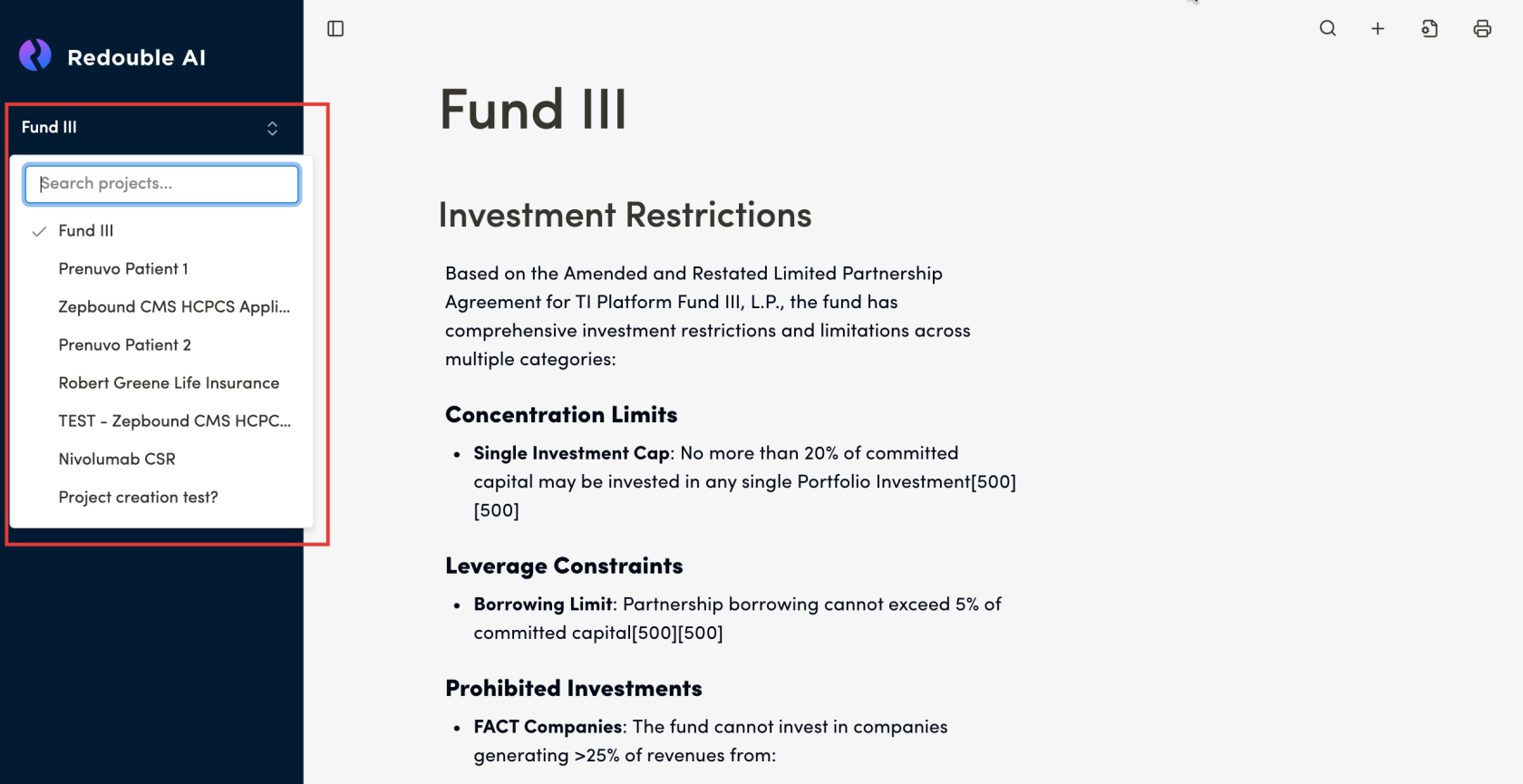
- In the left sidebar, click on the current project name or the arrow icon
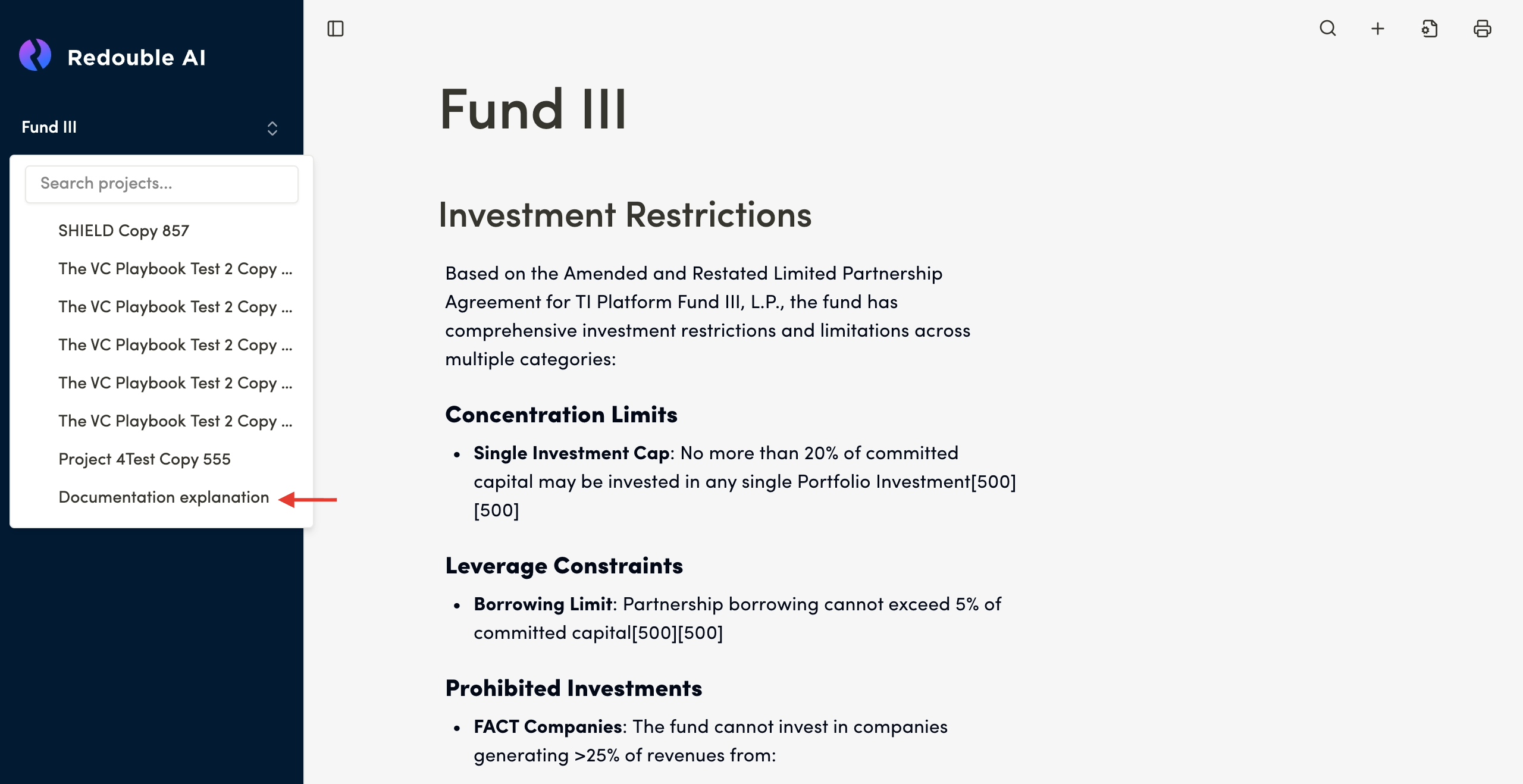
- A dropdown menu will open and display:
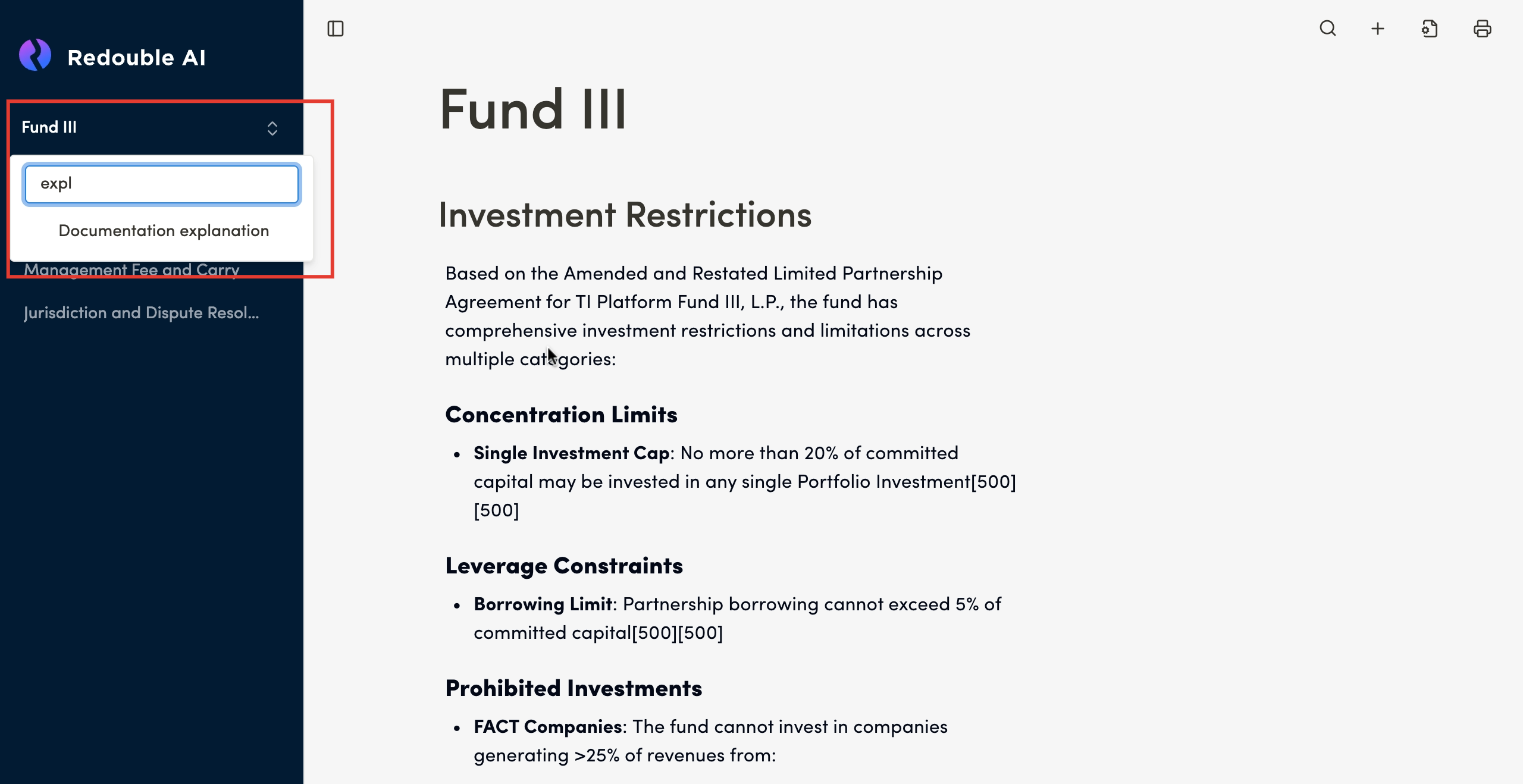
- "Search projects..." — a search field enabling quick project lookup
- A list of all available projects
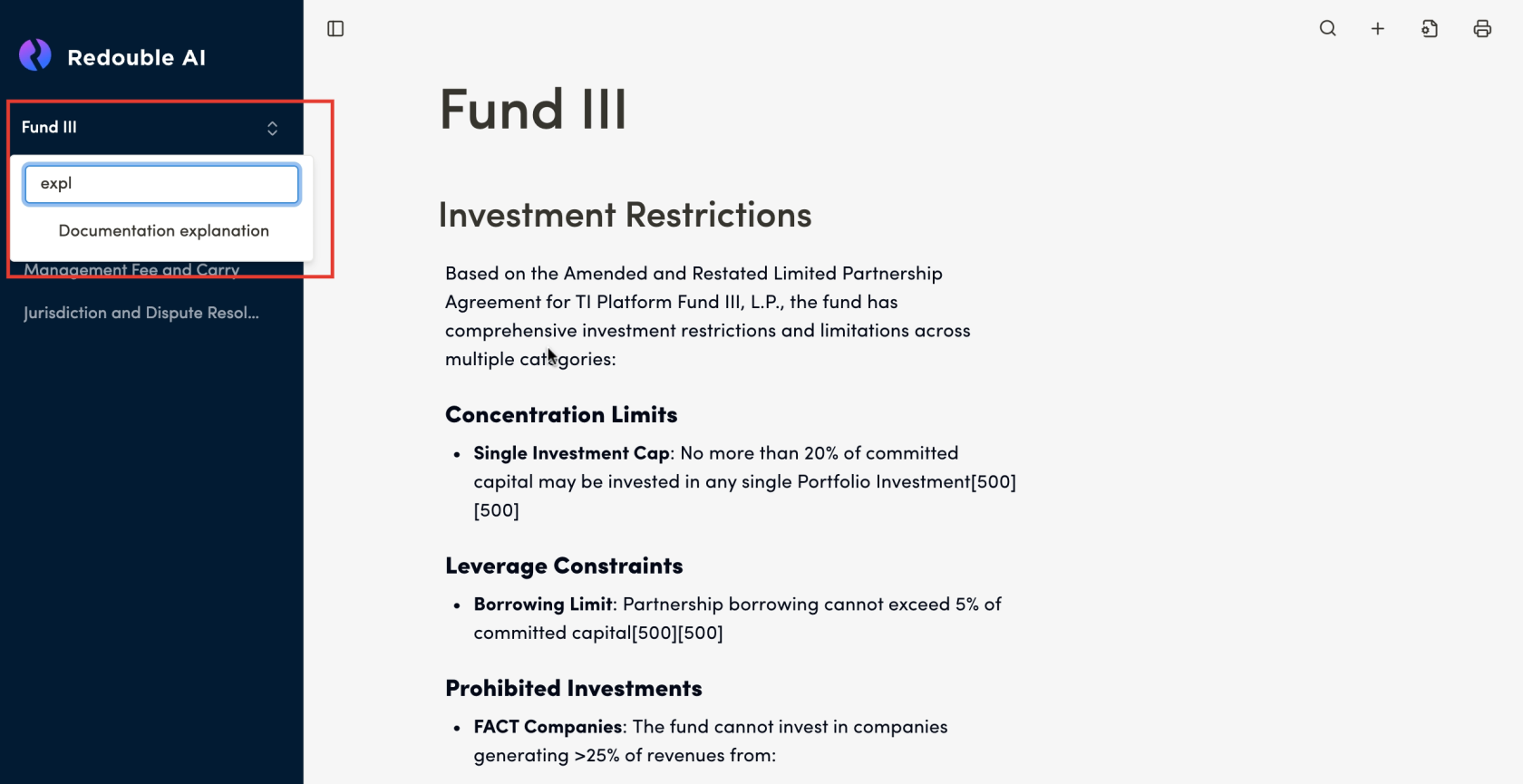
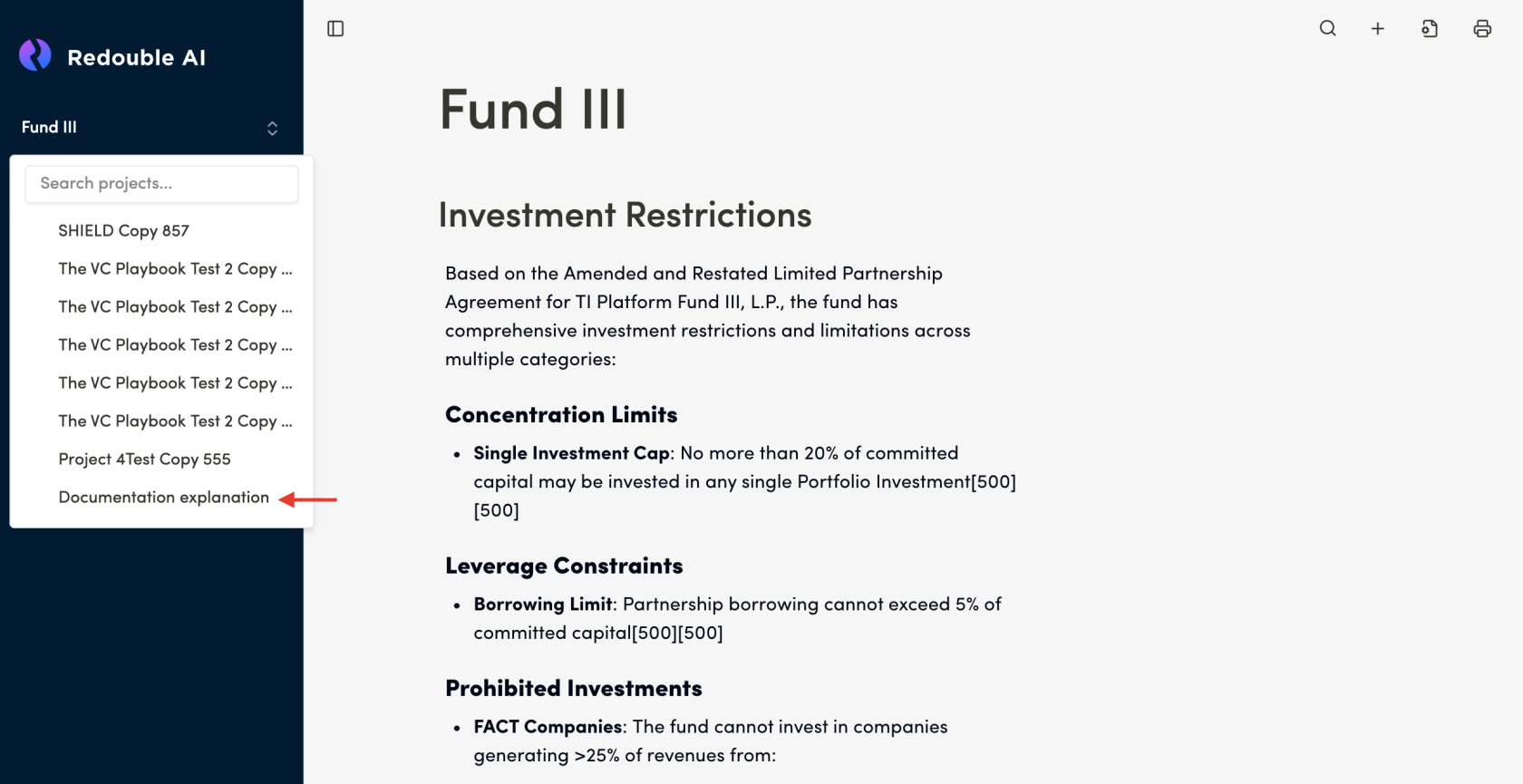
- Select the needed project from the list or use search:
- Enter the project name in the search field
- Alternatively, scroll to select the project from the list
 Result:
You have switched to the selected project. The project's main page will open with all its questions and documents.
Result:
You have switched to the selected project. The project's main page will open with all its questions and documents.
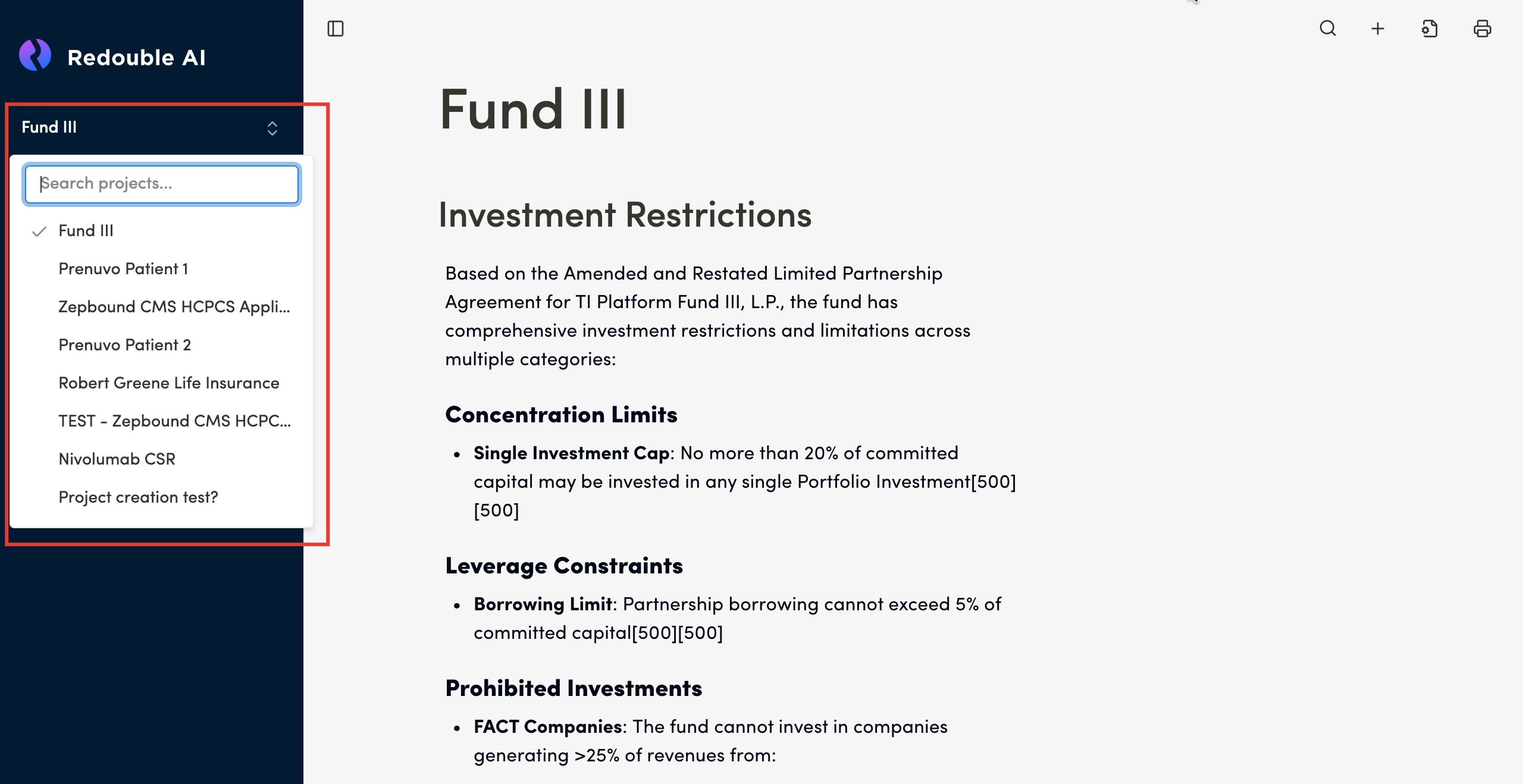
Additional Information: The project list is displayed in order of last use or creation. The current active project is marked in the list.