
1.3 Printing/ downloading the project
Preconditions:
- You are logged into the Redouble AI system
- You have at least one project
Steps:
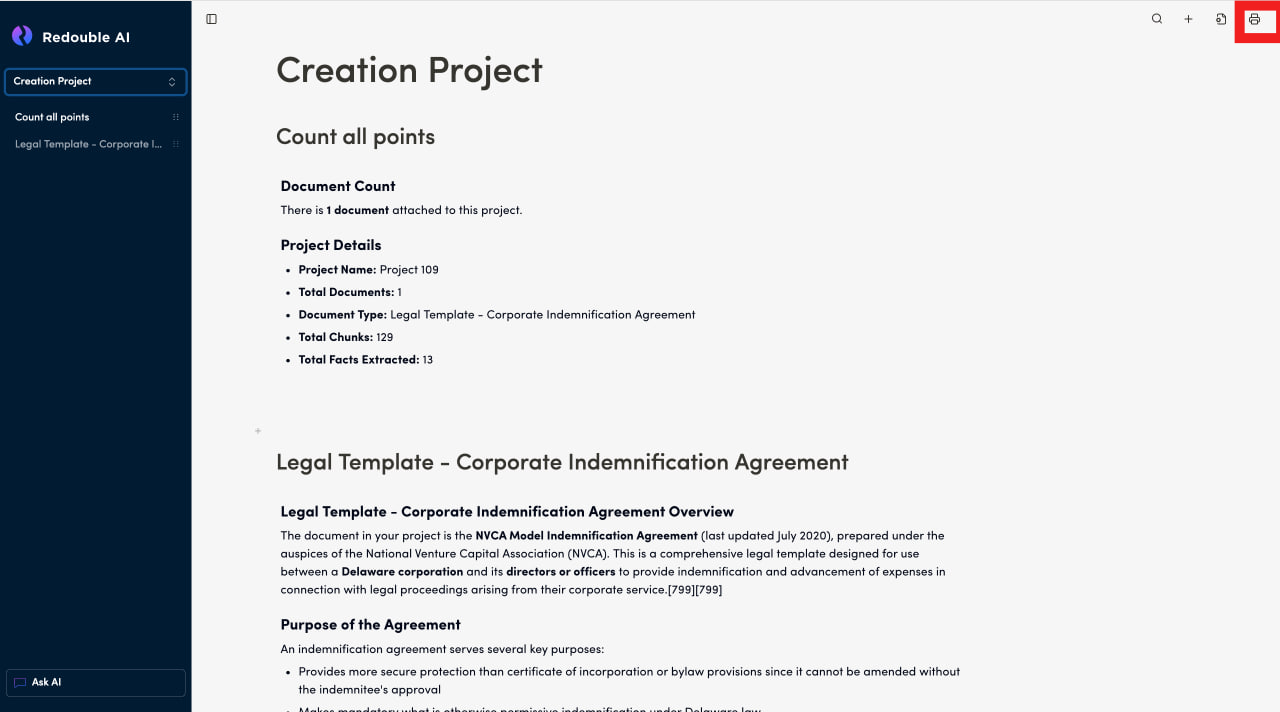
- Open the project you would like to print
- In the top toolbar, click on the printer icon "Print Document"
- A new browser tab will open within which you can:
- Print a project
- Save to PDF
- Click the "Print" or "Save" button
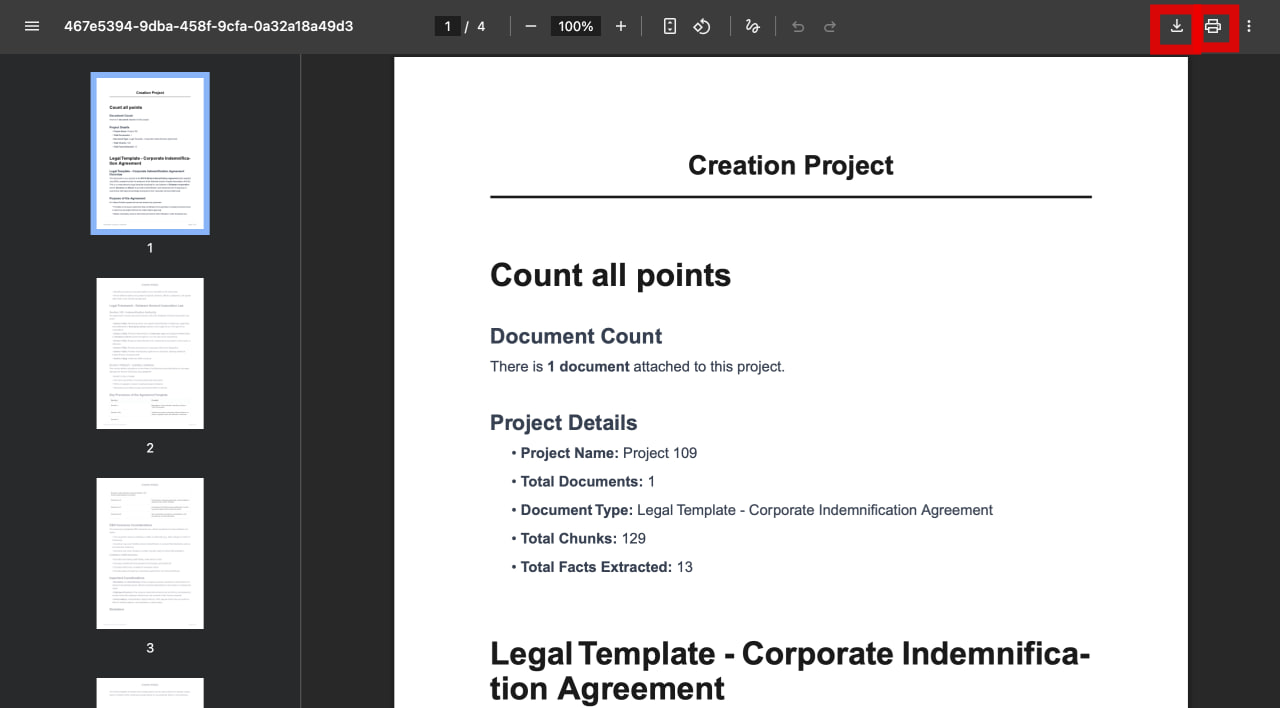
Result: The section or document has been printed or saved as a PDF file to your computer.