
1.4 Upload documents to the newly created project
Preconditions:
- You are logged into the Redouble AI system
- You have a
projectnewly created projects with no documents attached
Steps:
-
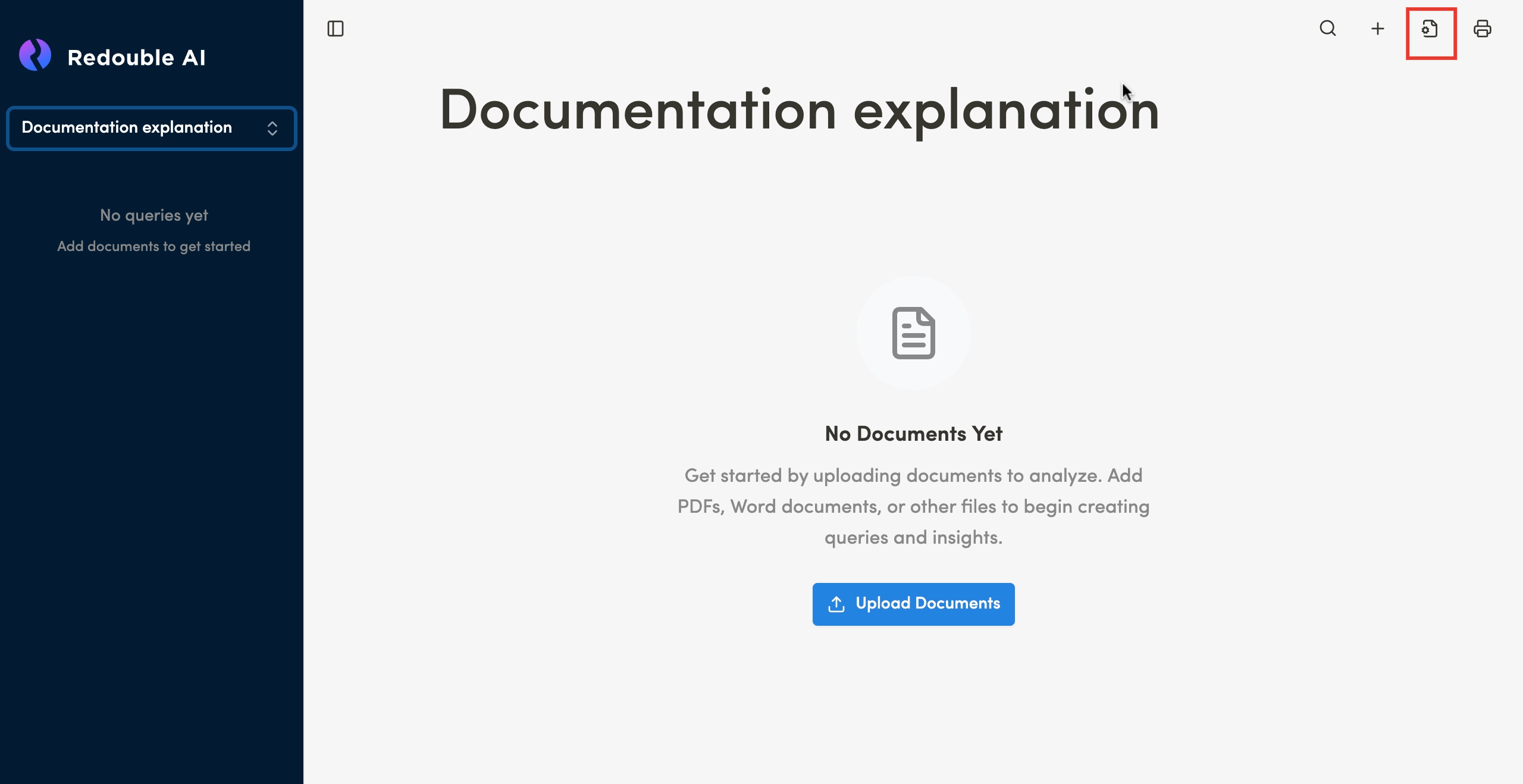
Click the "
Settings"UploadiconDocuments" buttonin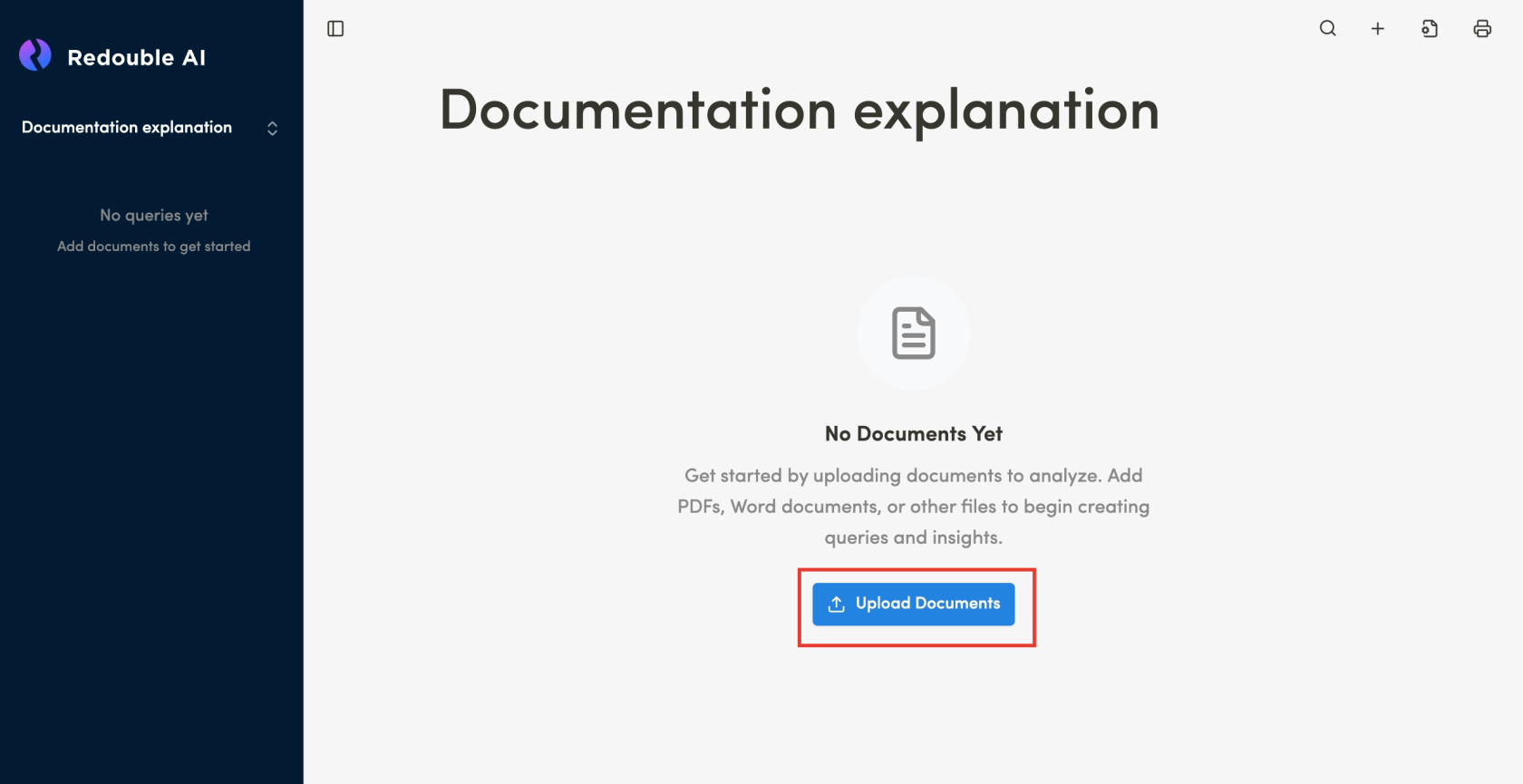
the top toolbar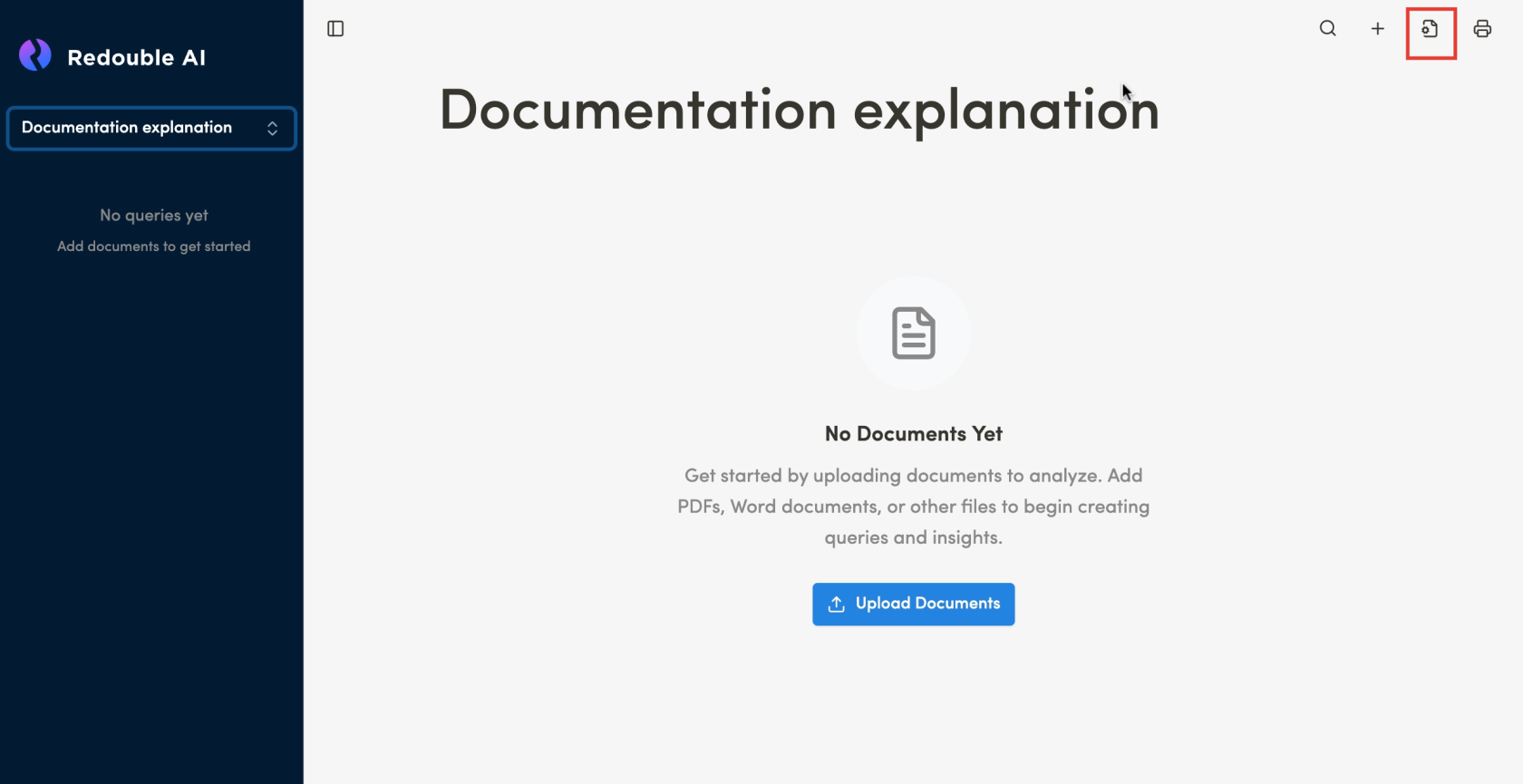
-
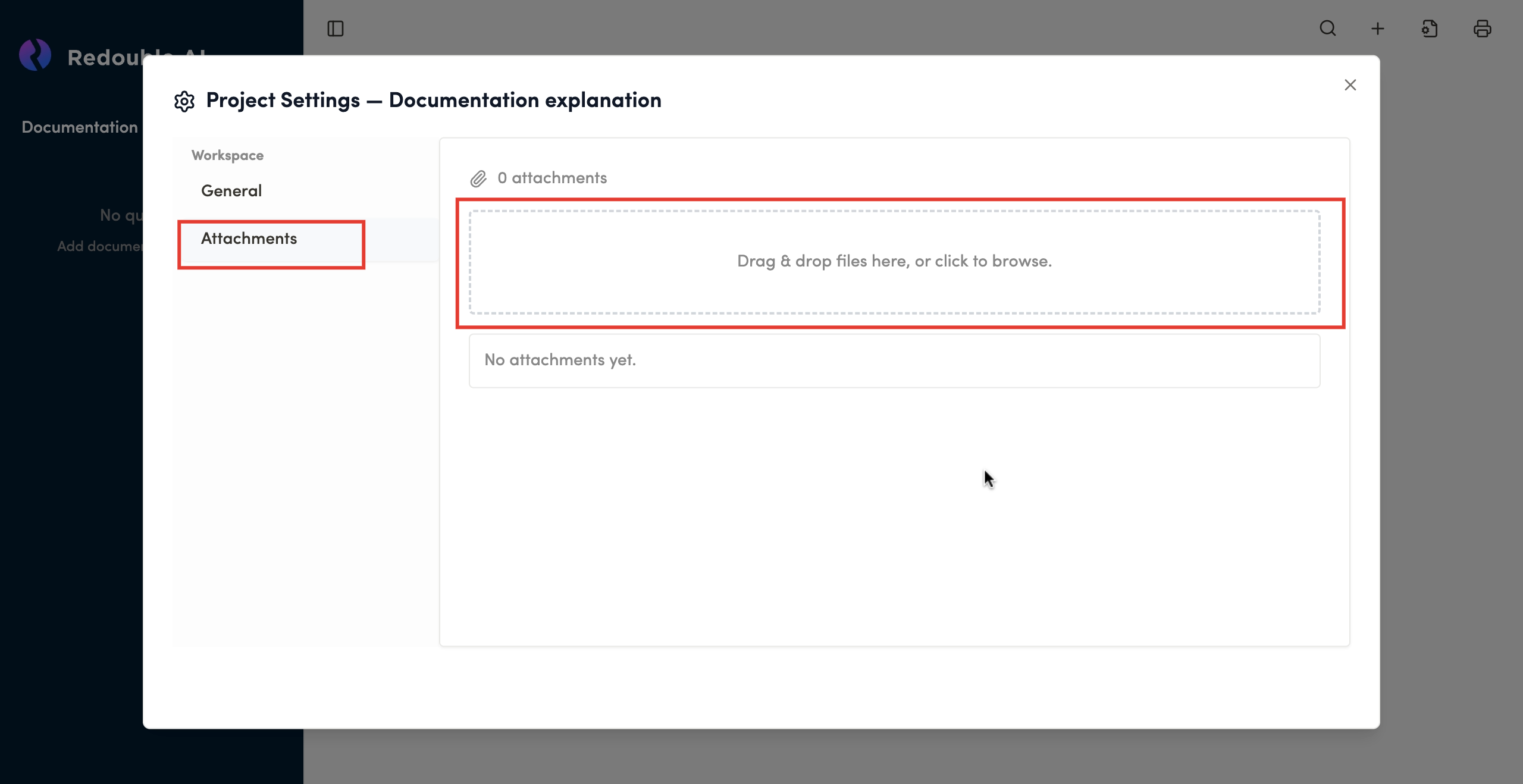
In the opened "Project Settings"
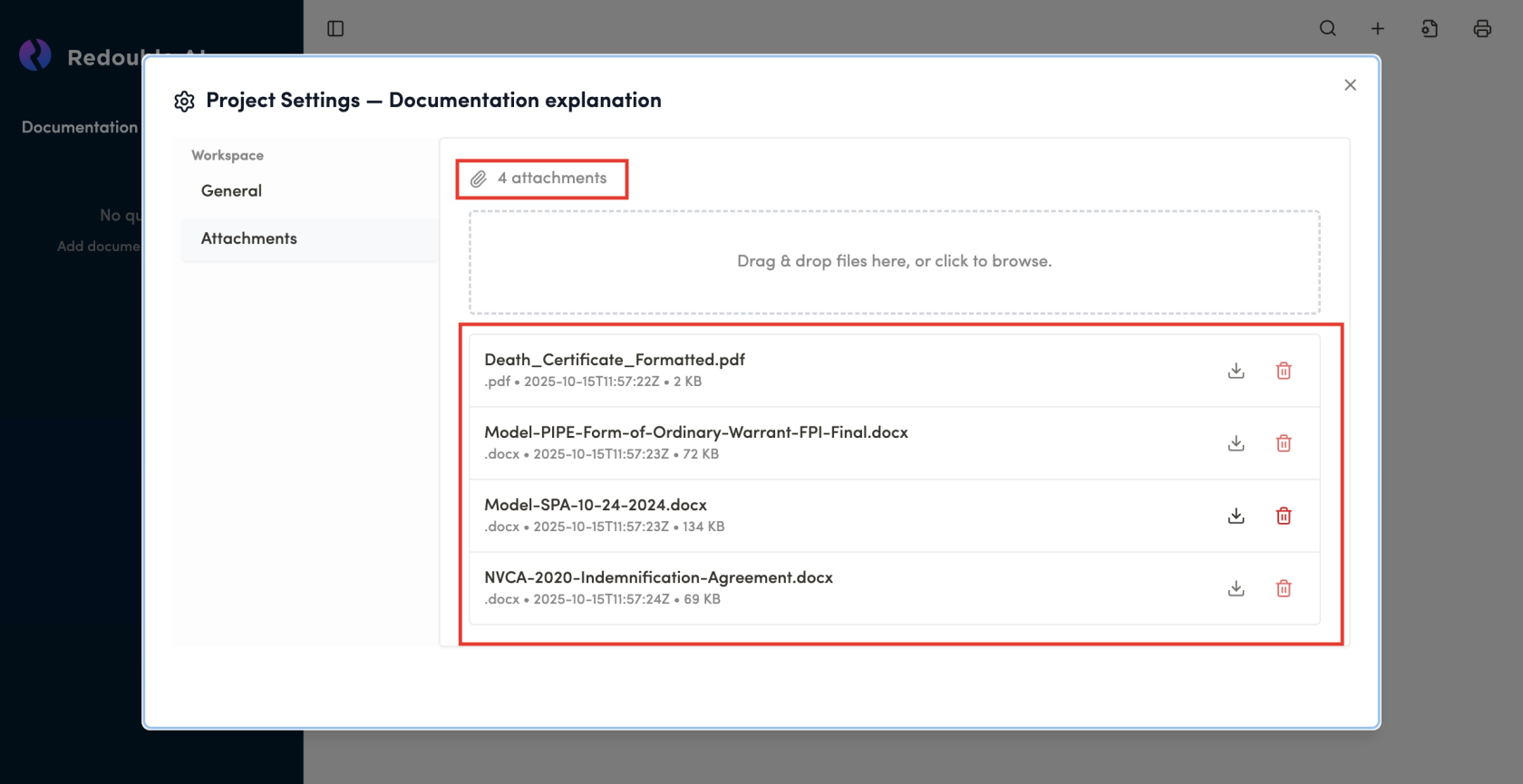
select-> "General"Attachments"tabdialog window, click on the field or drag documents into the field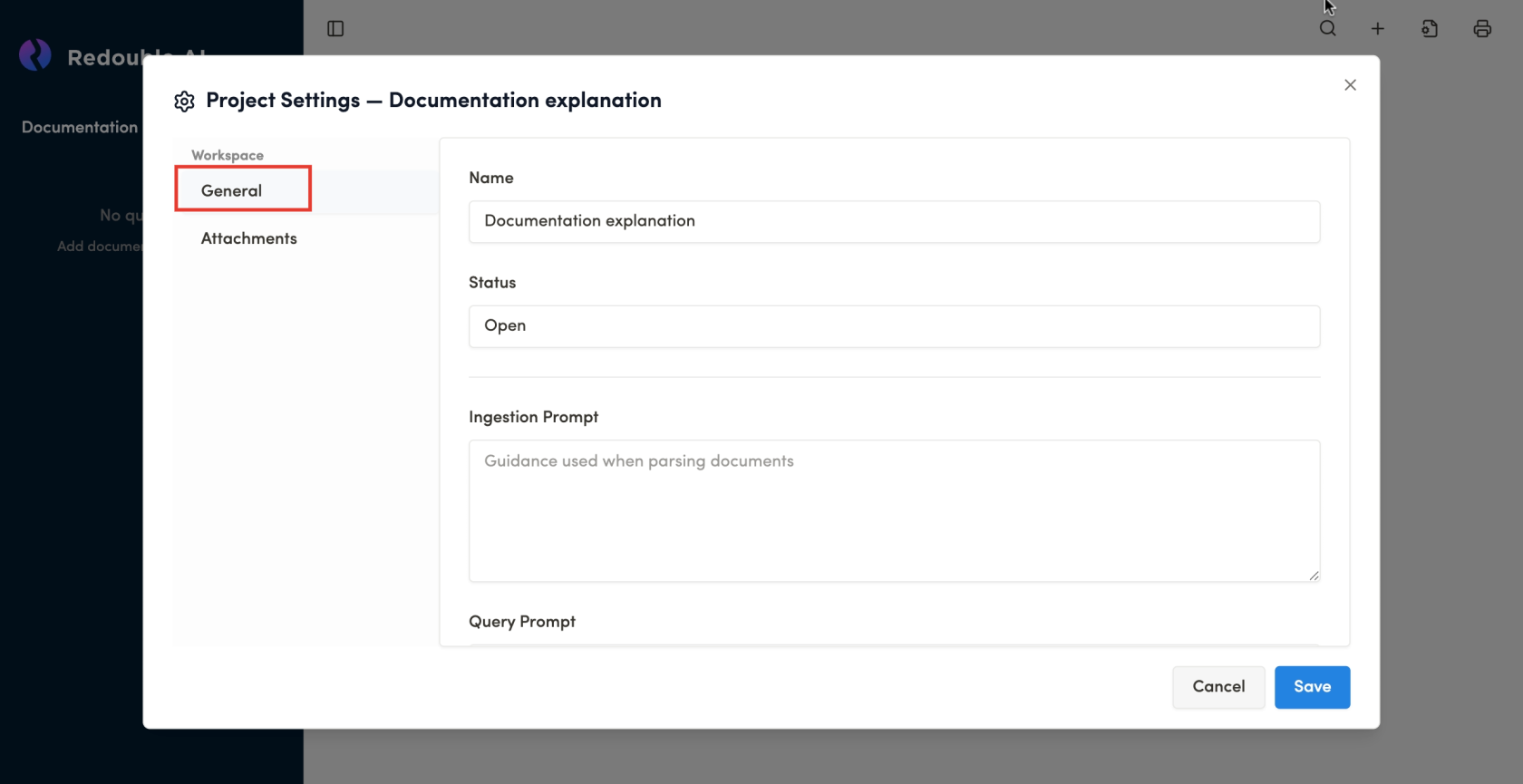
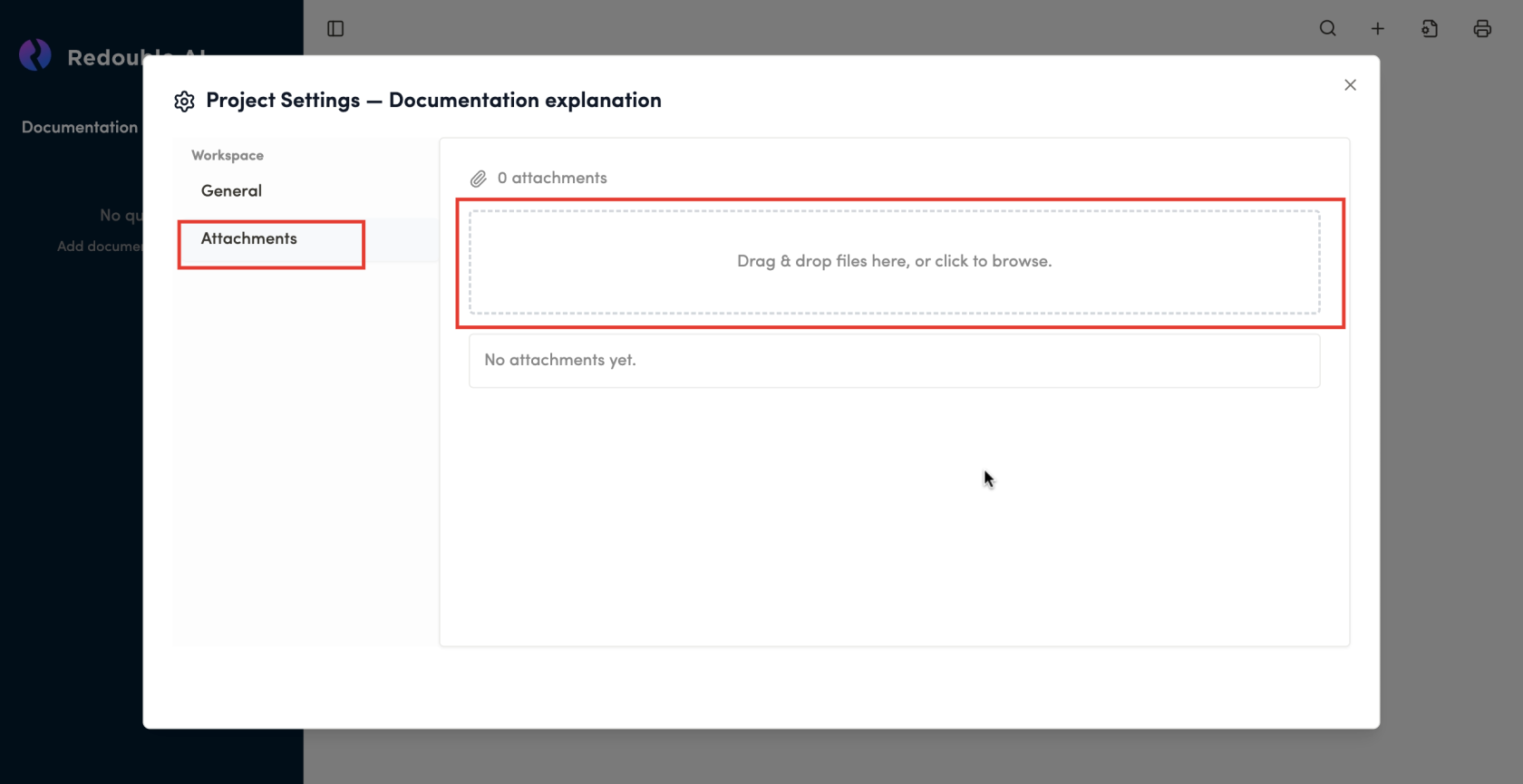
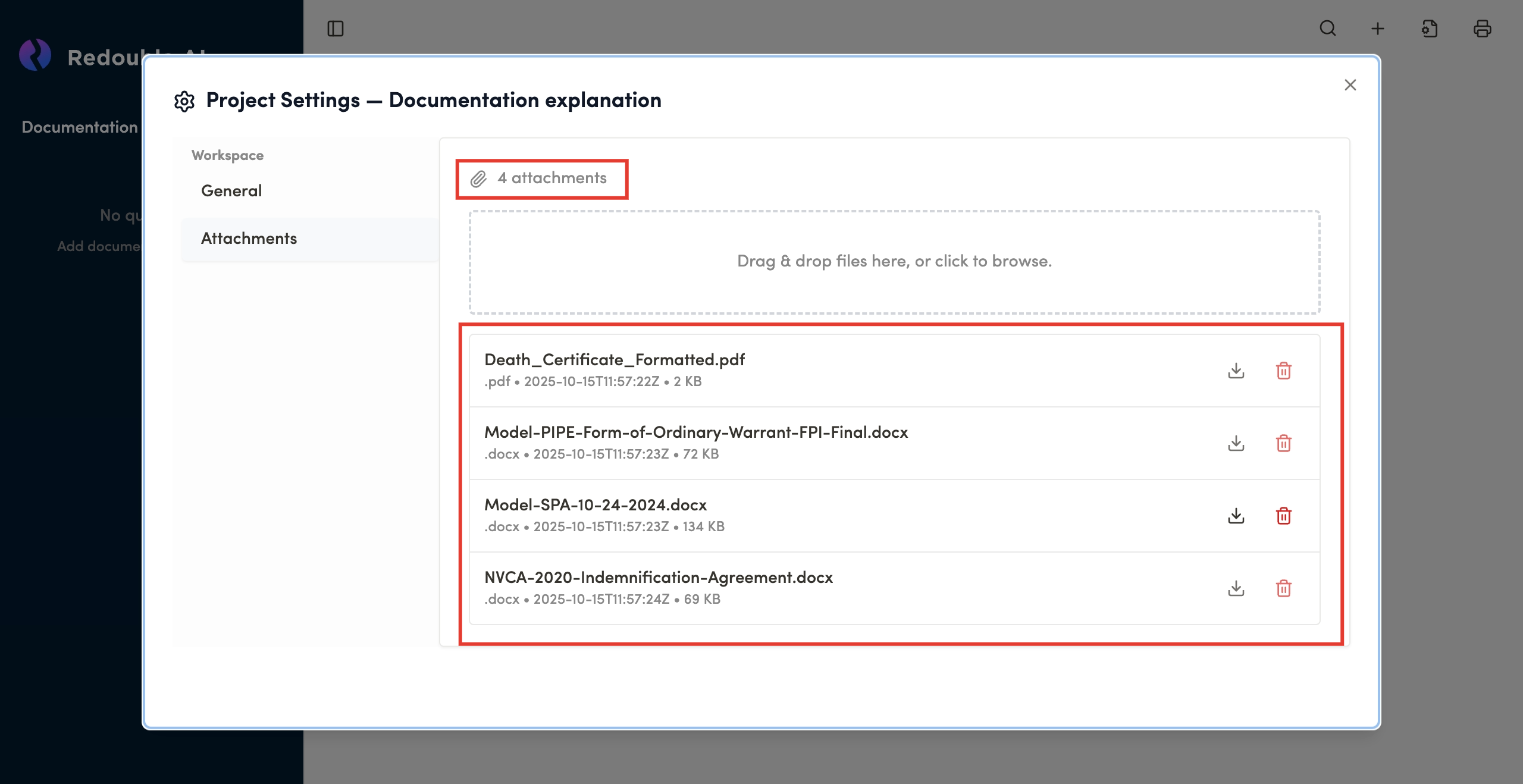
ScrollWait for uploading to complete and see documents added to the
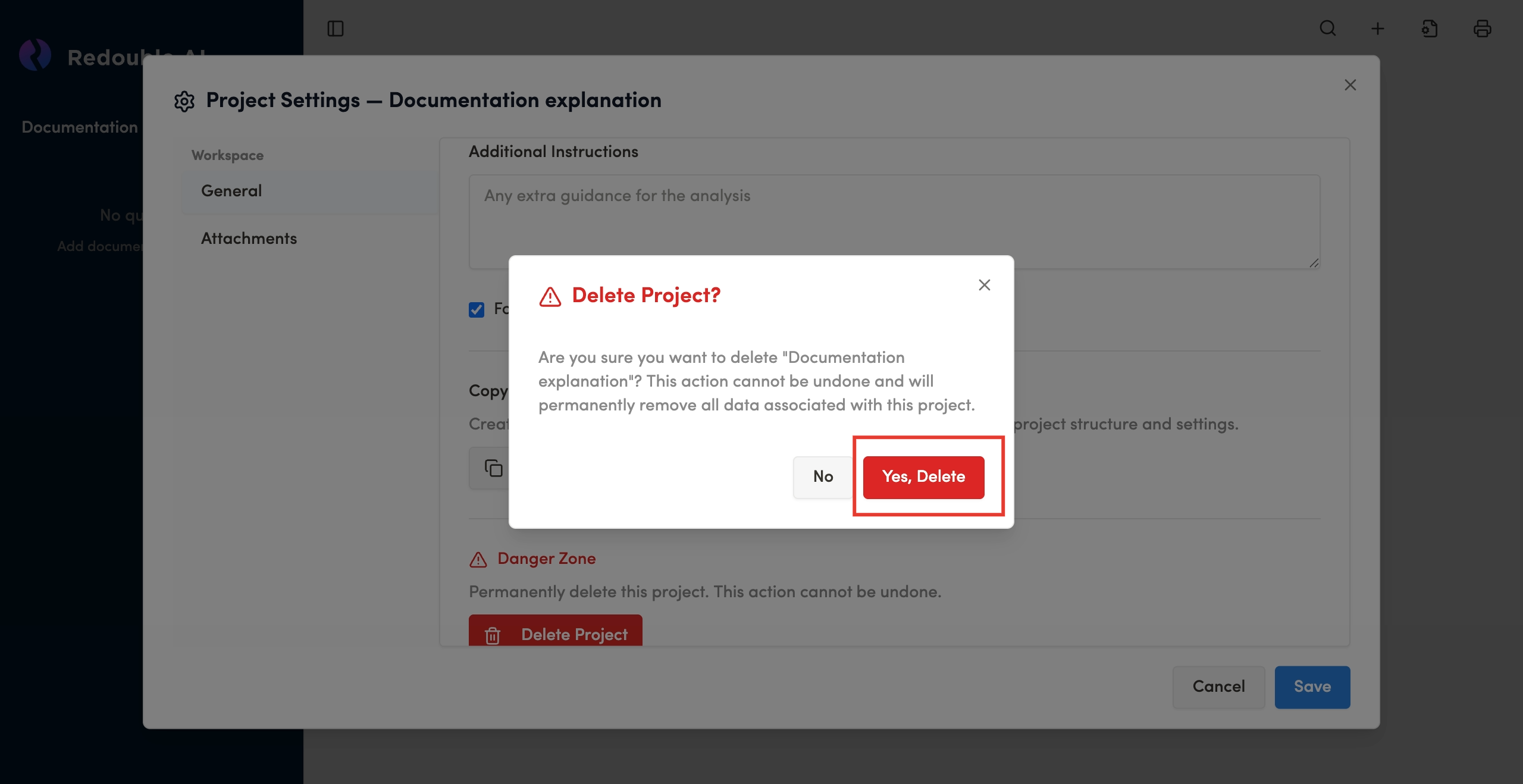
bottom of the pageClick the "Delete Project" buttonlist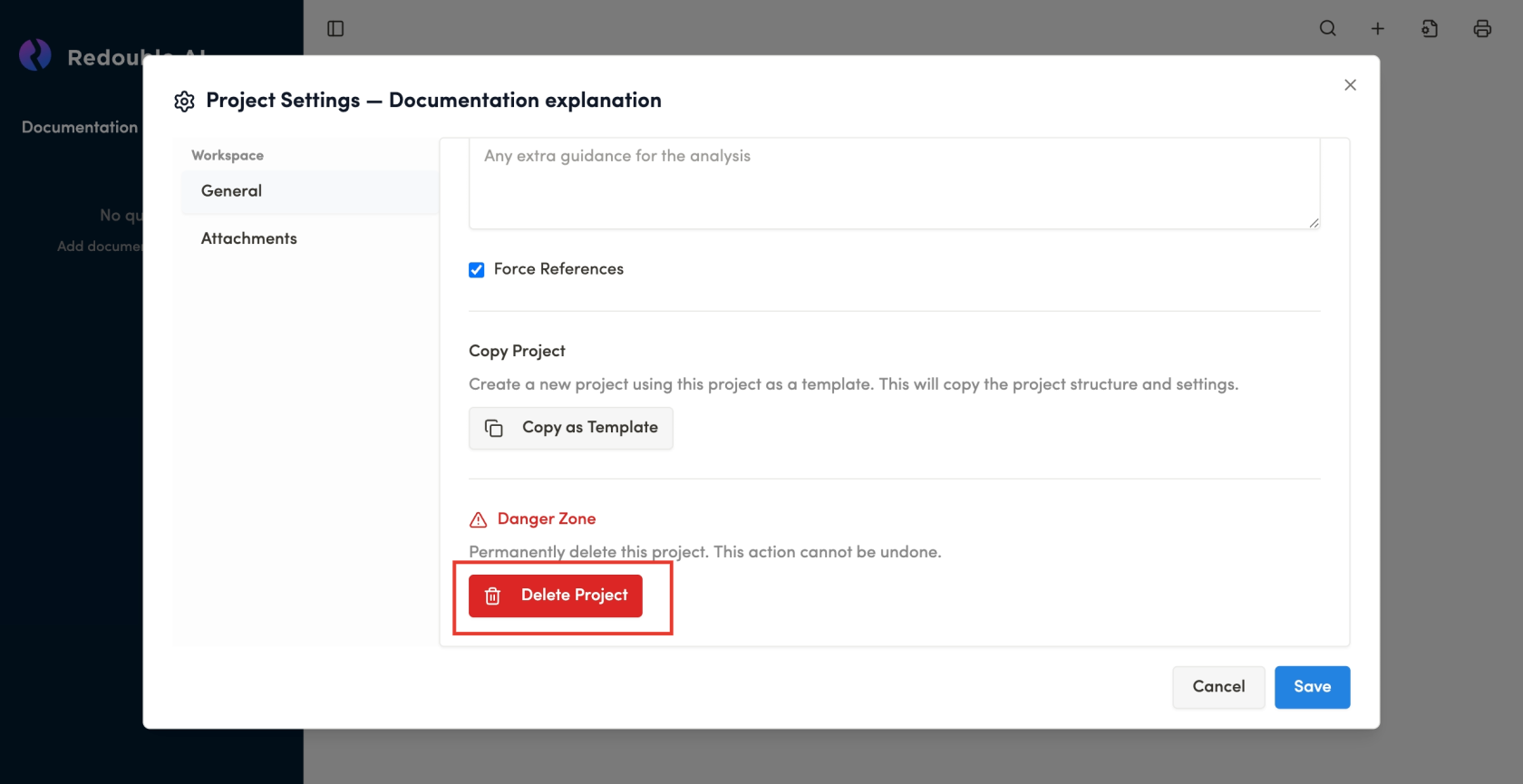
Confirm Project deletion in the popup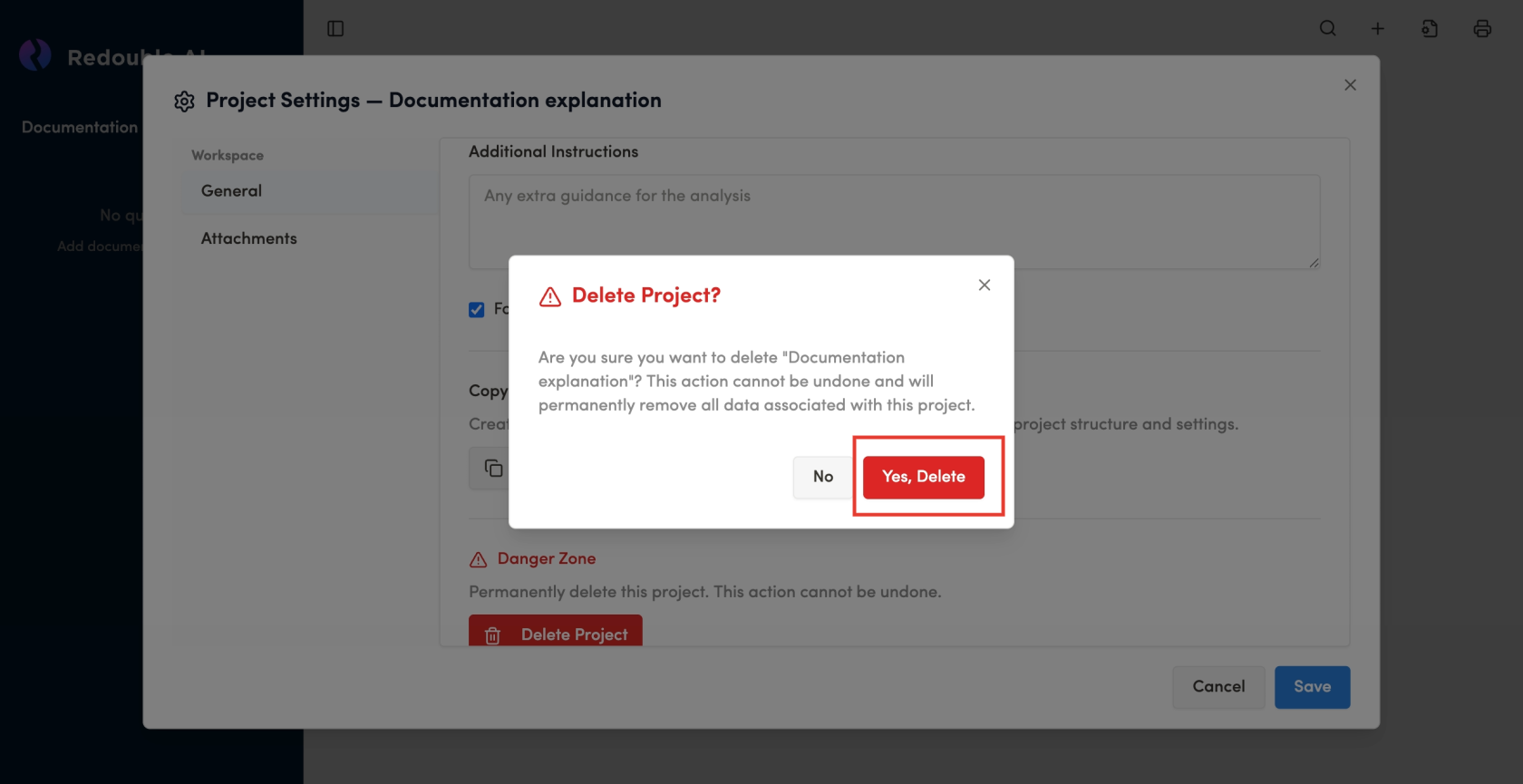
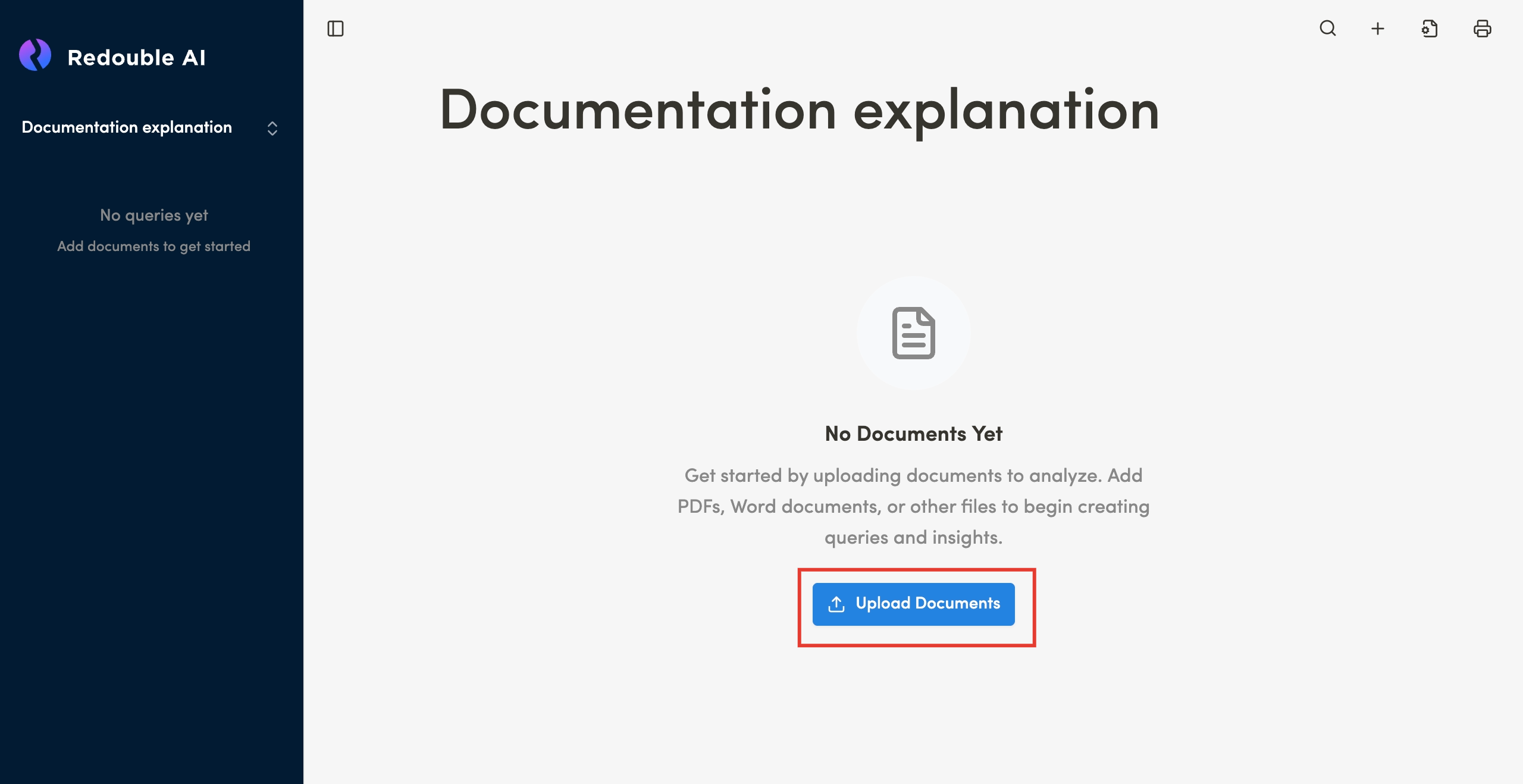
Result:
TheDocuments Projectare issuccessfully deleted.attaches It is no longer displayed into the project list in the project dropdown.project.