
1.5 Deleting the project
Preconditions:
- You are logged into the Redouble AI system
- You have a project
Steps:
-
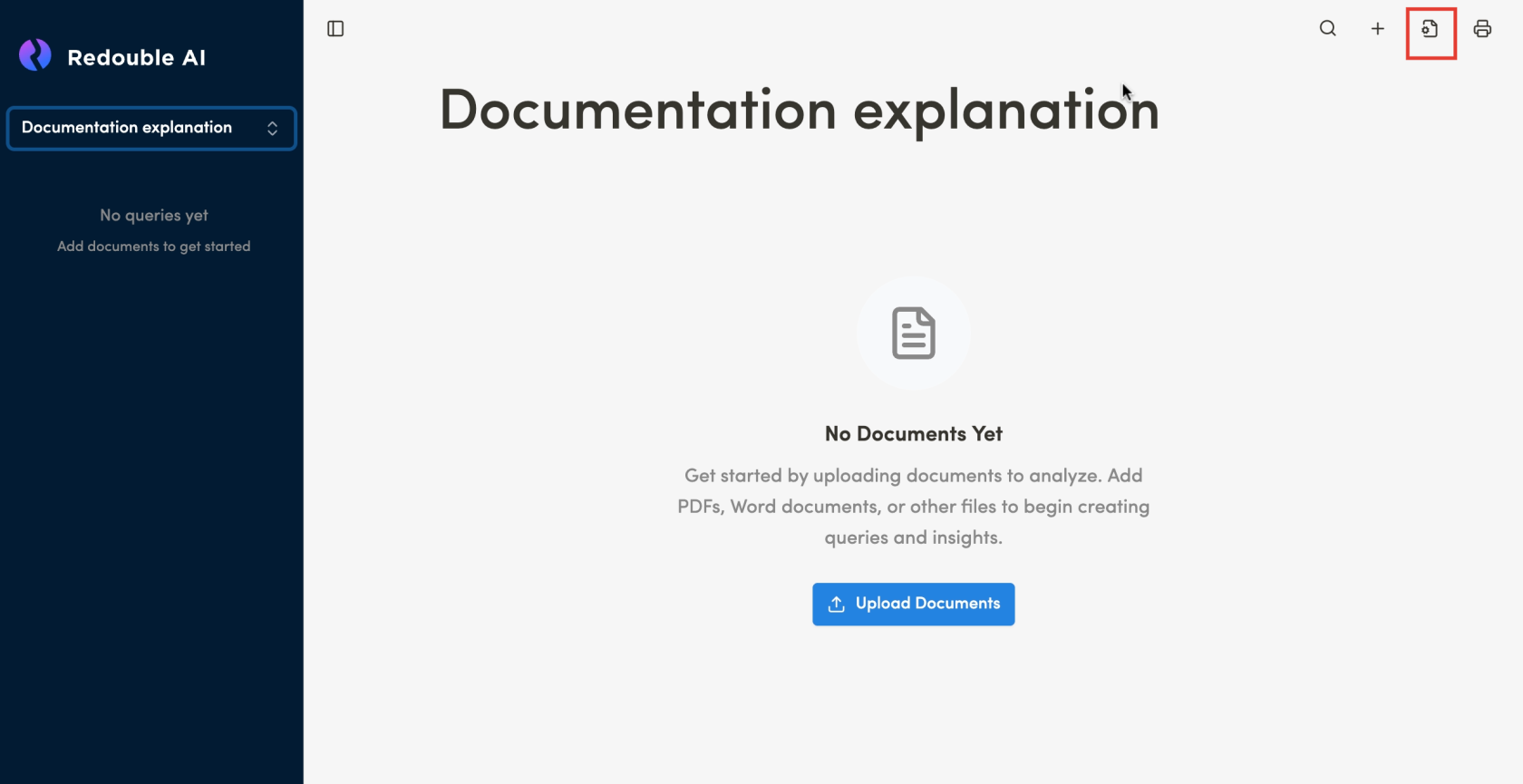
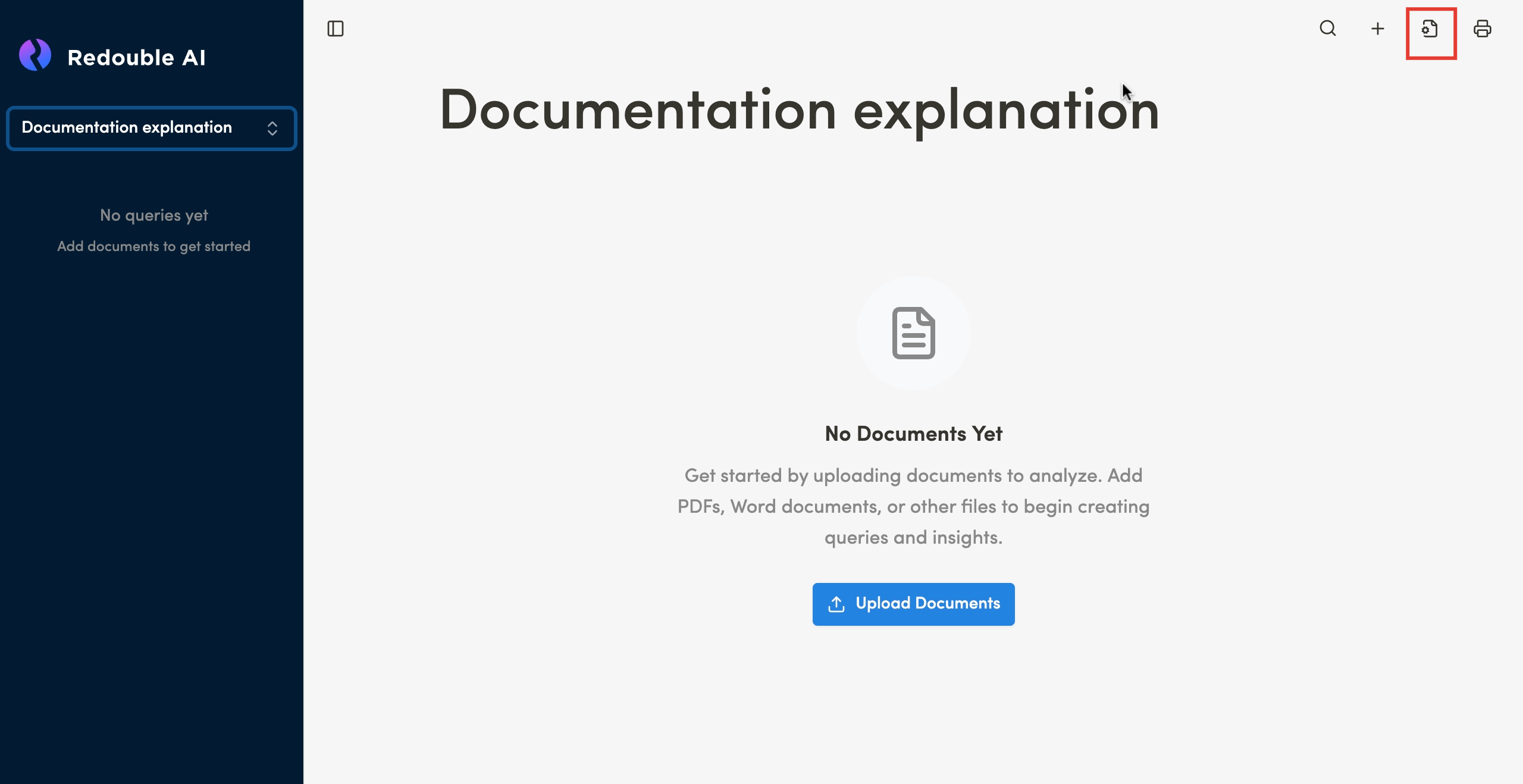
Click the "Settings" icon button in the top toolbar
-
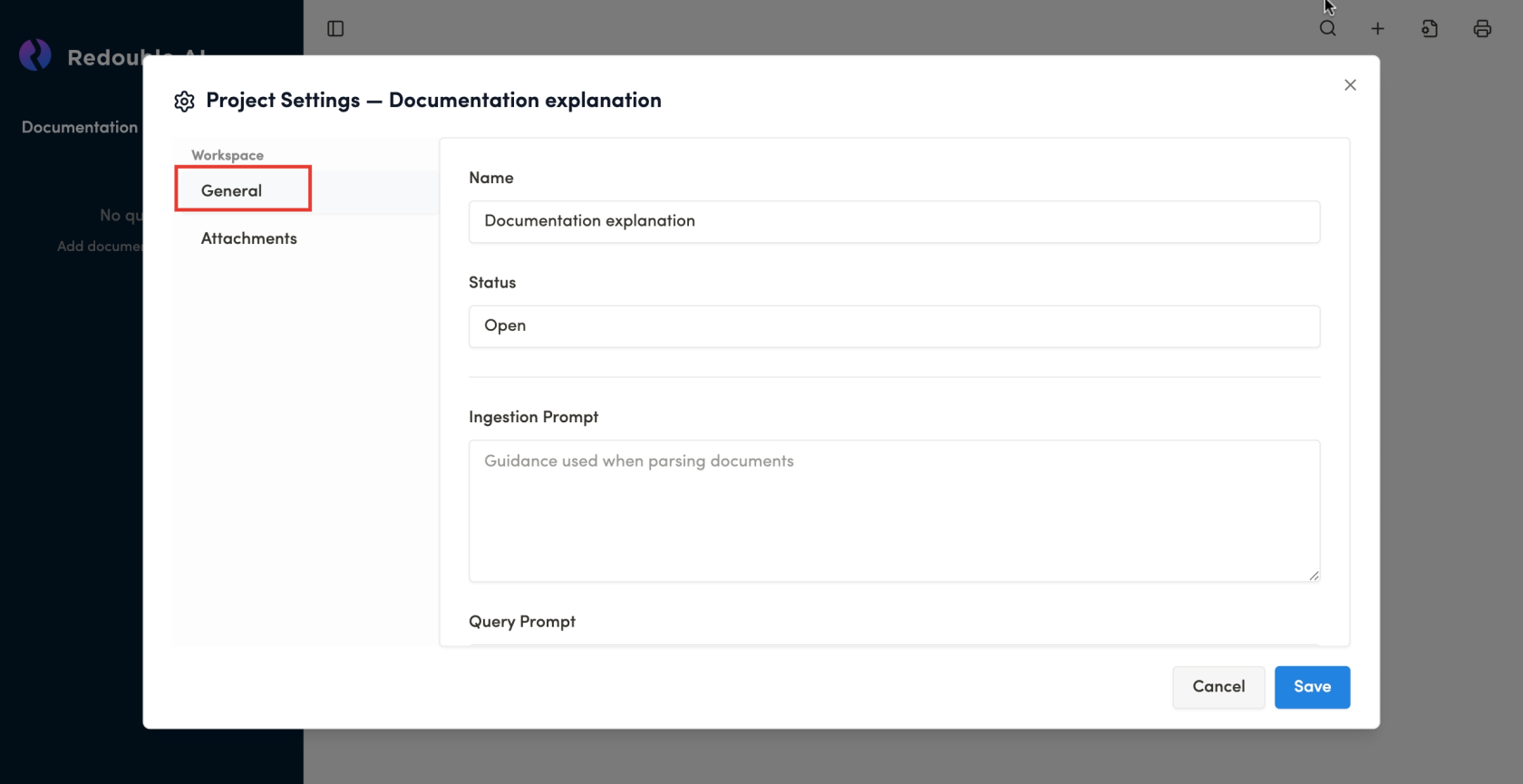
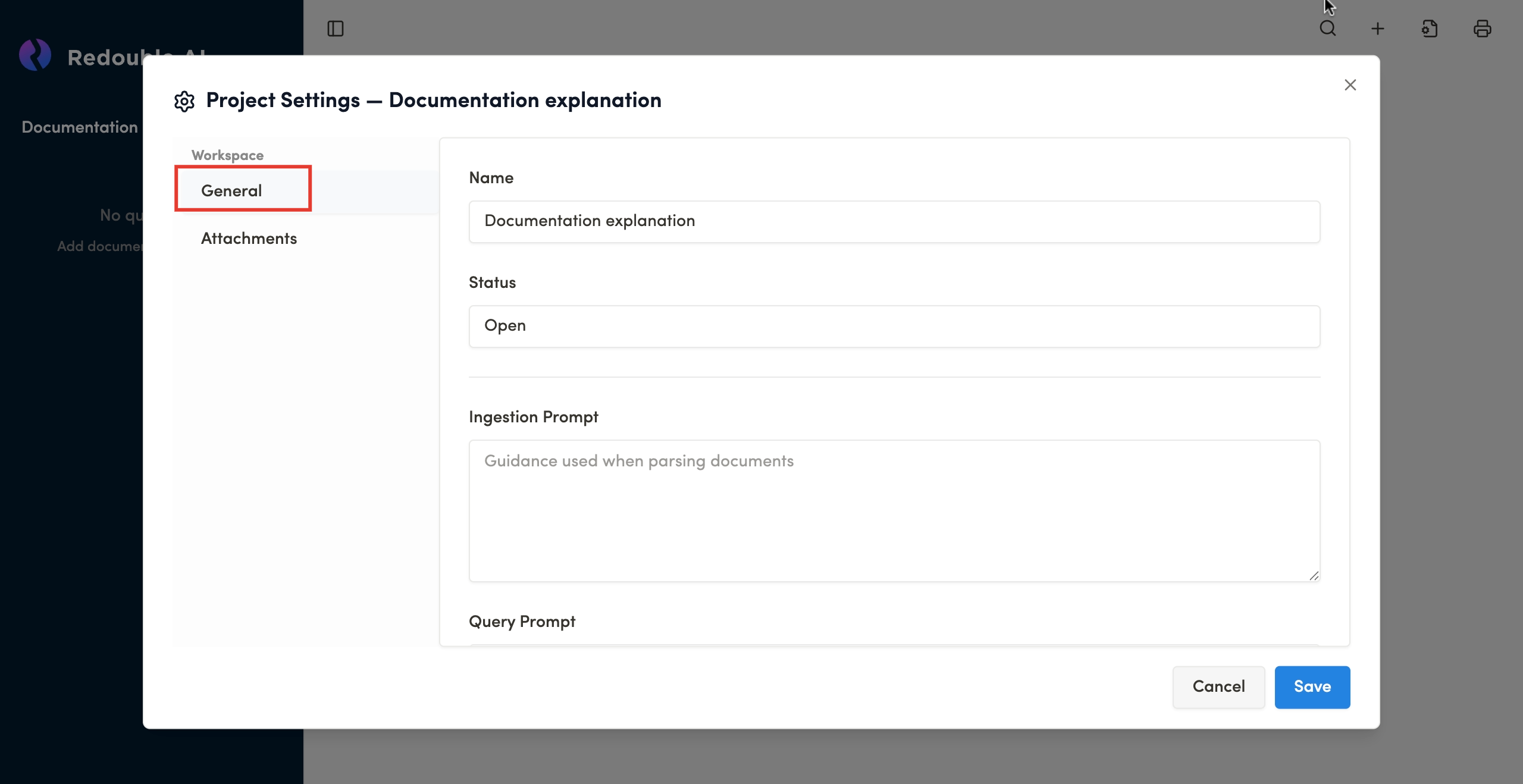
In the opened "Project Settings" select "General" tab
-
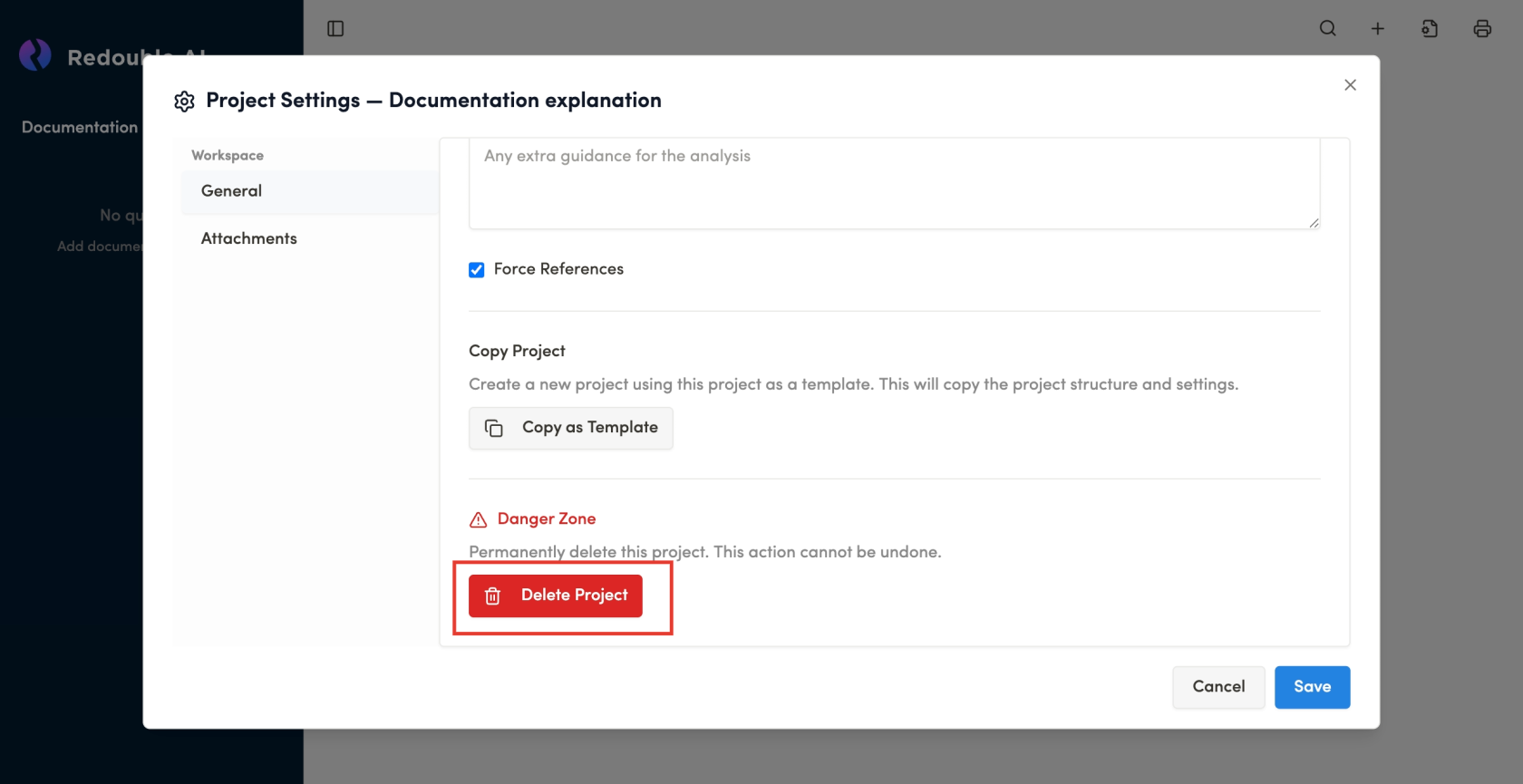
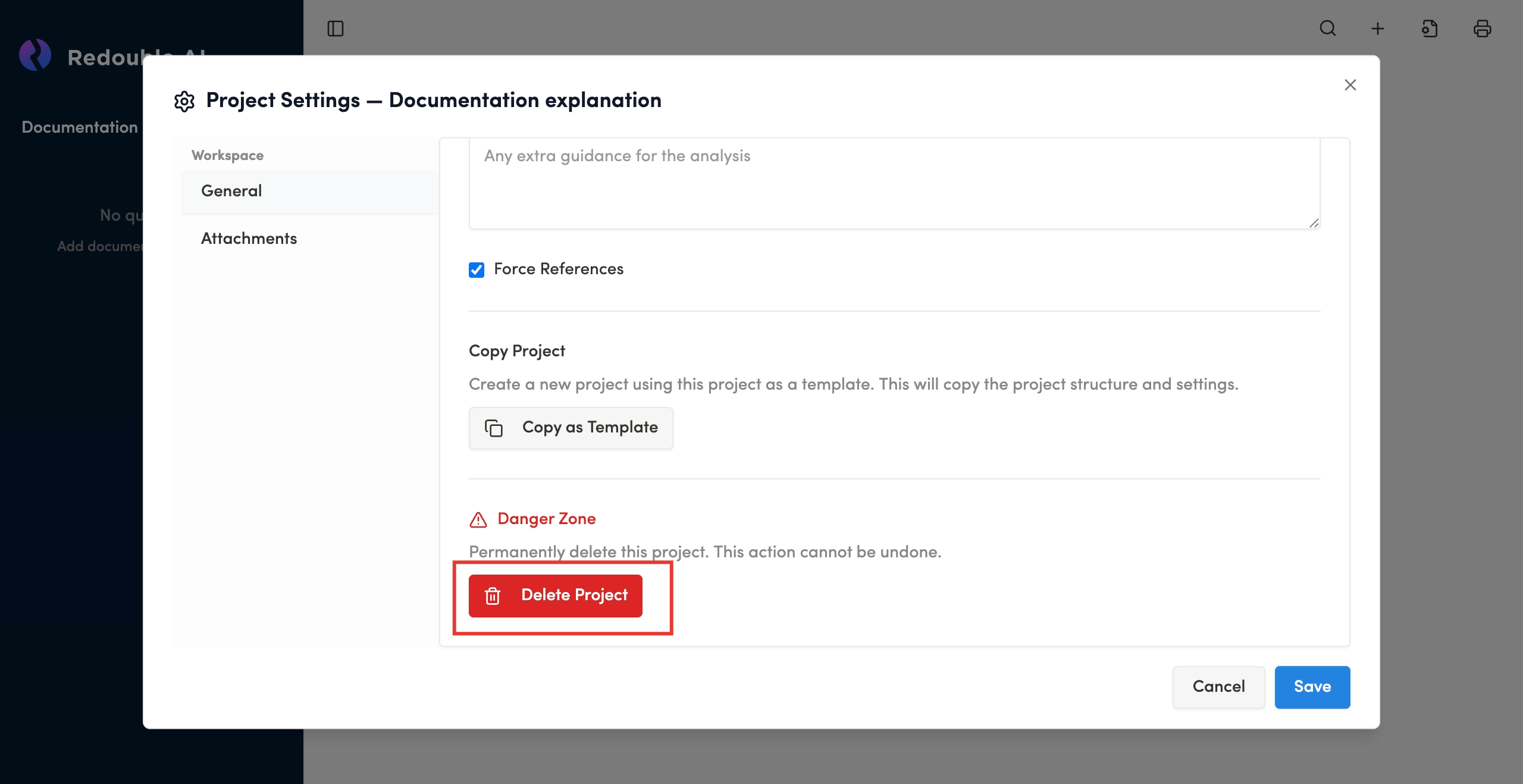
Scroll to the bottom of the page
-
Click the "Delete Project" button
-
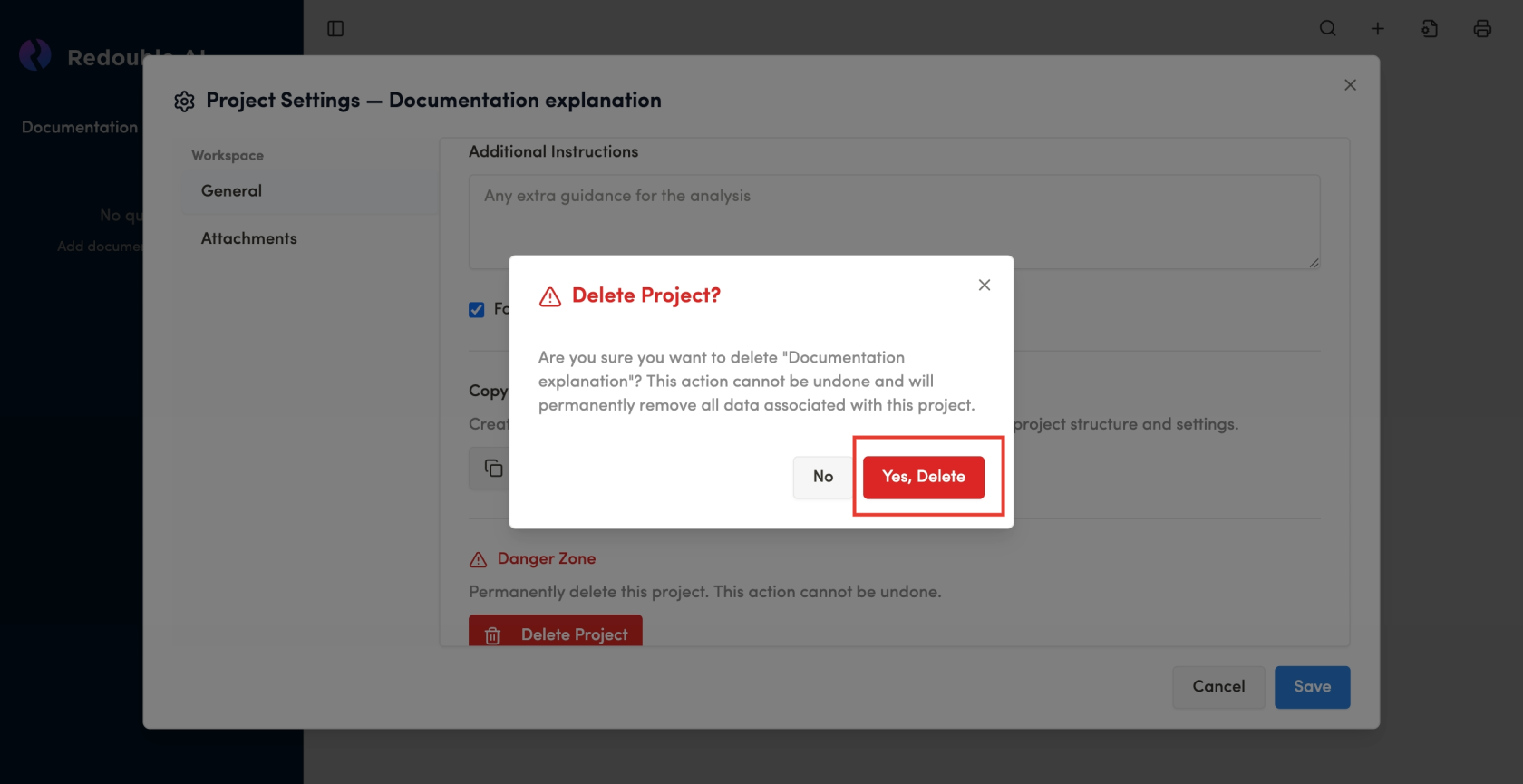
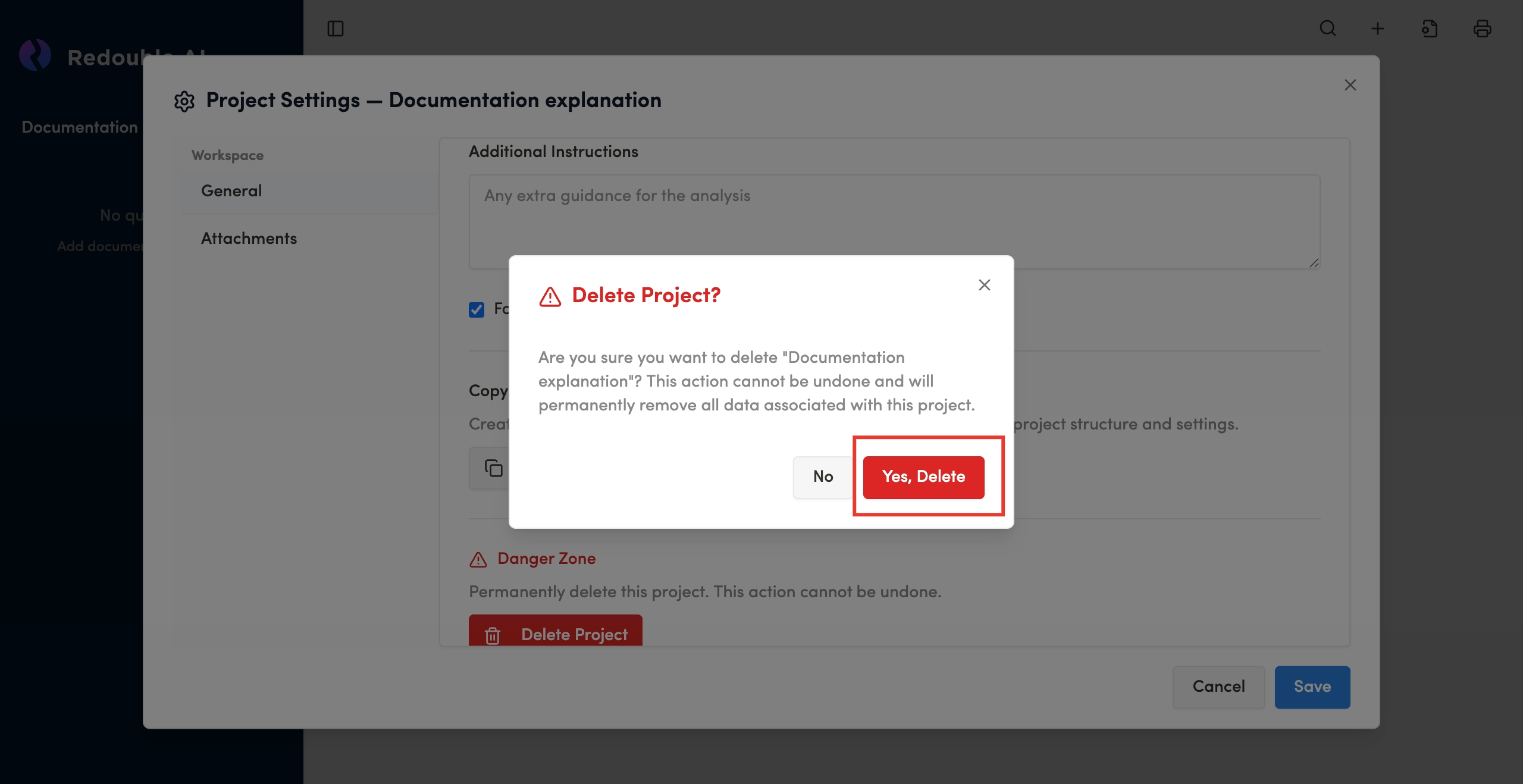
Confirm Project deletion in the popup
Result: Documents are successfully attaches to the project.