1.6 Copying a project
Purpose: Create a new project using an existing project as a template, copying the project structure and settings without duplicating input documents or questions.answers.
Steps:
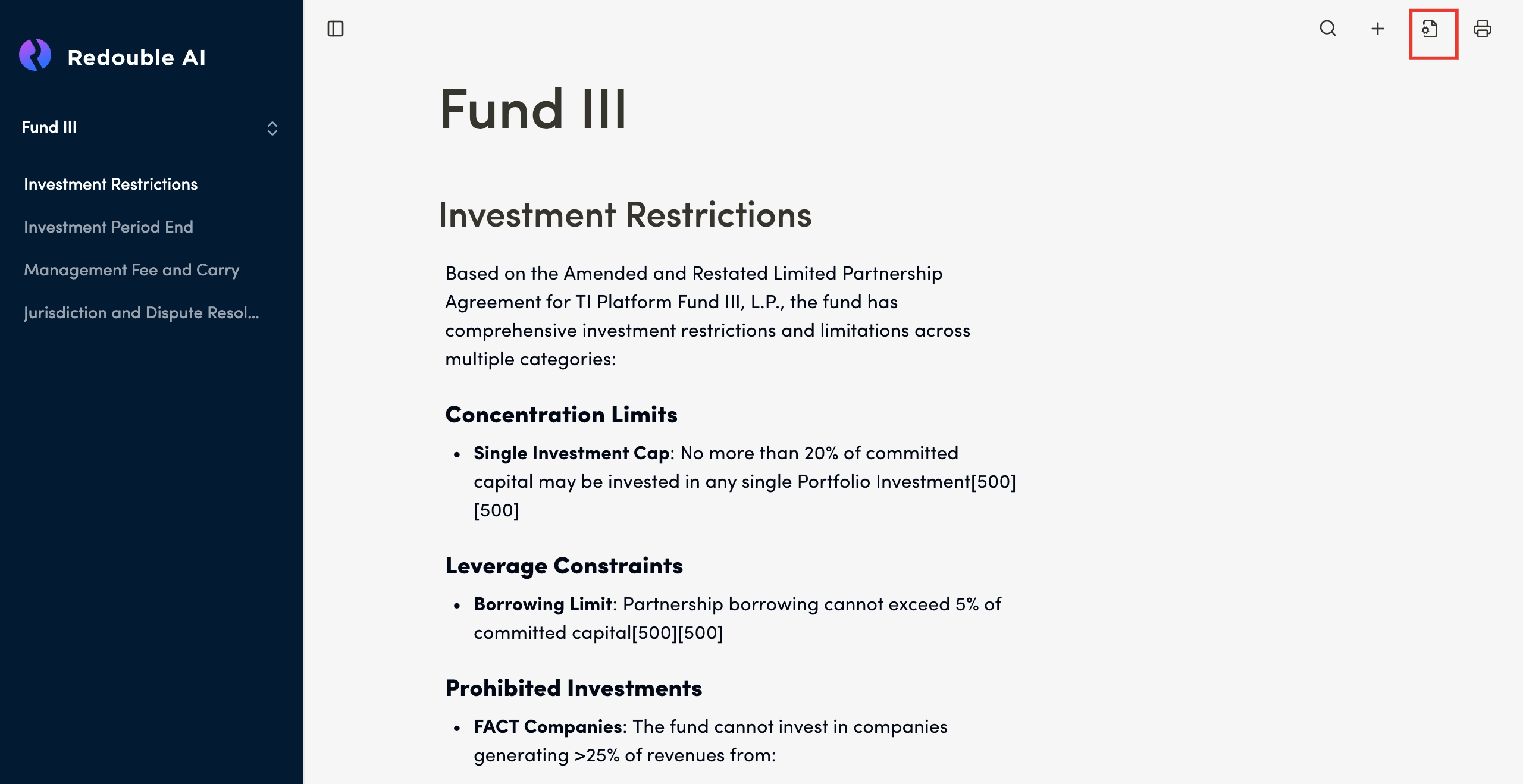
- Click on the "Document Settings"
button (gear icon)icon in the top toolbar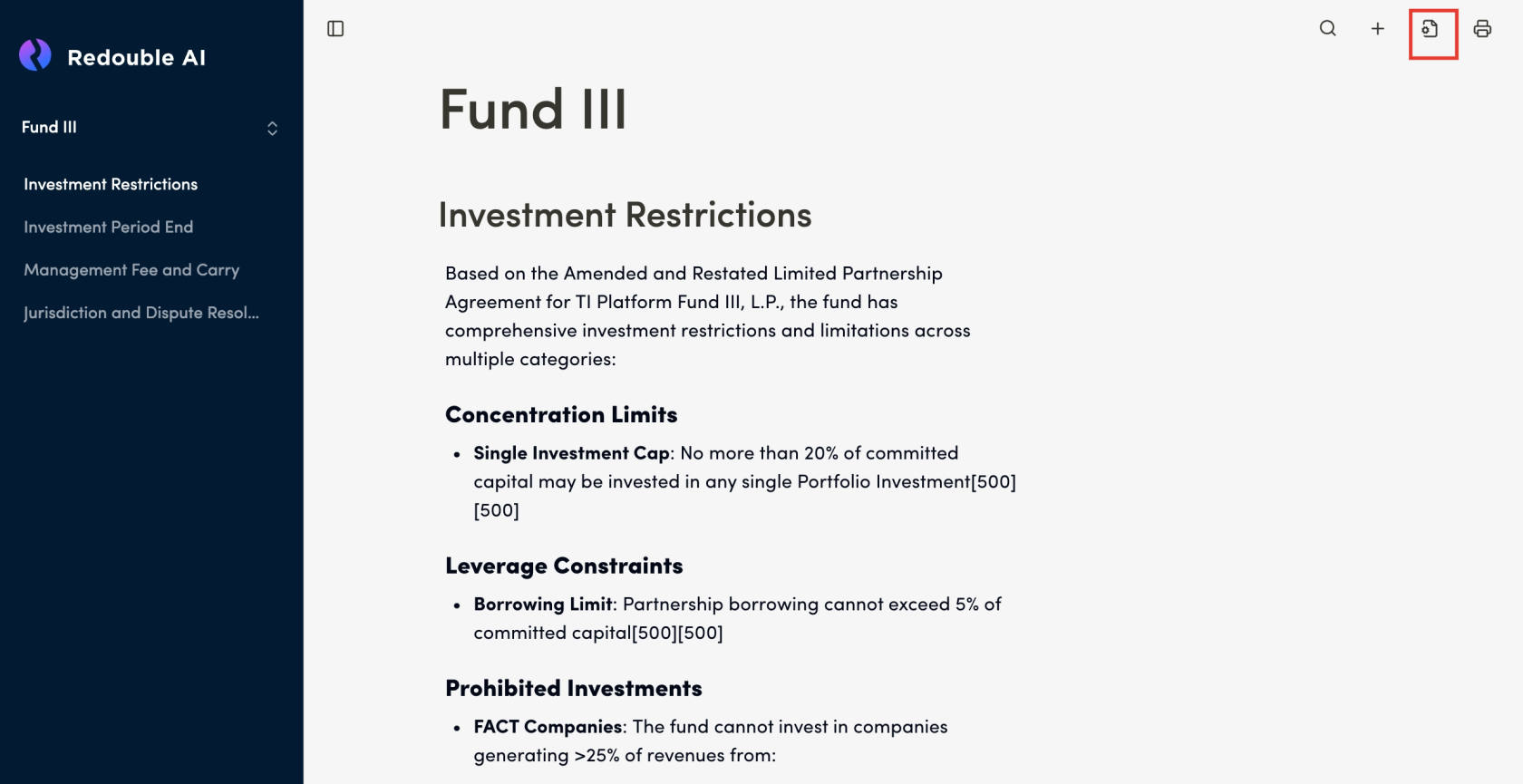
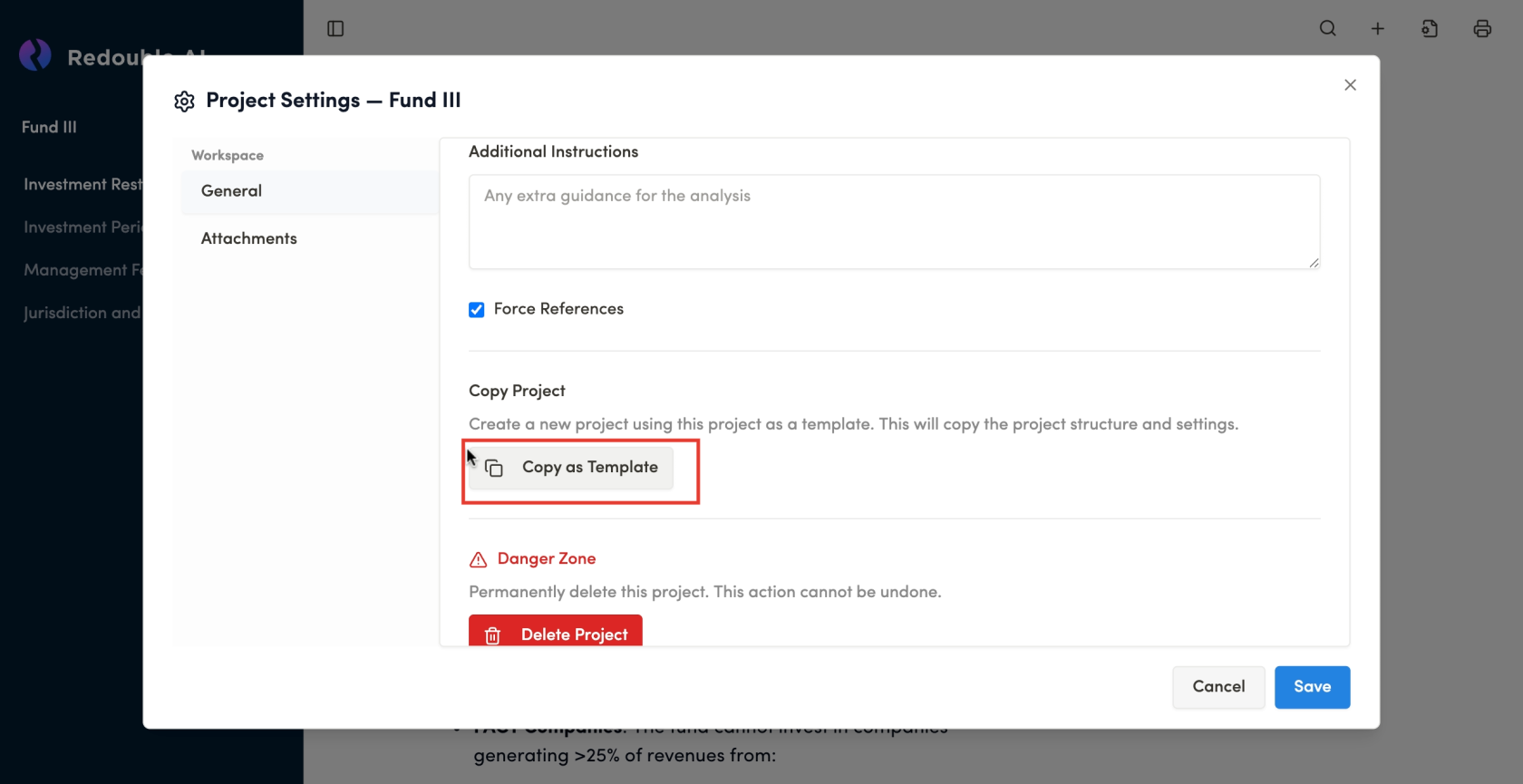
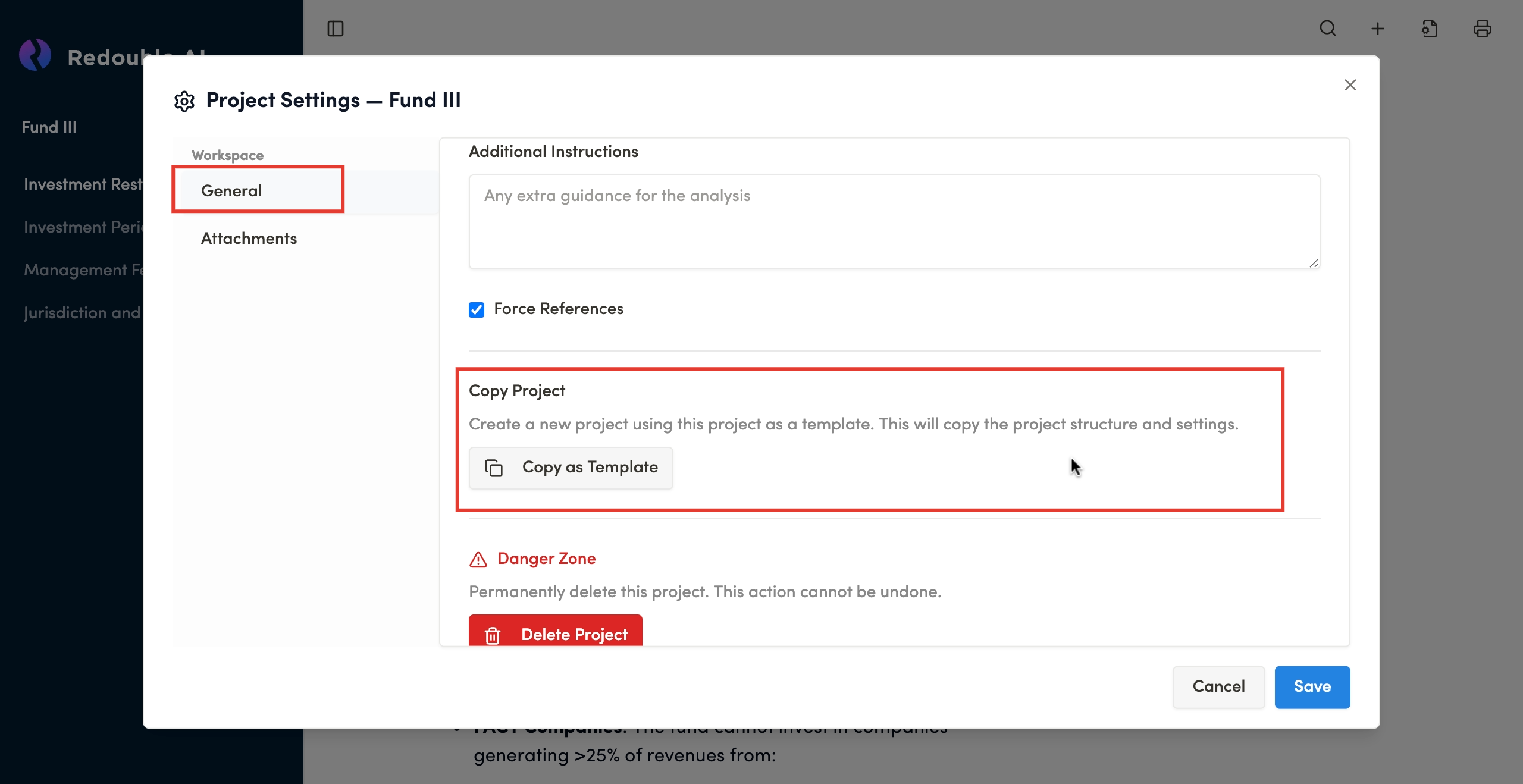
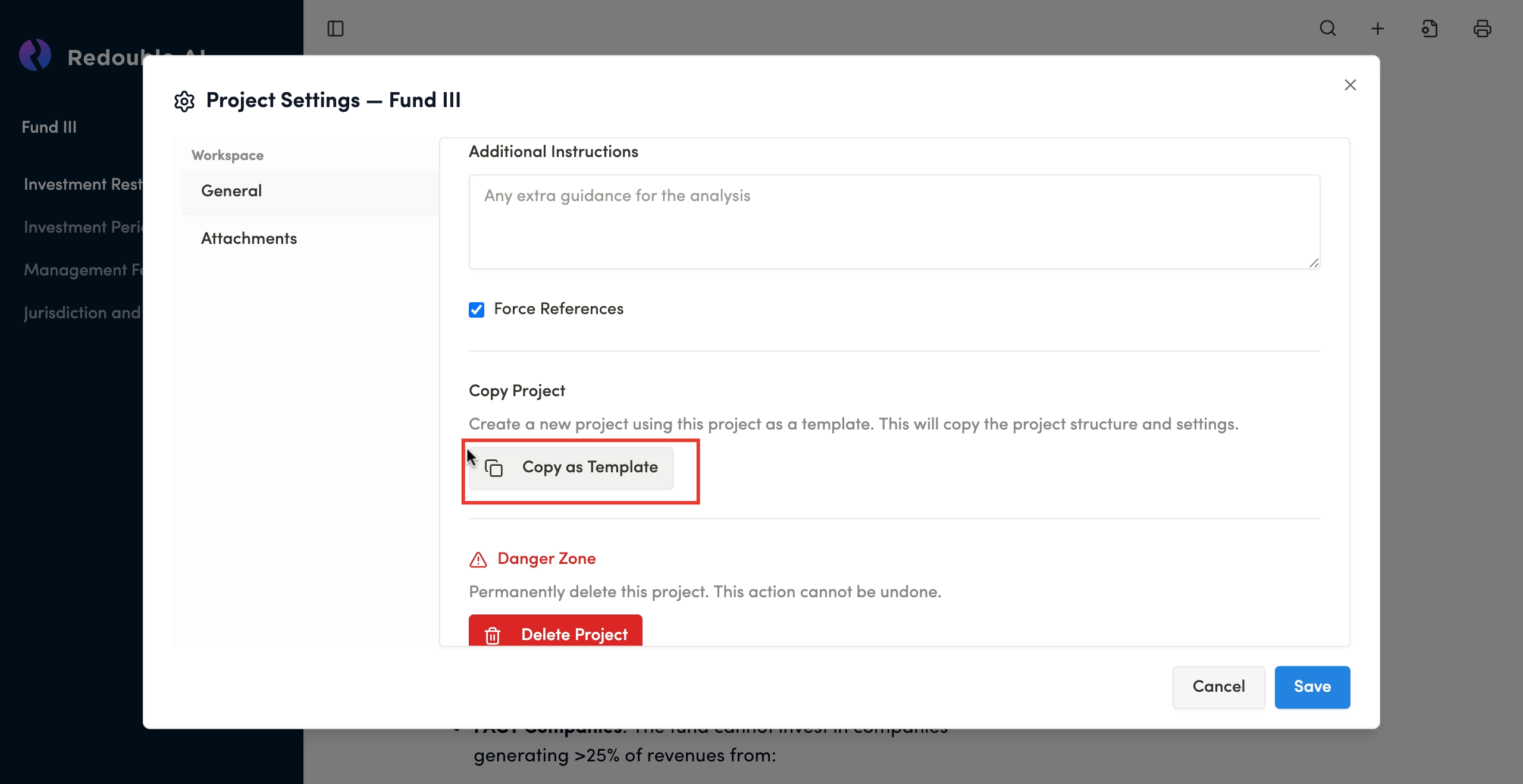
NavigateIntothe "Project Settings" -> "General"tabdialog Scrollwindow, scroll down to the "Copy Project" section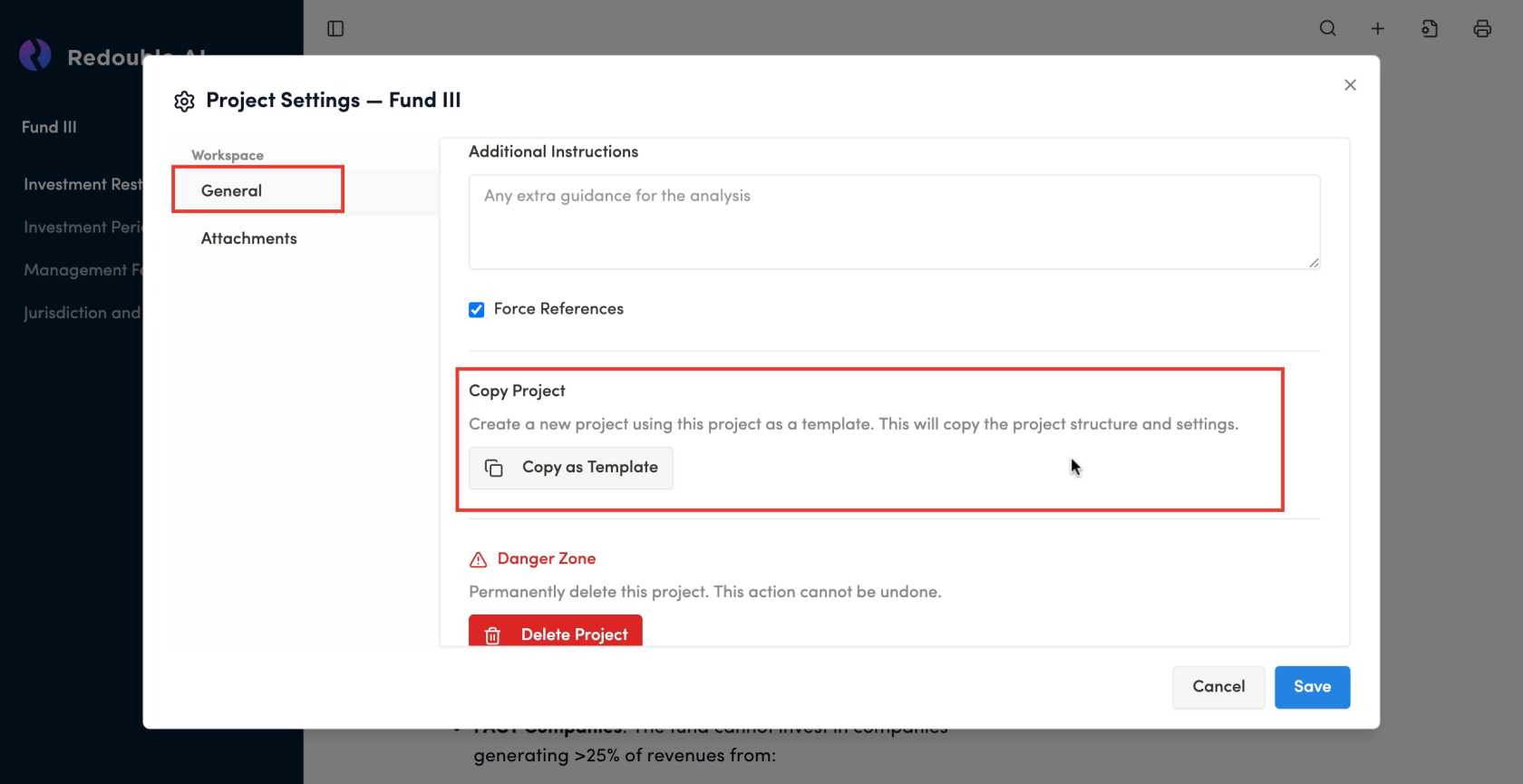
- Click the "Copy as Template" button
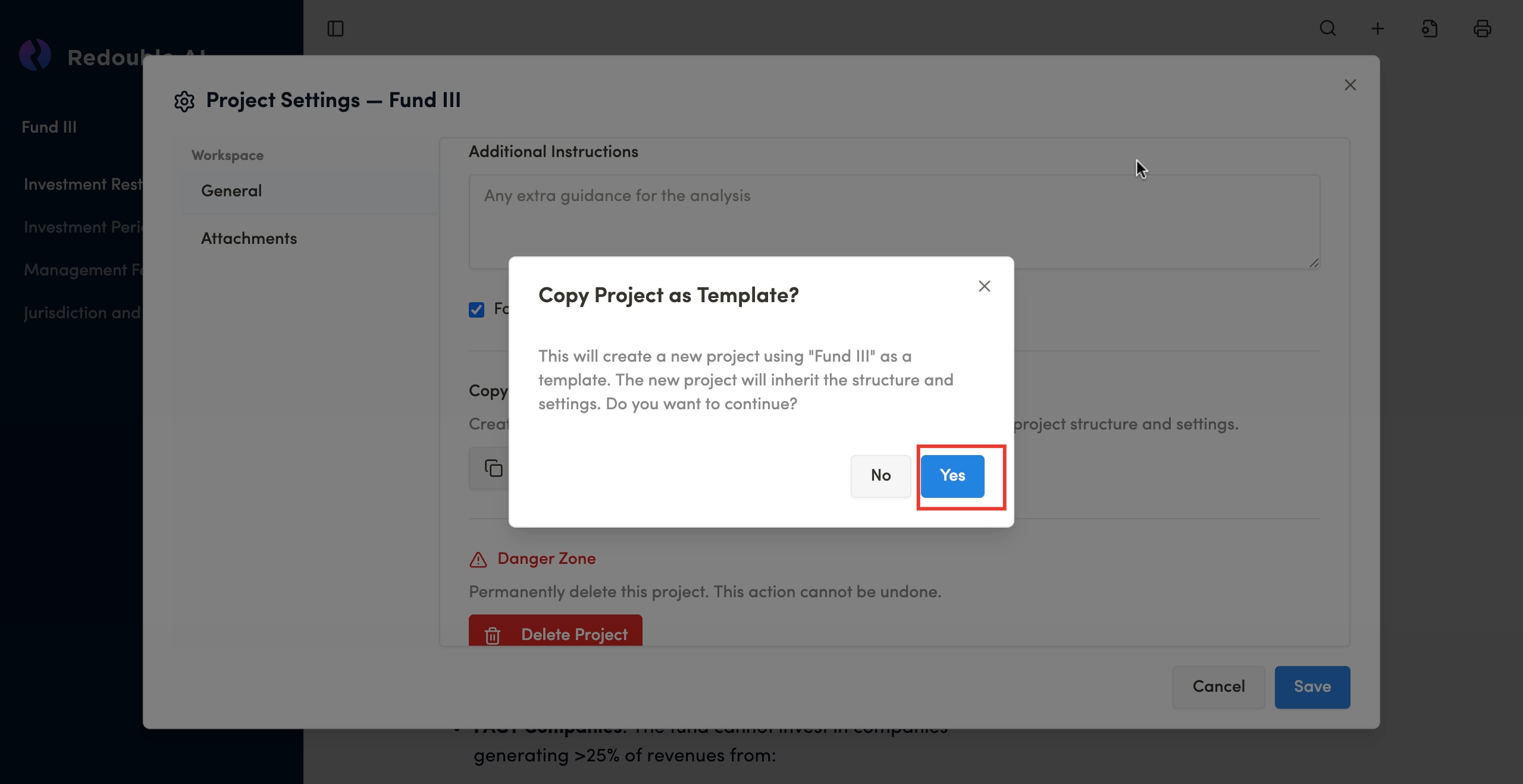
- Confirm
operationthat you want to copy the project in the popup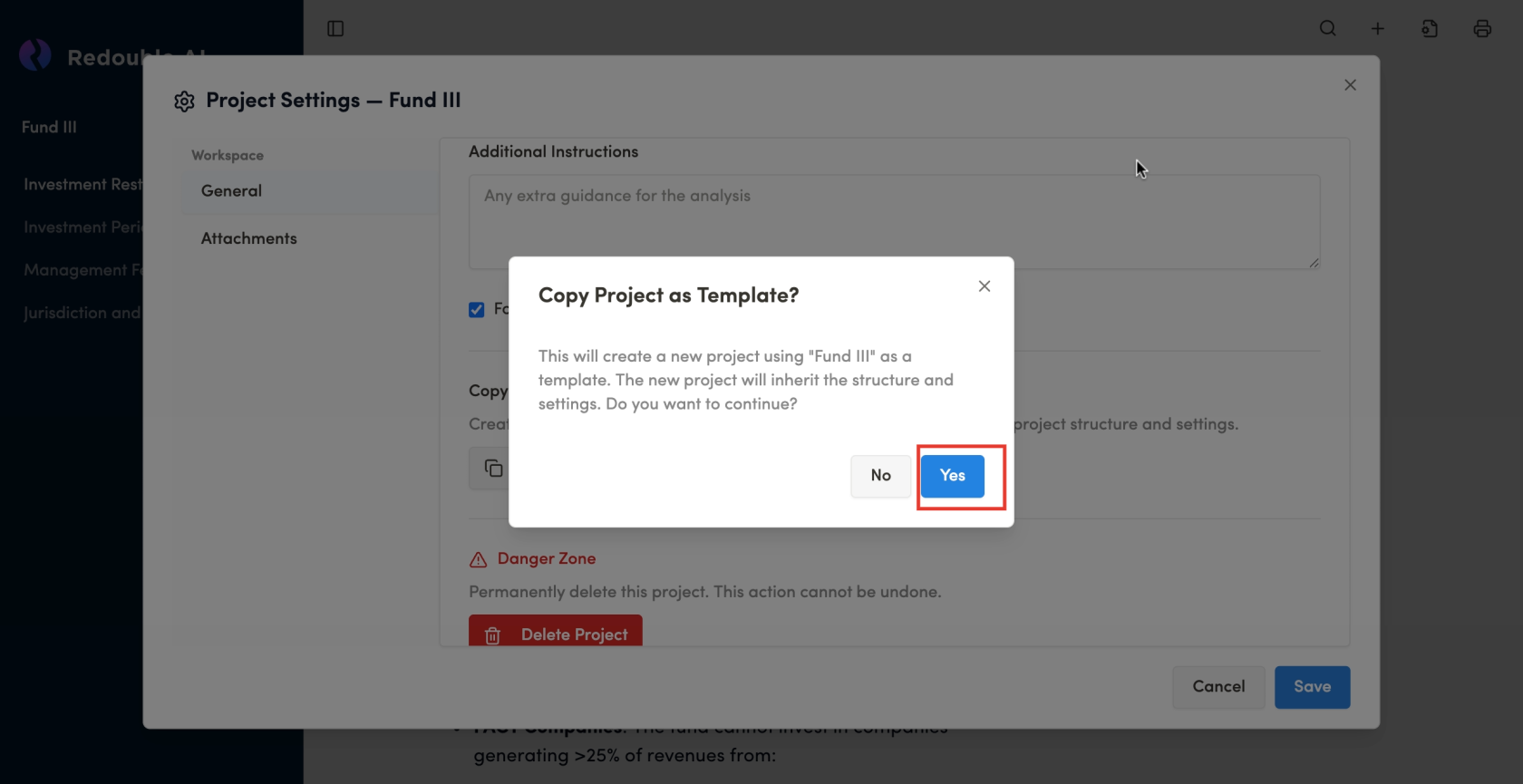
Result: The copy of the project will appear at the bottom of the dropdown willlist of all projects.
What GetsIs Being Copied
When you copy a project as a template, the following elements are duplicated:
- Ingestion Prompt
- Query Prompt
- Description Prompt
- Additional Instructions
- Force References
settingSetting - Prompt
templatesTemplates
What Is NOT Being Copied:
- Documents: Attachments are not copied
Questions:Answers: ExistingAnswersanswers totheanyQuestionsquestions are notduplicated.duplicated
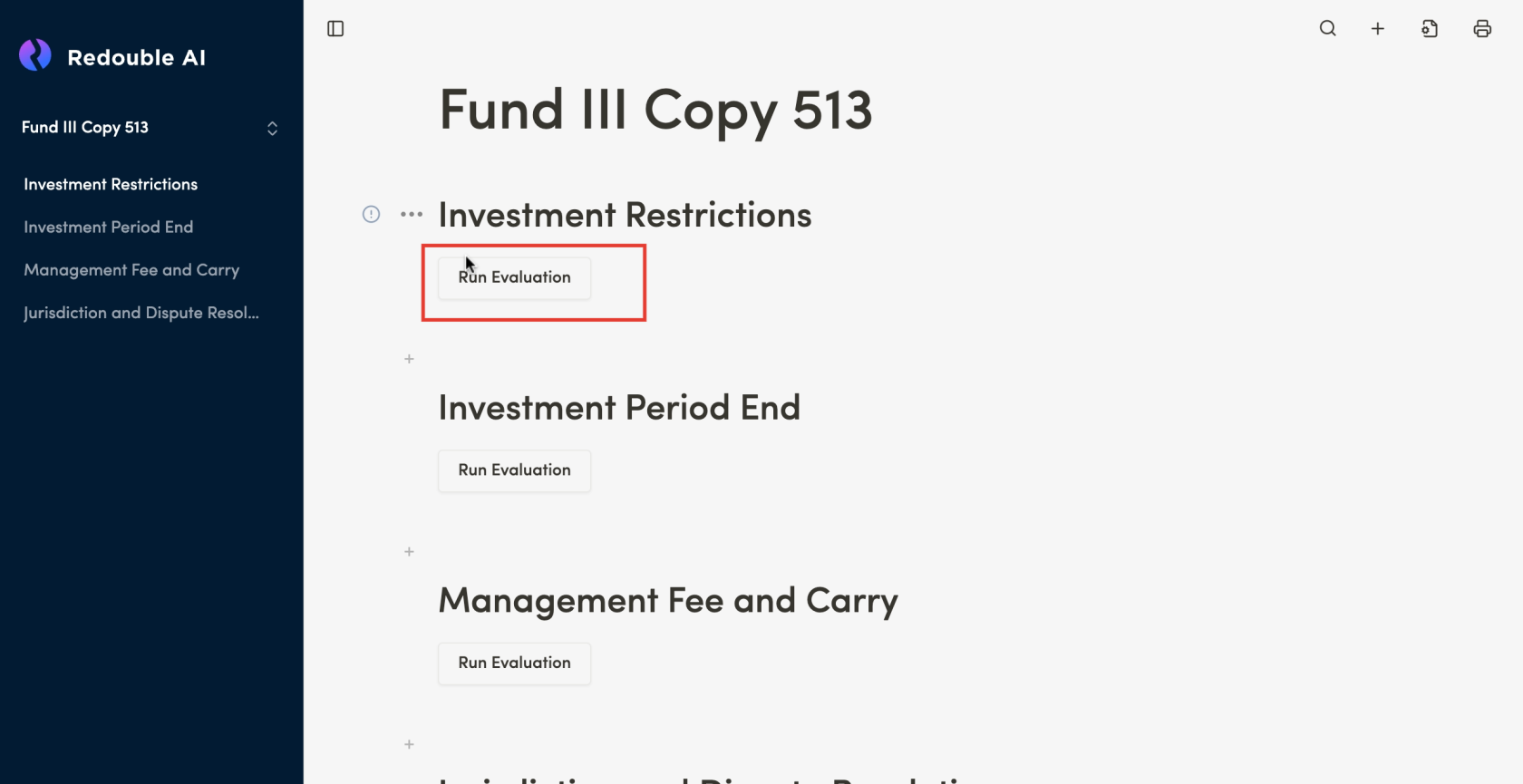
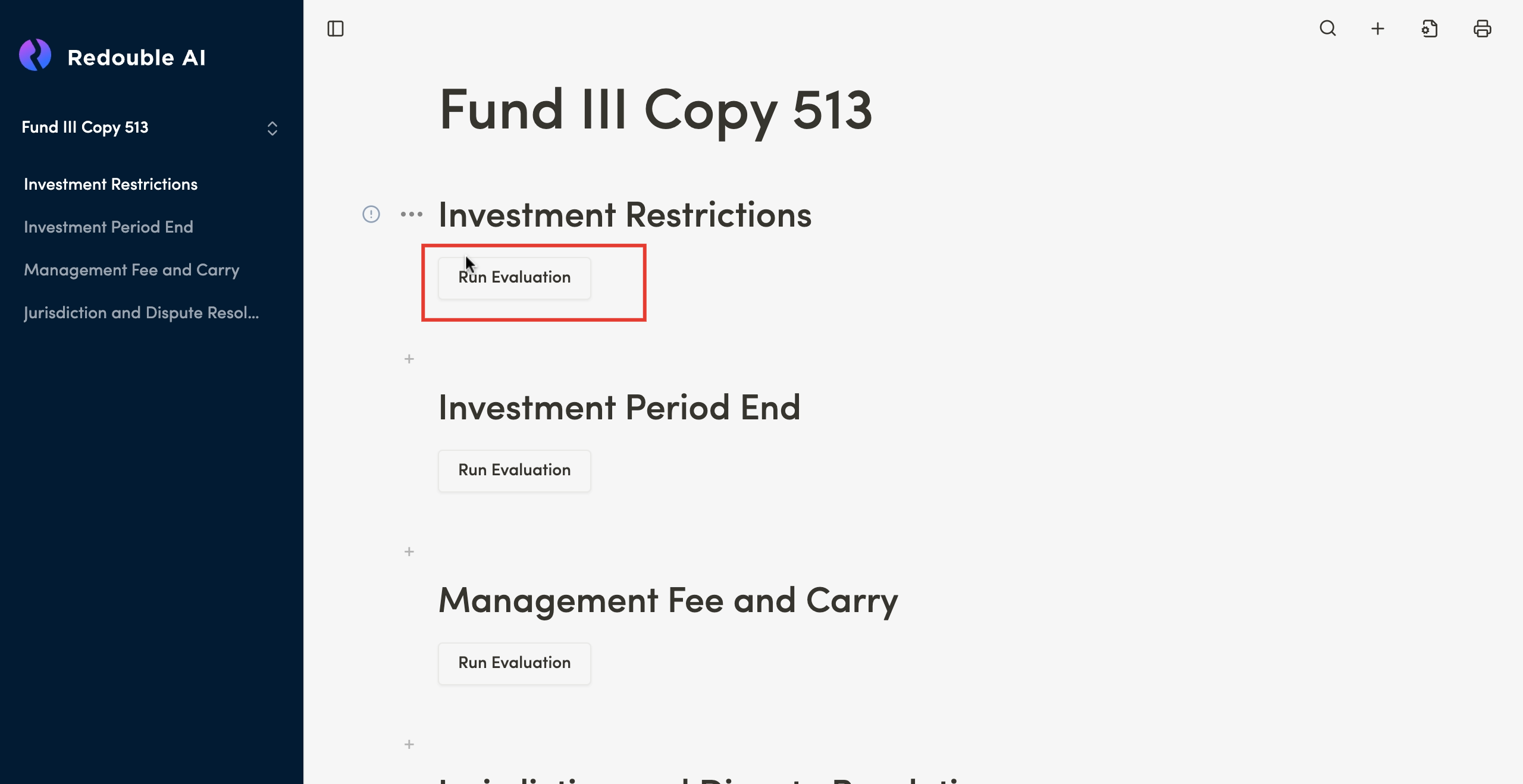
If you want to generate Answeran answer in the copied project, you need:have to:
- Scroll to the desired question
- Click on the "Run Evaluation" button