
2.1 Creating a question
Prerequisites:
- You are
authorizedloggedininto the Redouble AI system - You have a project open
- Documents for analysis are attached to the project
Steps:
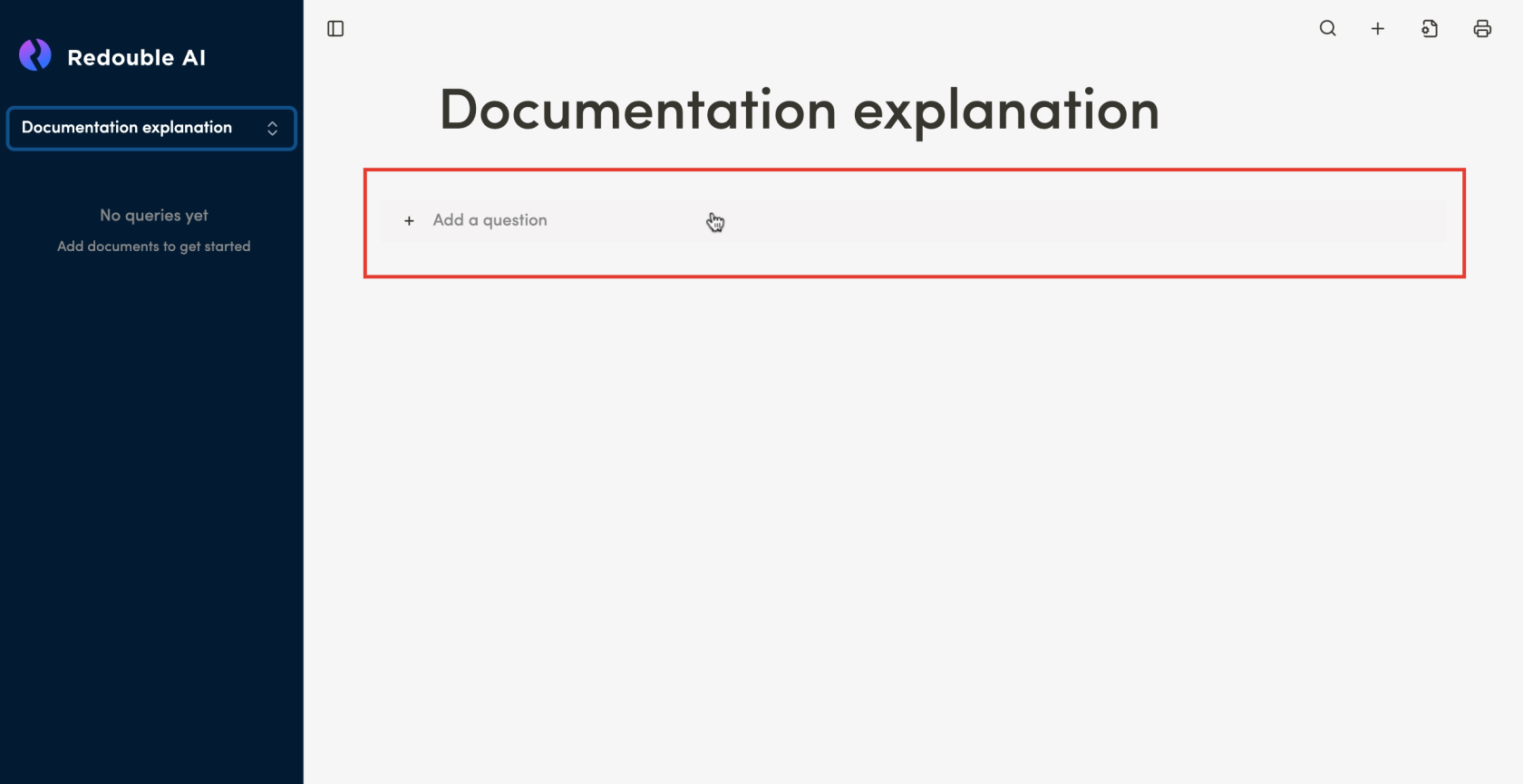
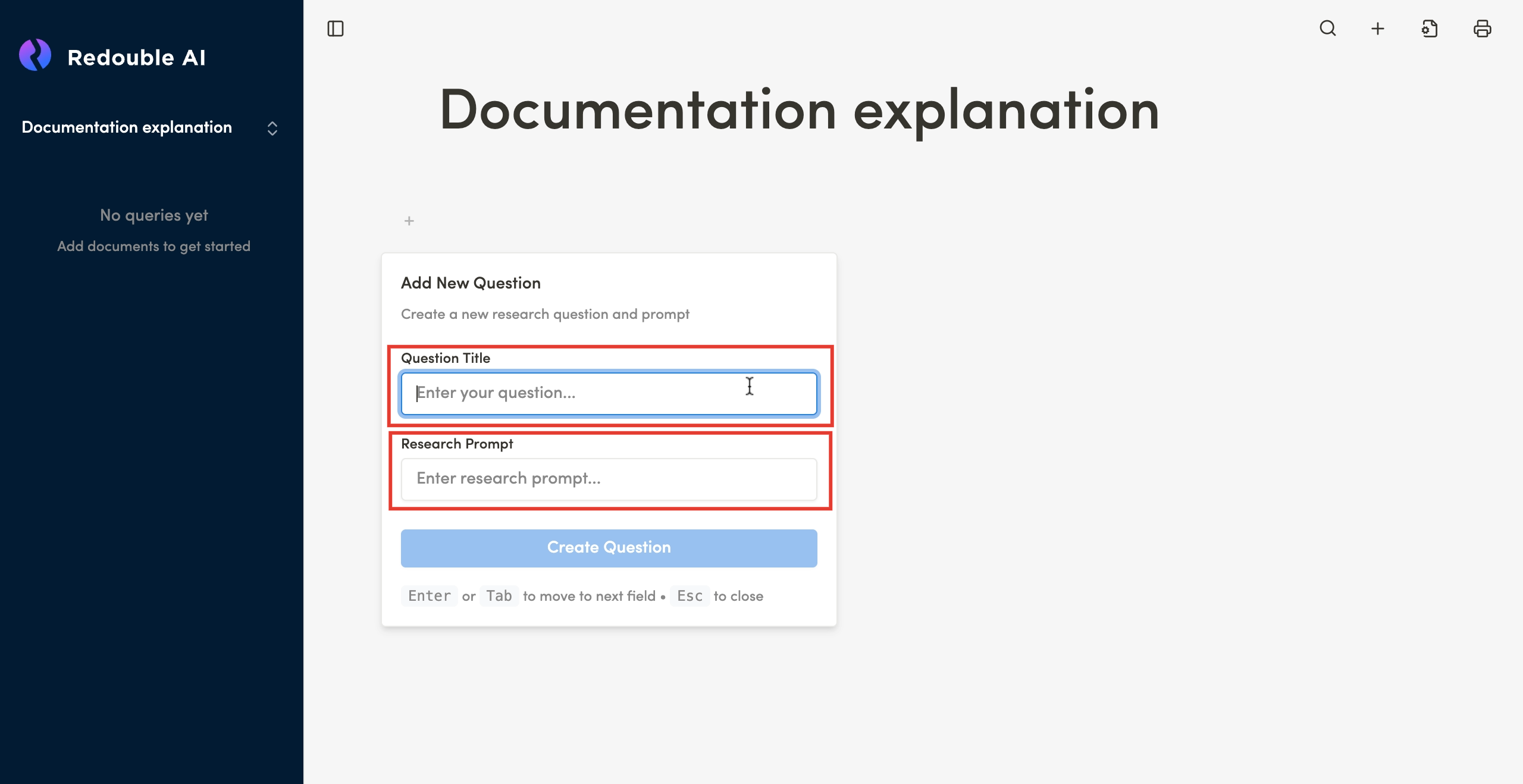
- Below the title of your project, press the "+" button to add a question
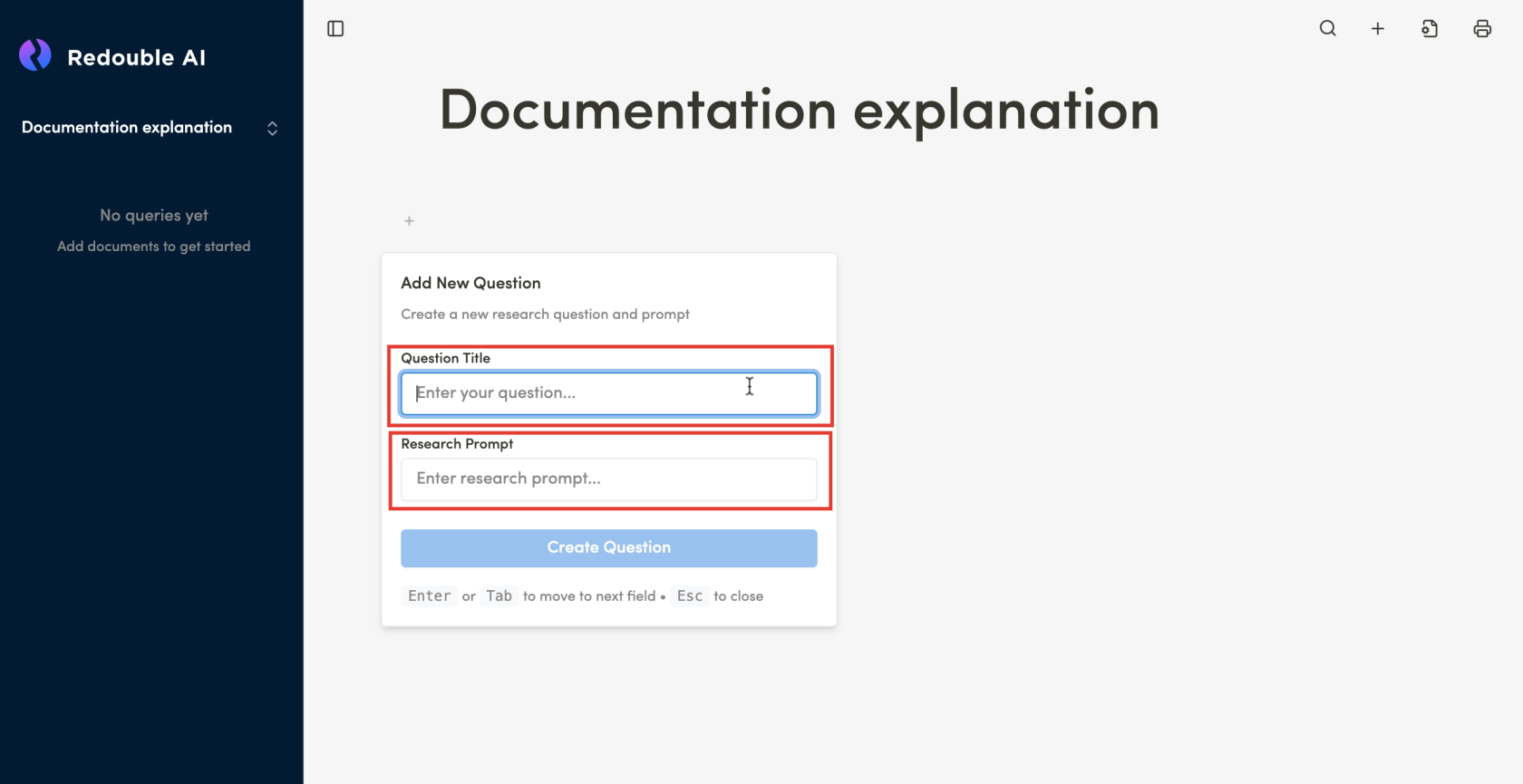
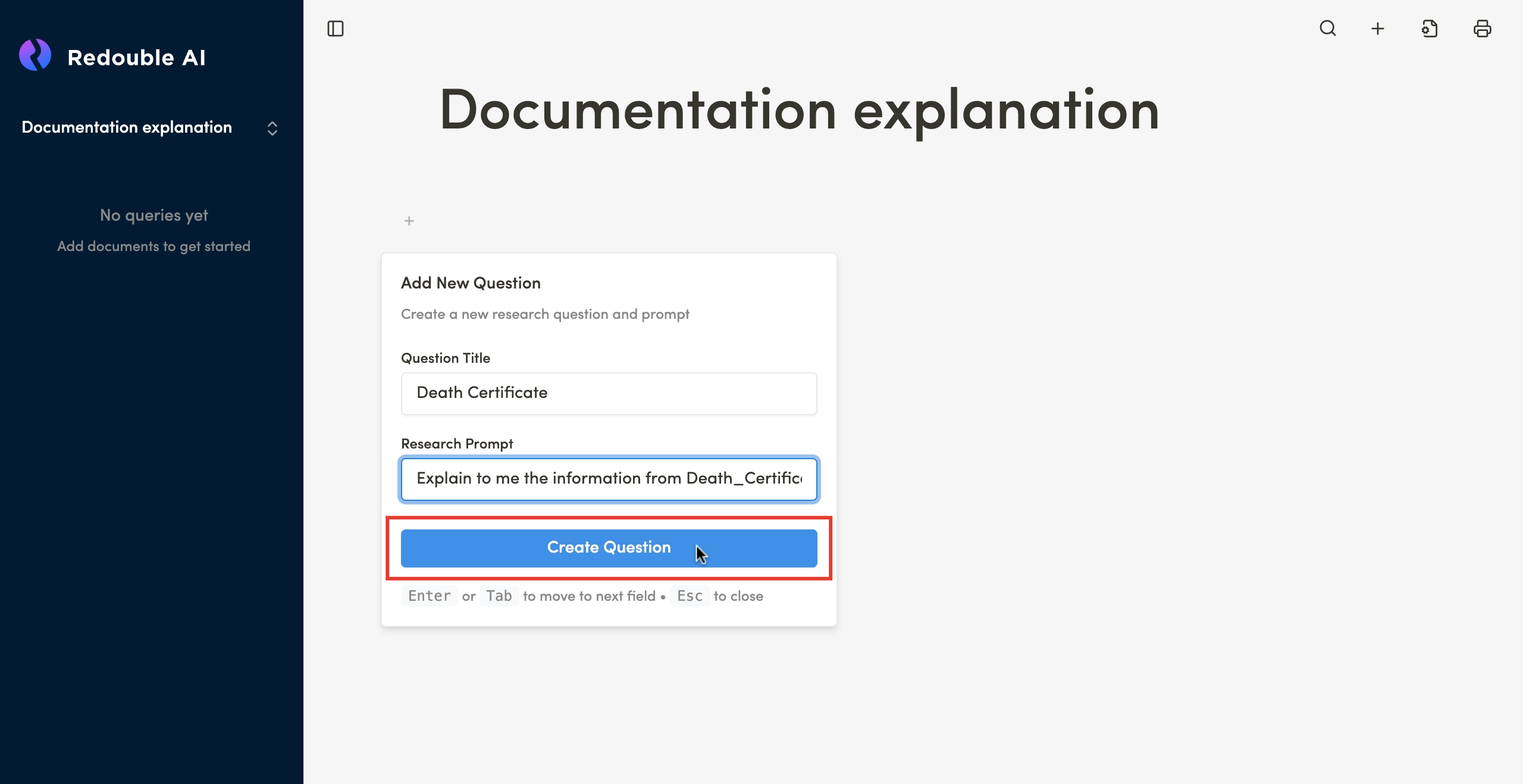
- In the "Add New Question" dialog box, fill in the following fields:
- Question Title — enter the question name, which must be unique to the project.
- Research Prompt — enter a detailed description of what needs to be found or analyzed in the input documents.
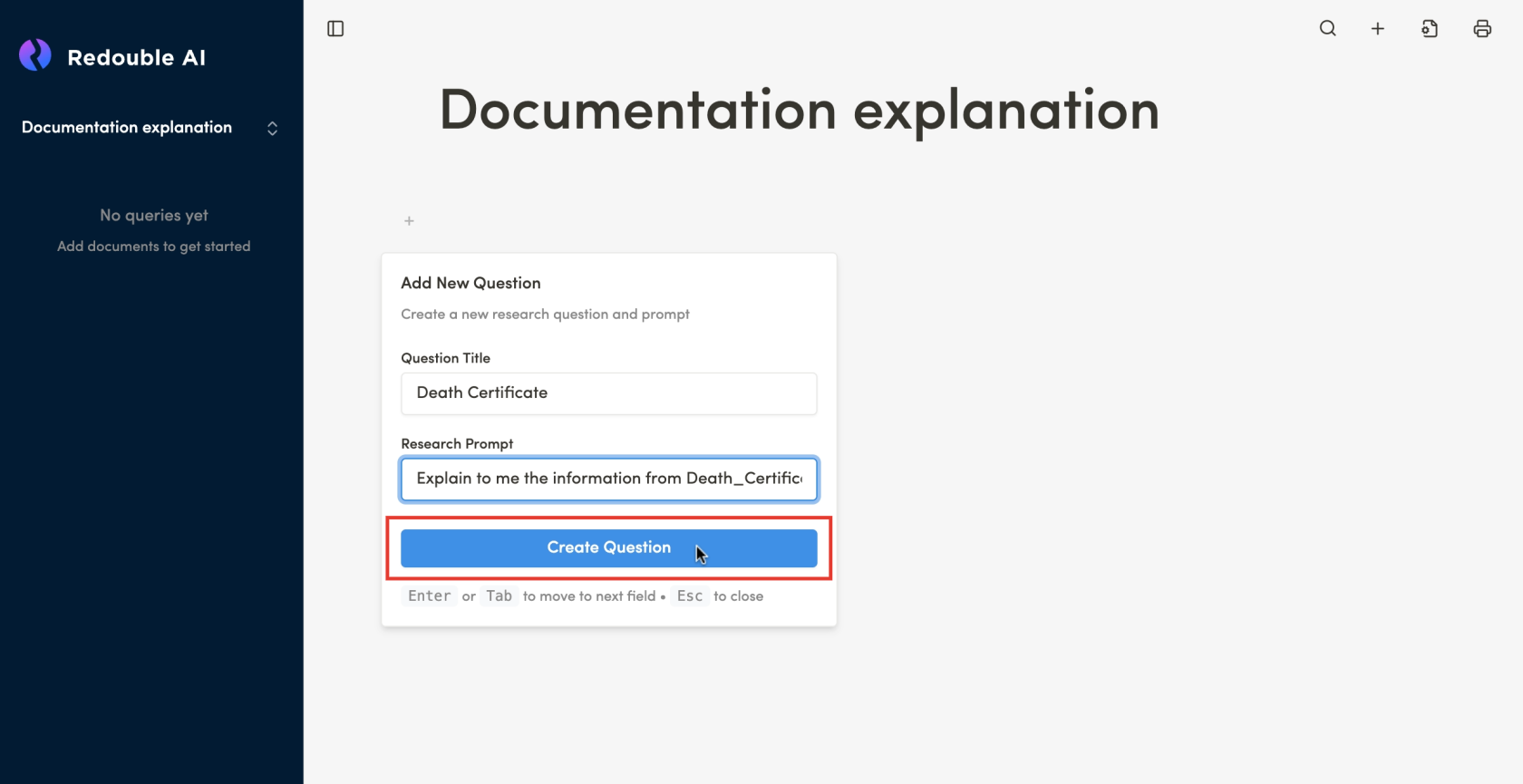
- Click the "Create Question" button or press Enter
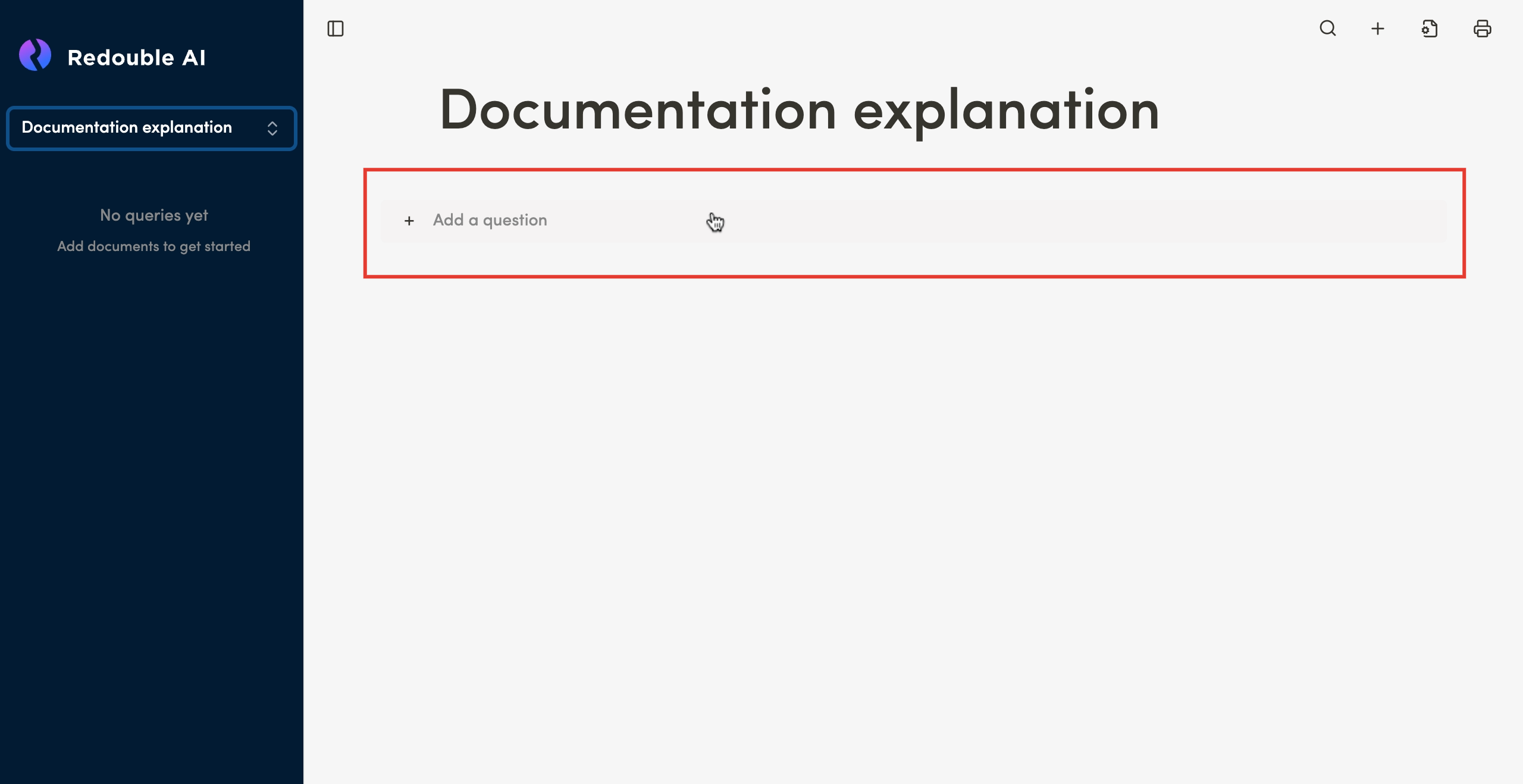
Result: The question is created and appears in the left sidebar. The system automatically starts analyzing the attached documents according to the specified prompt and generates an answer based on the content of the attached files.