
4.1 Question Status Indicator
Prerequisites:
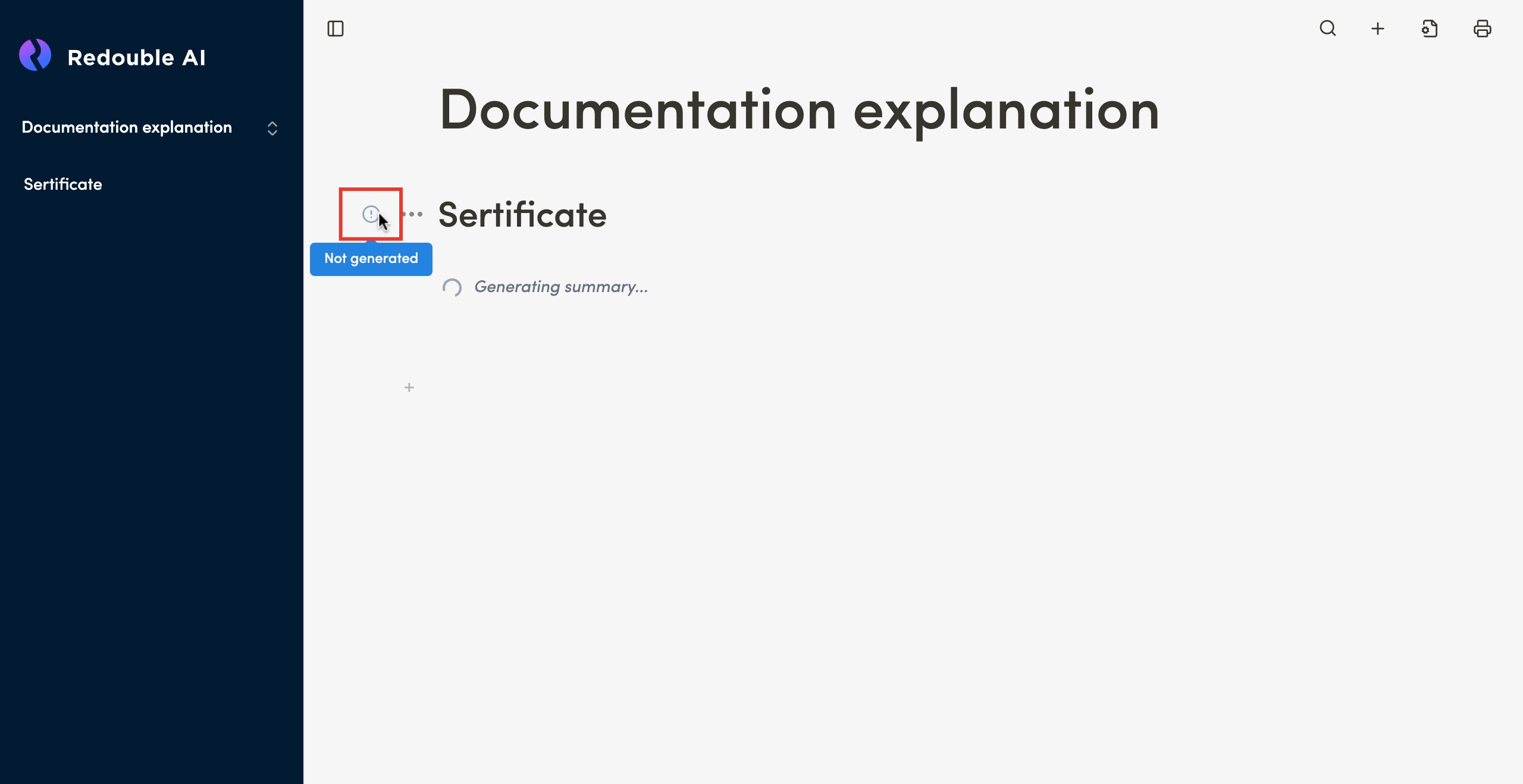
Not Generated
Purpose: This indicator appears when user creates question.
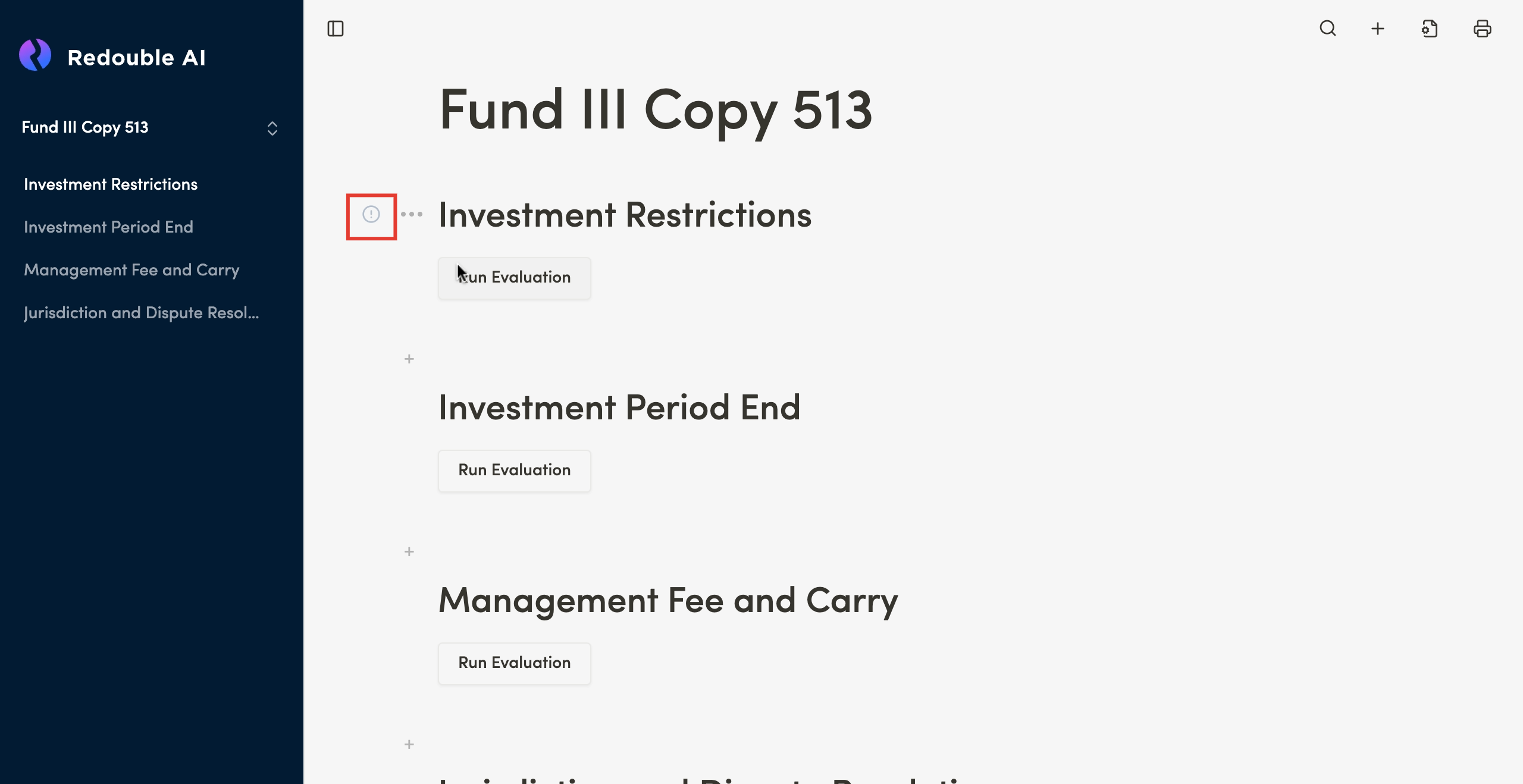
This indicator also appear on questions from copied project.
After the completionsystem completes the generation of the generationanswer it disappears and is replaced with "AI Generated" indicator.
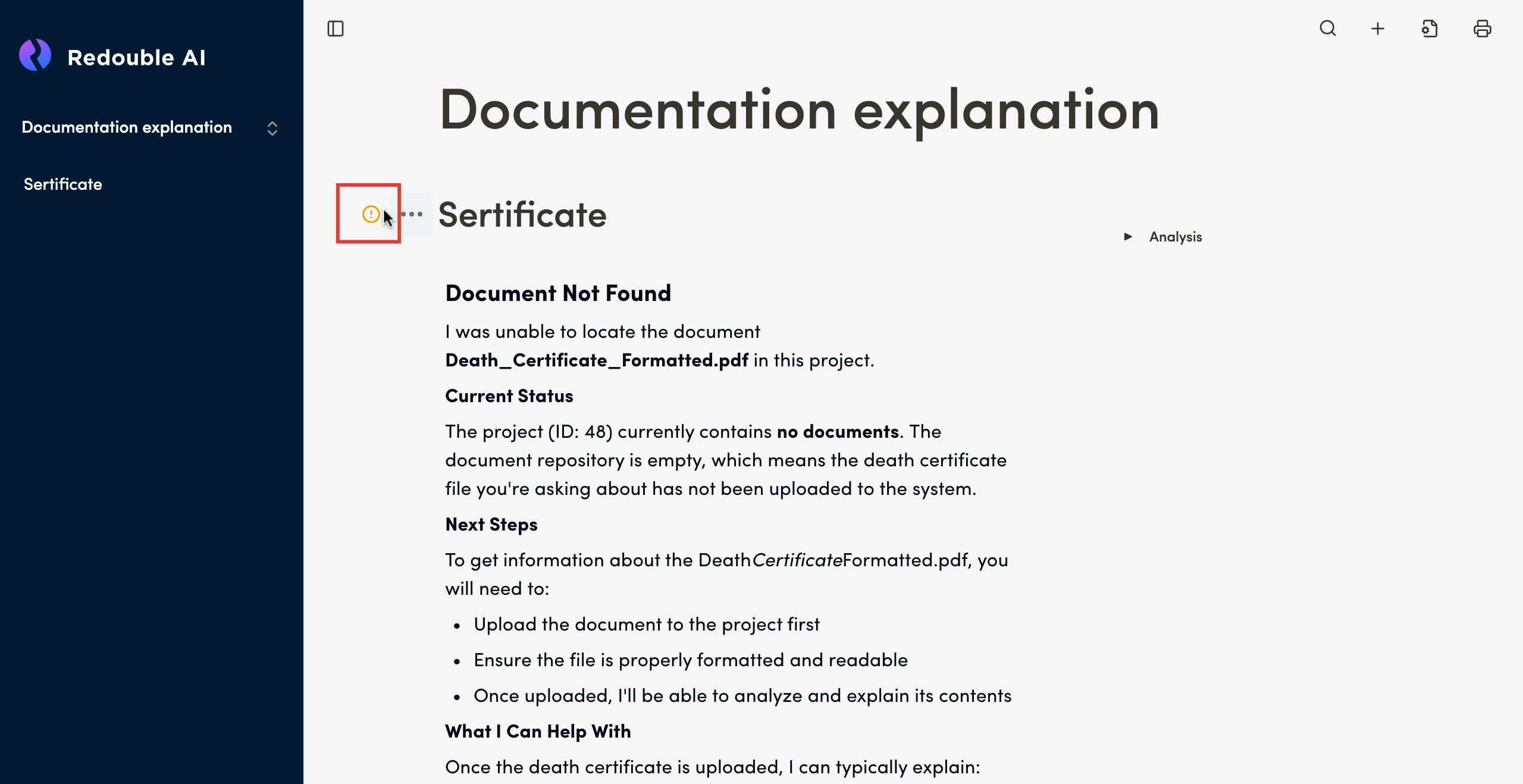
AI Generated
Purpose: This indicator appears after the completion of the generation and is assigned automatically. It can also appers after user unchecks the Accept" checkbox in Question Options.
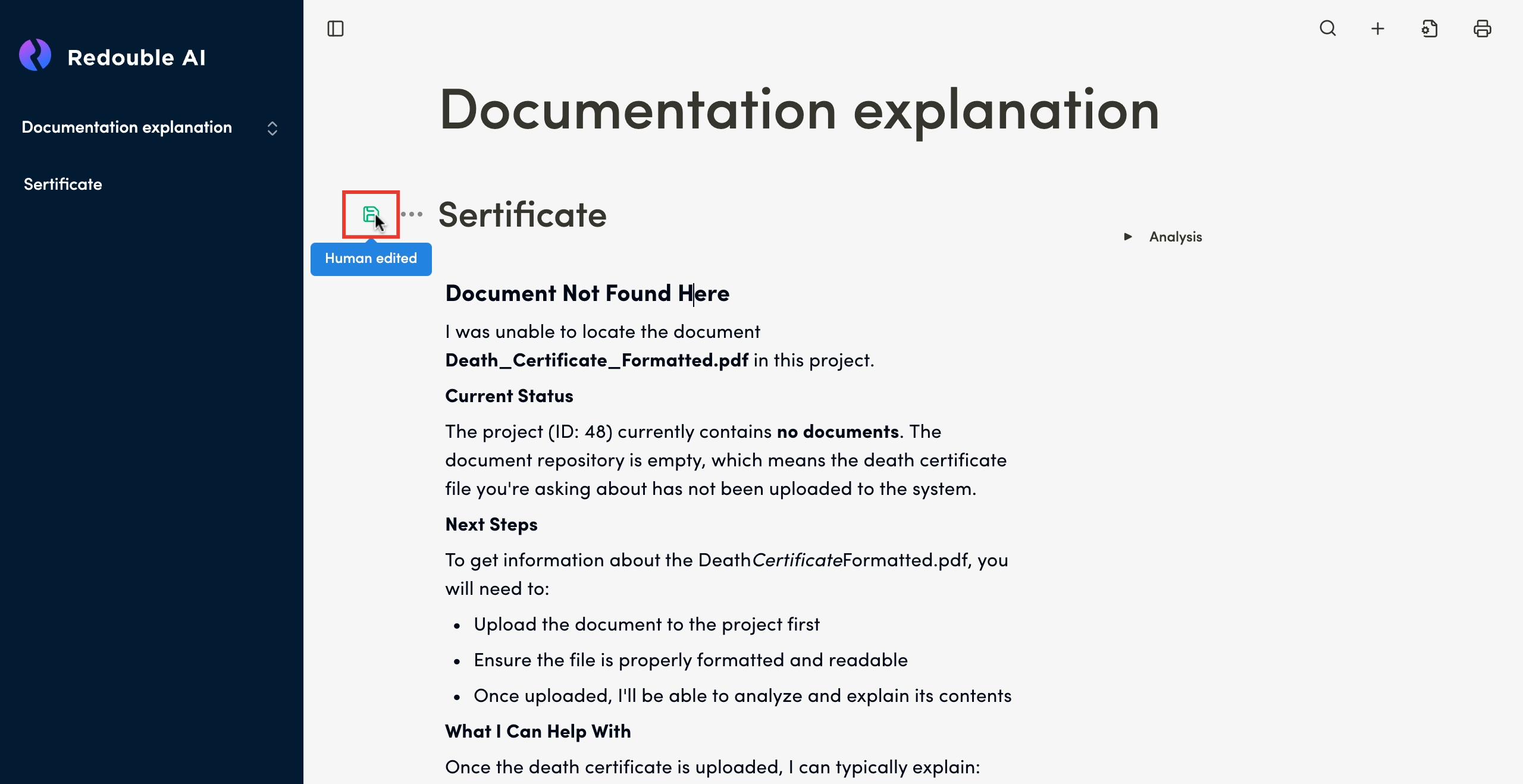
Human Edited
Purpose: This indicator appears after user manualy edits the content of the AI generated responce.
Accepted
Purpose: This indicator appears after user checks "Accept" checkbox in Question Options.
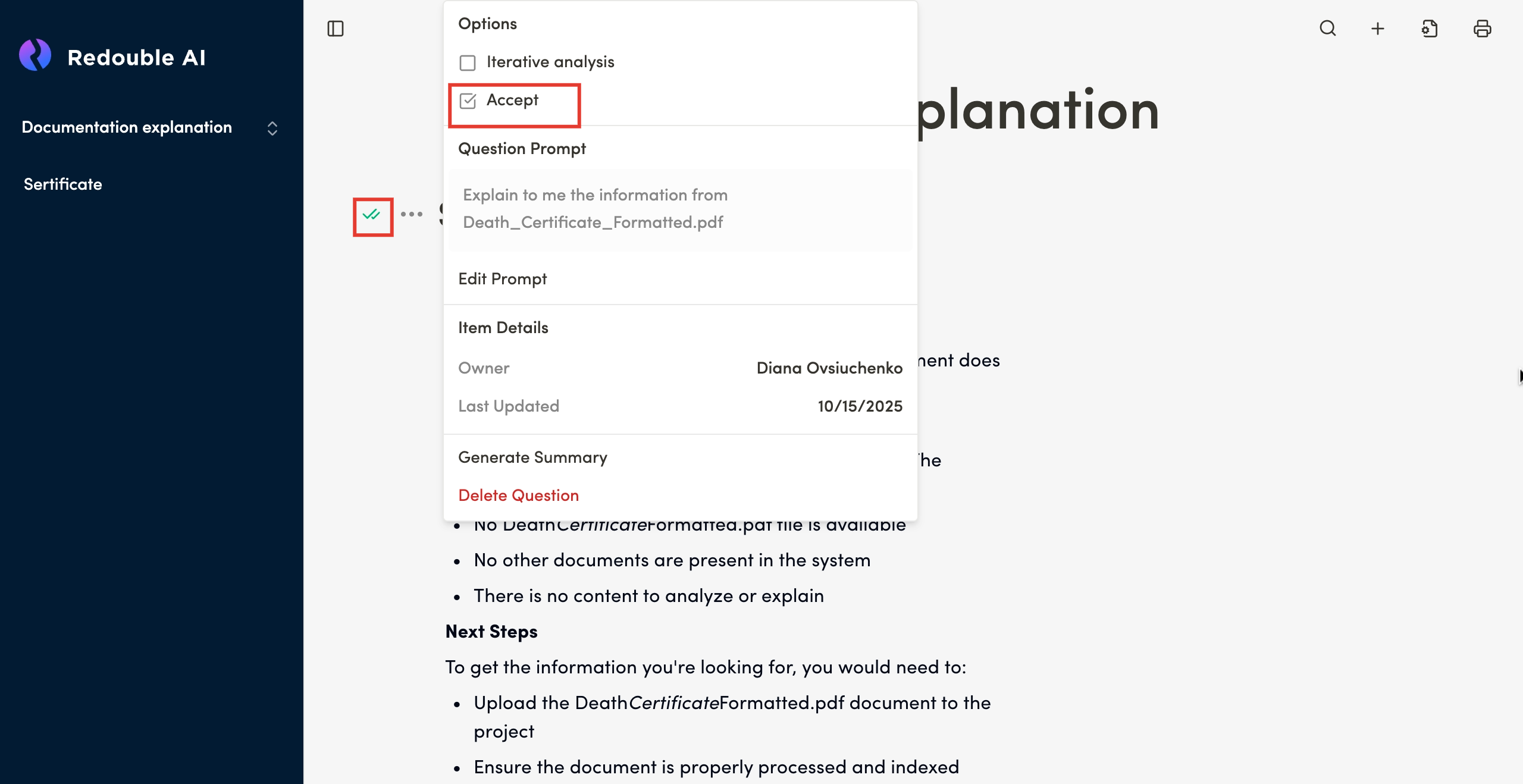
When user unchecks "Accept" checkbox in Question Options, Question Status Indicator returns to its previuos state. ("Human Edited" or "AI Generated")