
4.1 Question status indicator
Prerequisites:
- You are
authorizedloggedininto the Redouble AI system - At least one question exists in the project
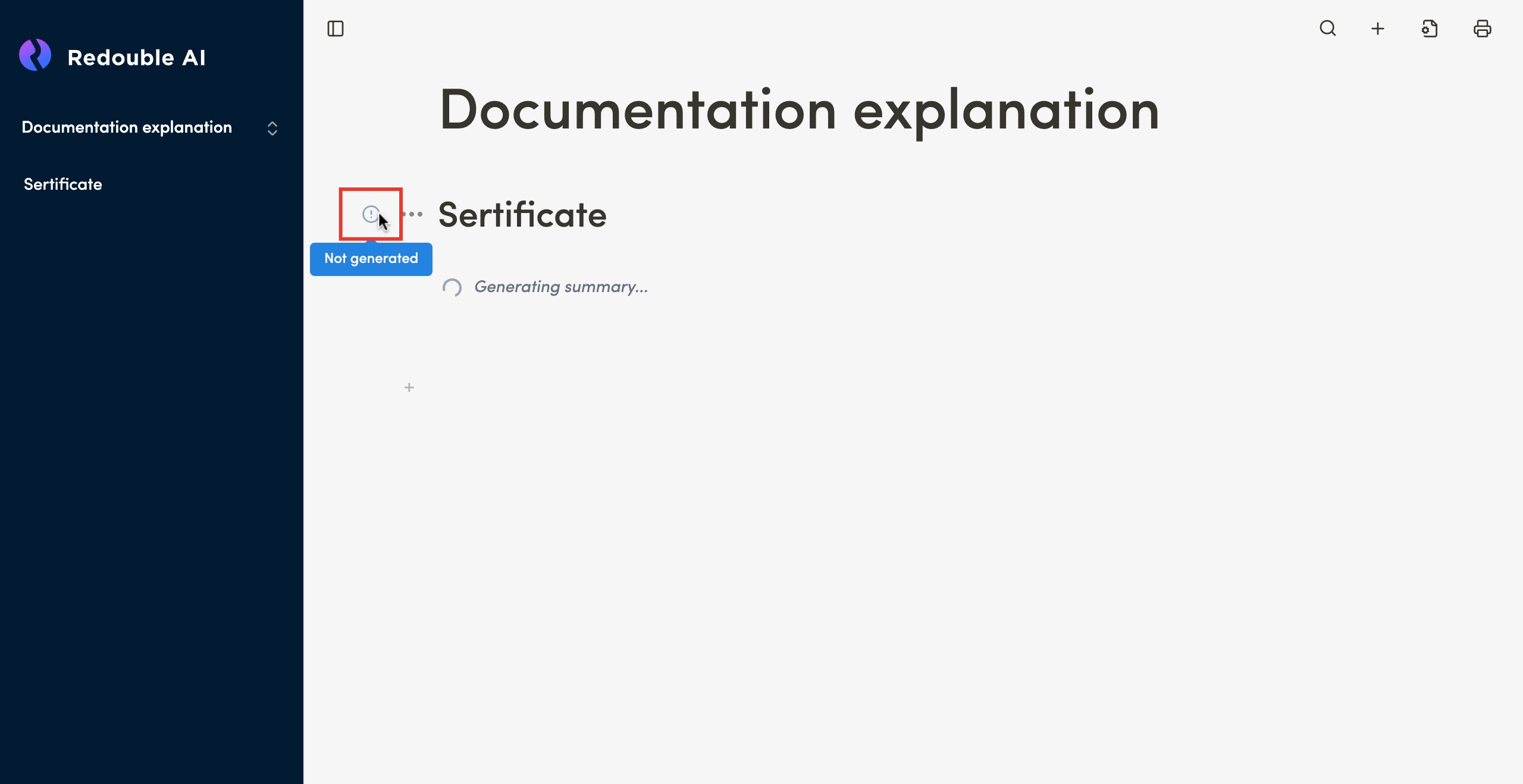
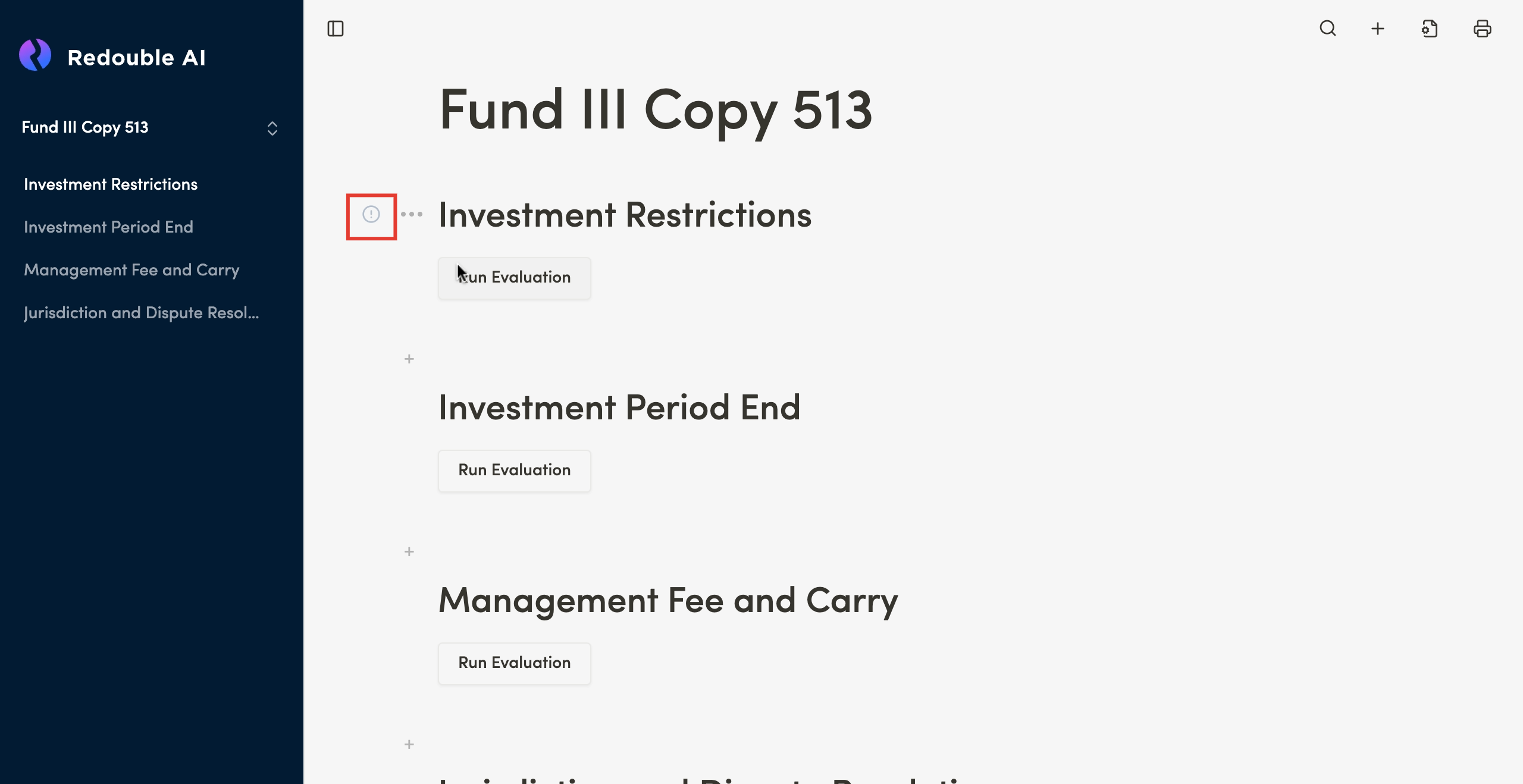
Not Generated
Purpose: This indicator appears when a user creates a question.
This indicator also appearappears on questions from a copied project.
After the system completes the generation of the answer itthe disappears andindicator is replaced withby the "AI Generated" indicator.
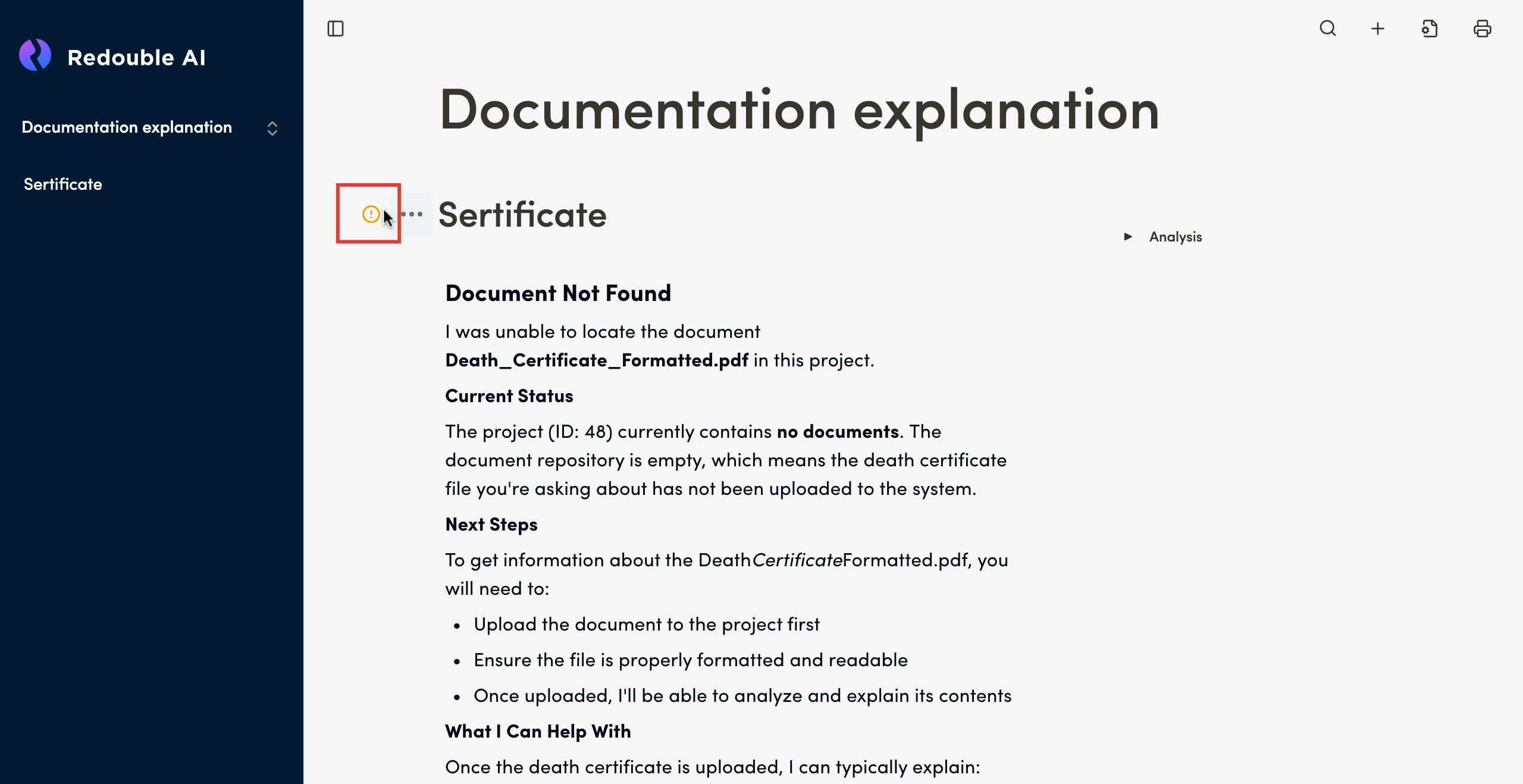
AI Generated
Purpose: This indicator appears after the completion of the answer generation and is assigned automatically. It can also appers after a user unchecks the "Accept" checkbox in Question Options.
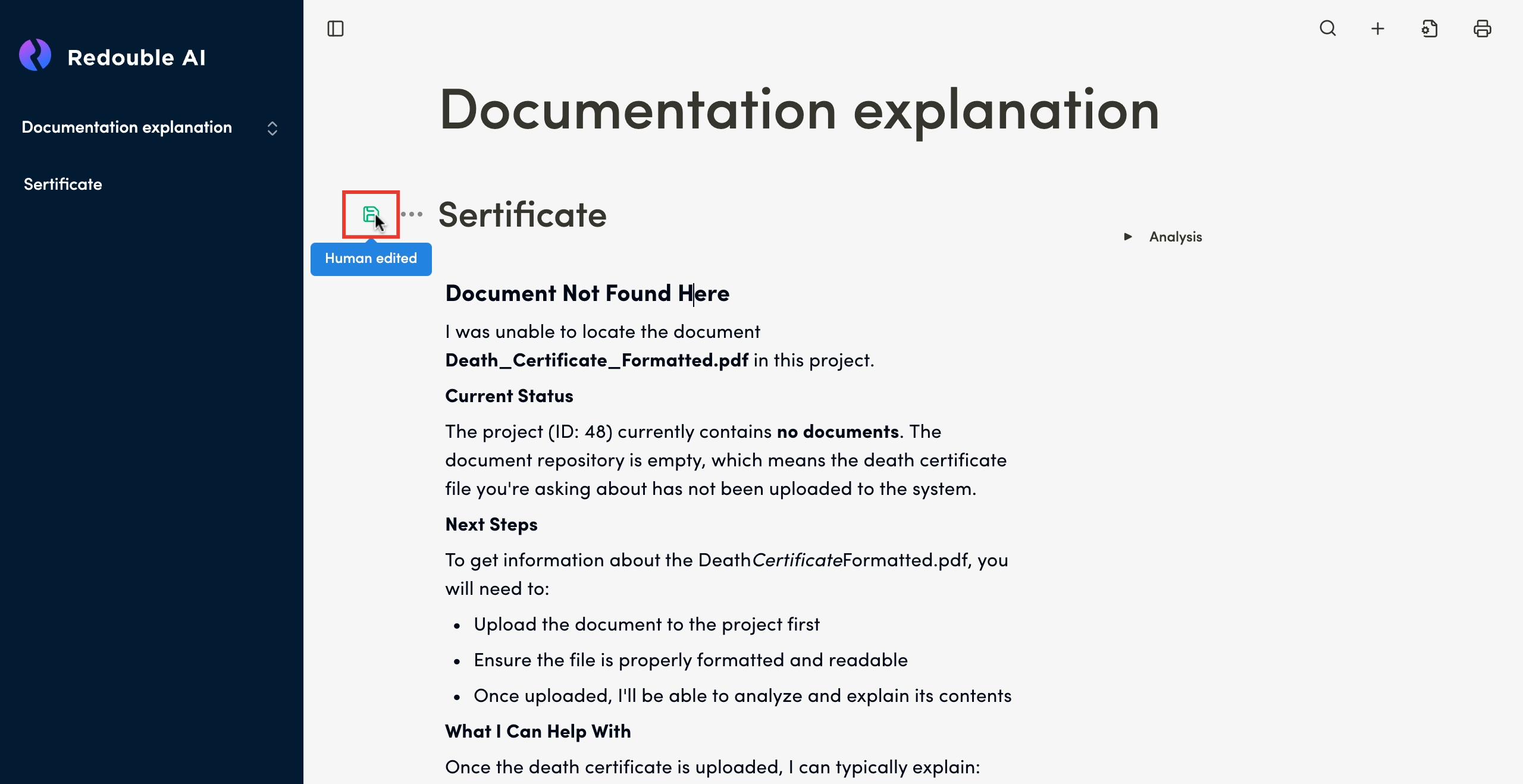
Human Edited
Purpose: This indicator appears after a user manualymanually edits the content of thean AI generated responce.response.
Accepted
Purpose: This indicator appears after a user checks the "Accept" checkbox in Question Options.
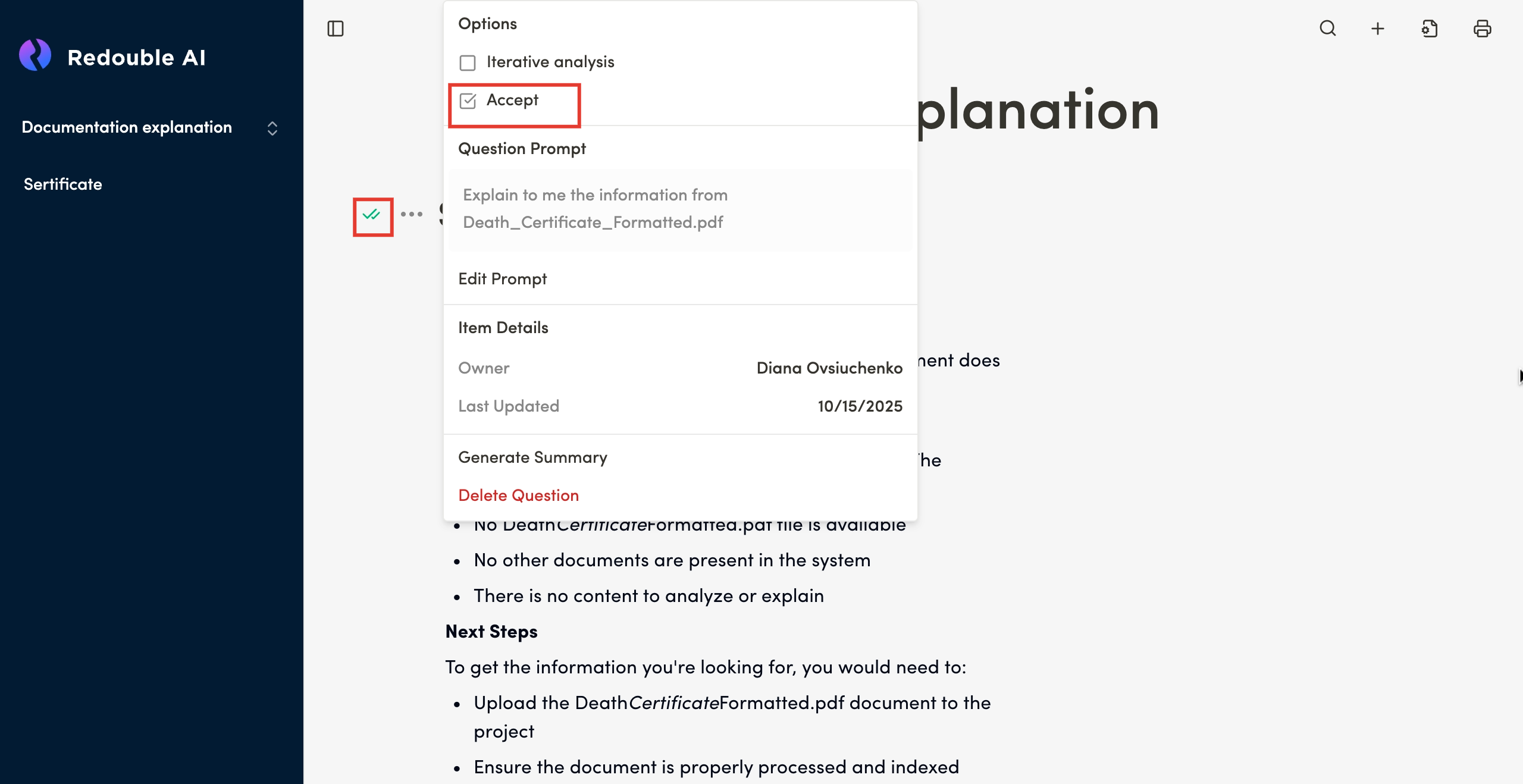
When a user unchecks the "Accept" checkbox in Question Options, the Question Status Indicator returns to its previuos state.state ("Human Edited" or "AI Generated").