
4.2 Search content
Prerequisites:
- You are
authorizedloggedininto the Redouble AI system AtYou have at least one project
Steps:
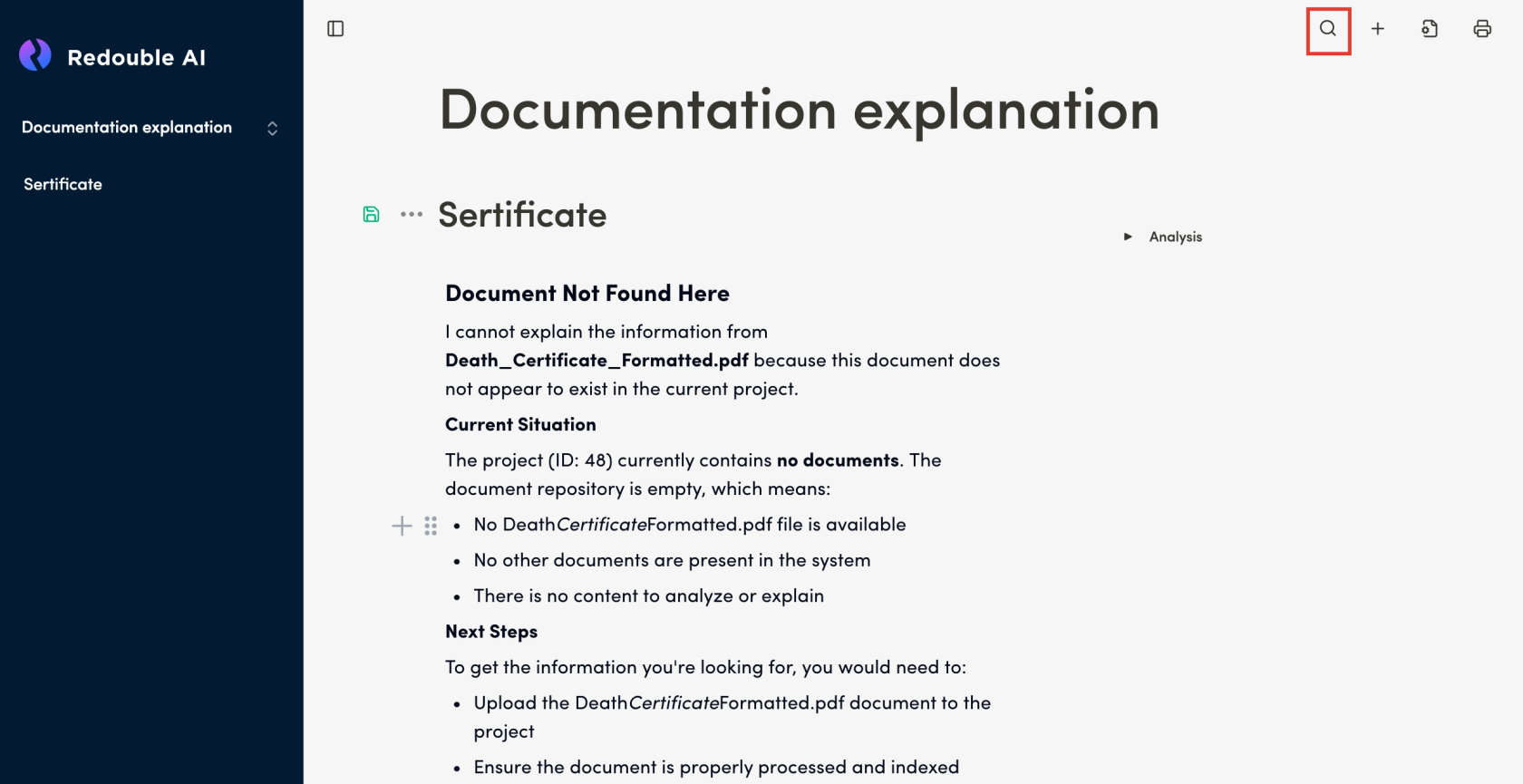
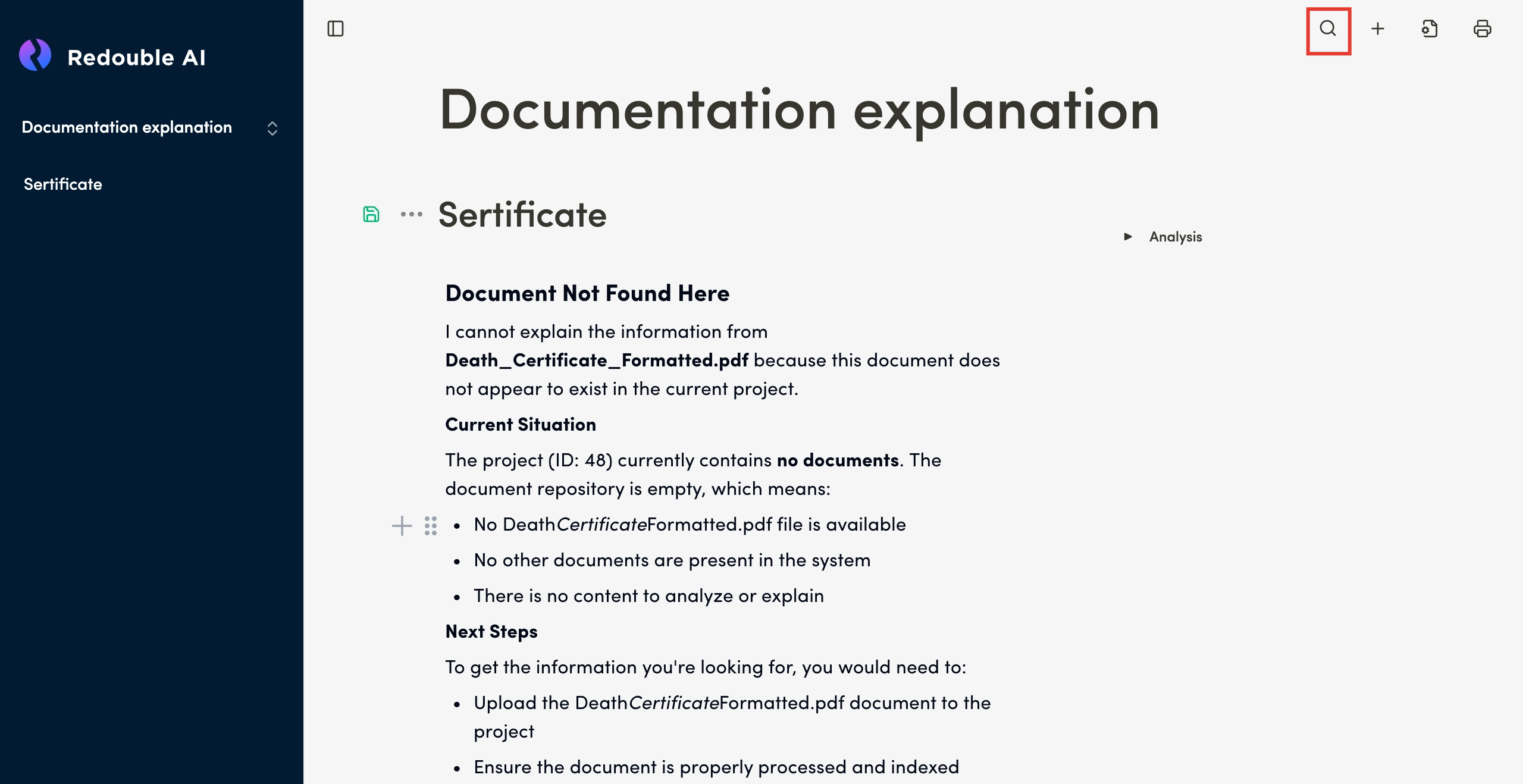
- In the top toolbar, click the "Search" icon
- In the
opened"Search" dialog box, type content you want to find - See the total
amountnumber of matches that have been foundmatches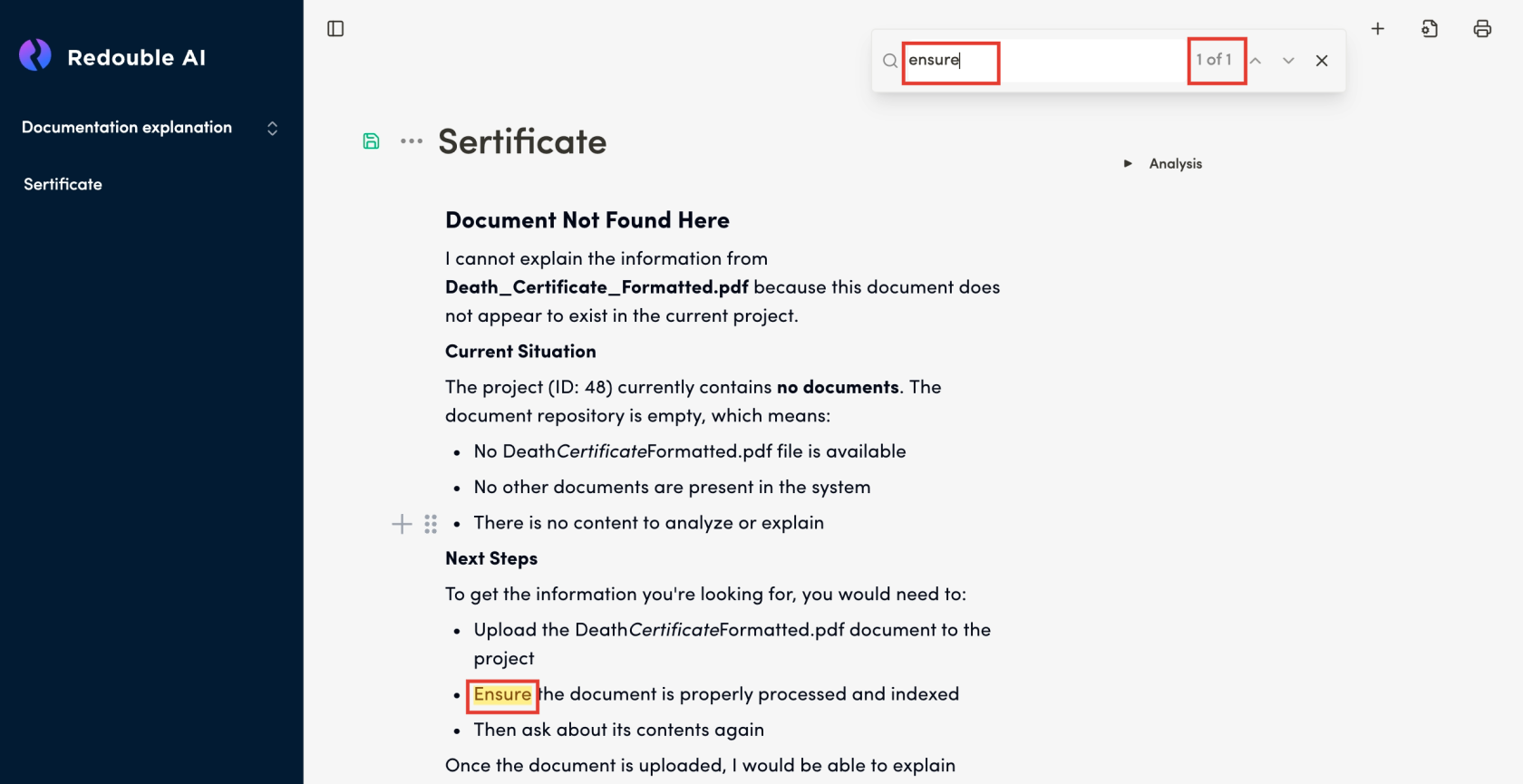
- Navigate from one search result to another by
clickingusing the "Next" and "Previous" buttons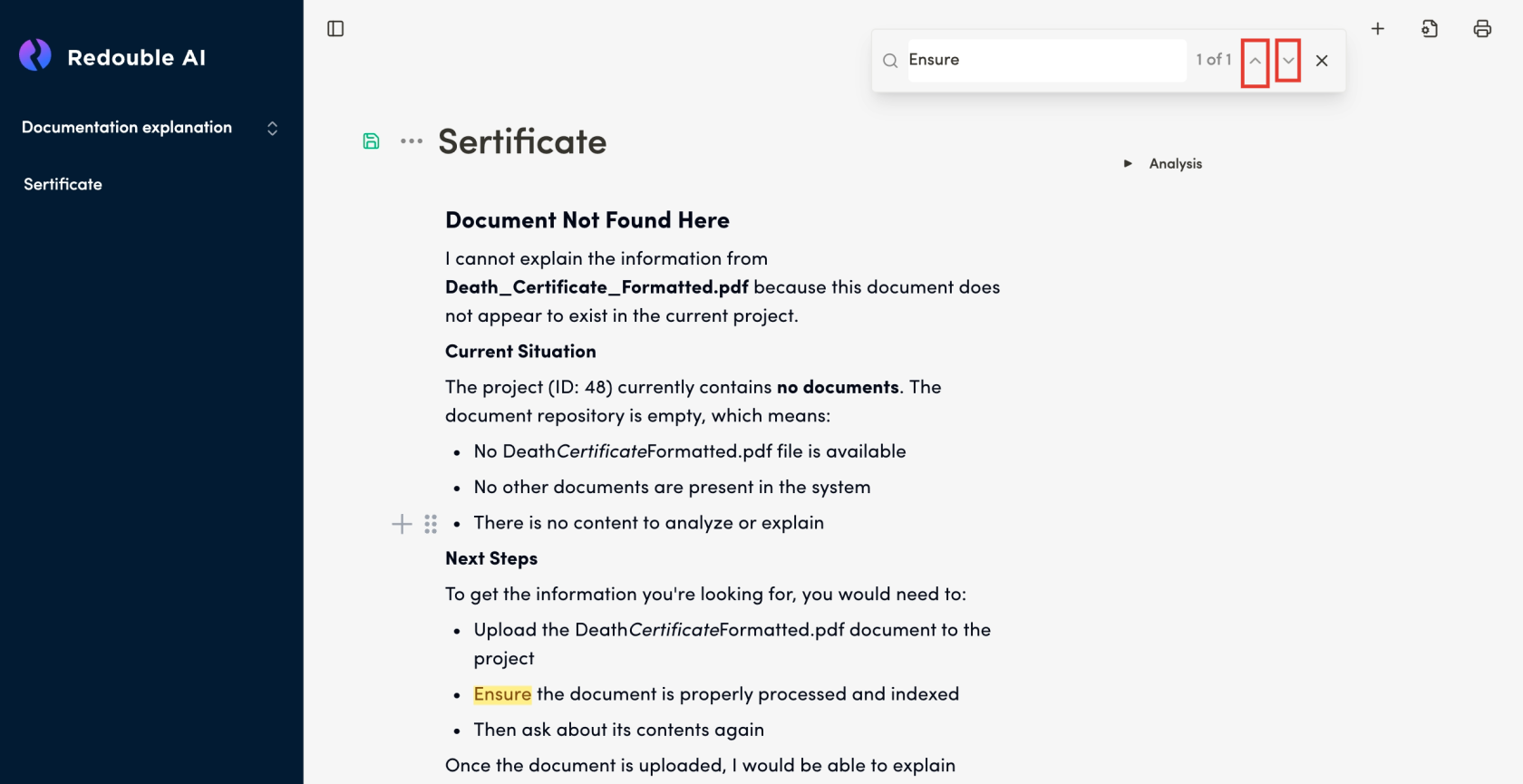
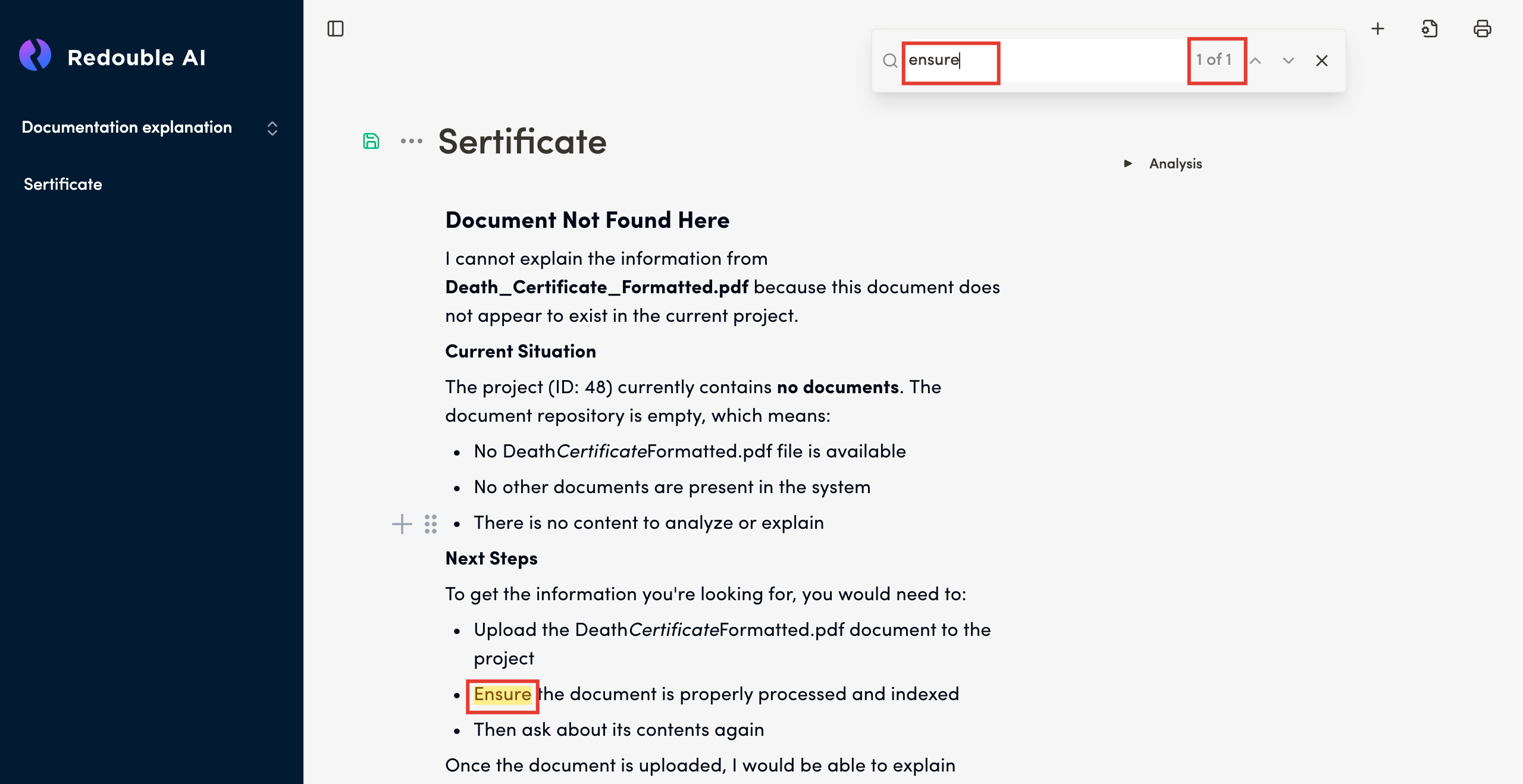
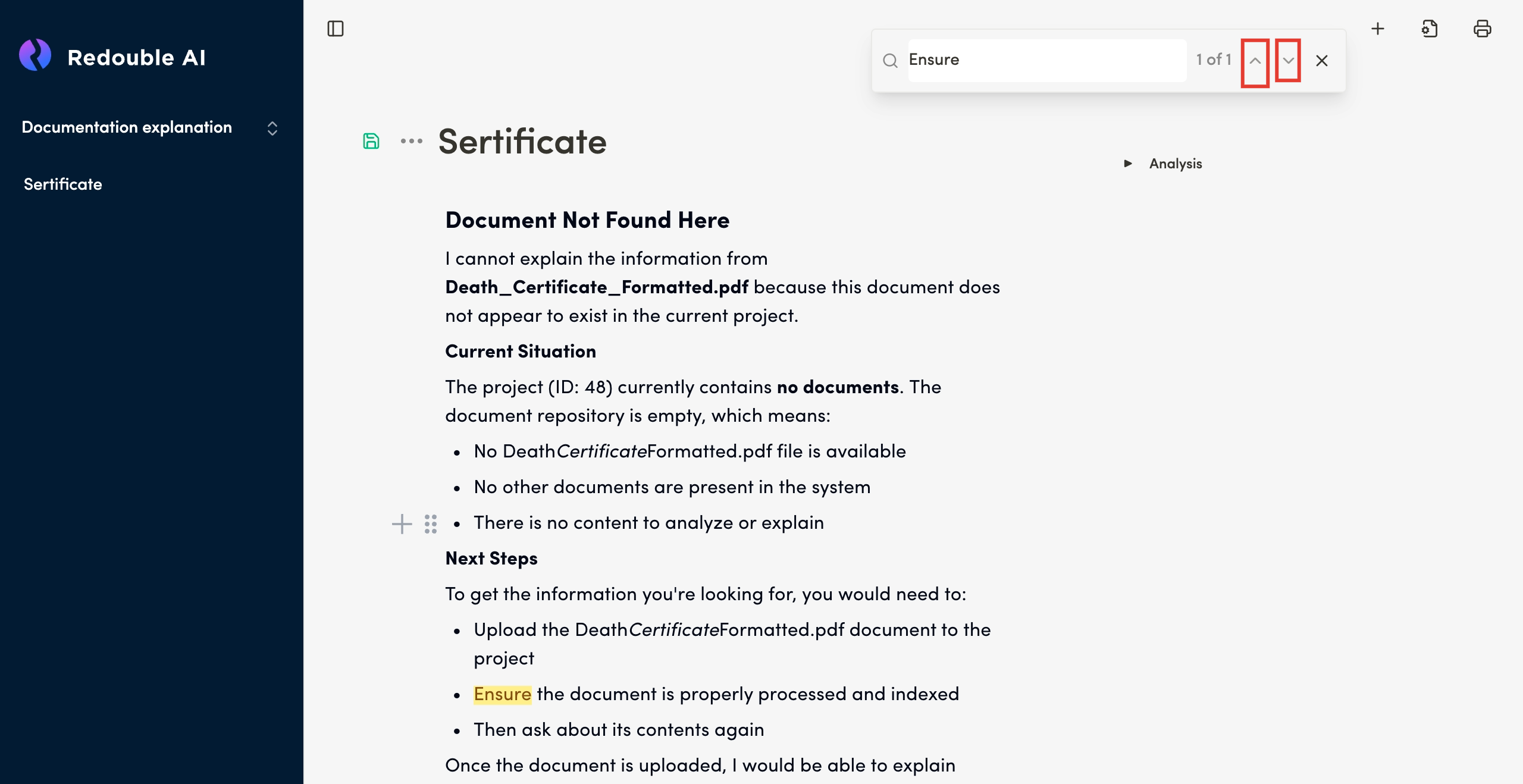
Result:
UserA user finds necessarythe content.content they have been looking for.