4.4 Sources
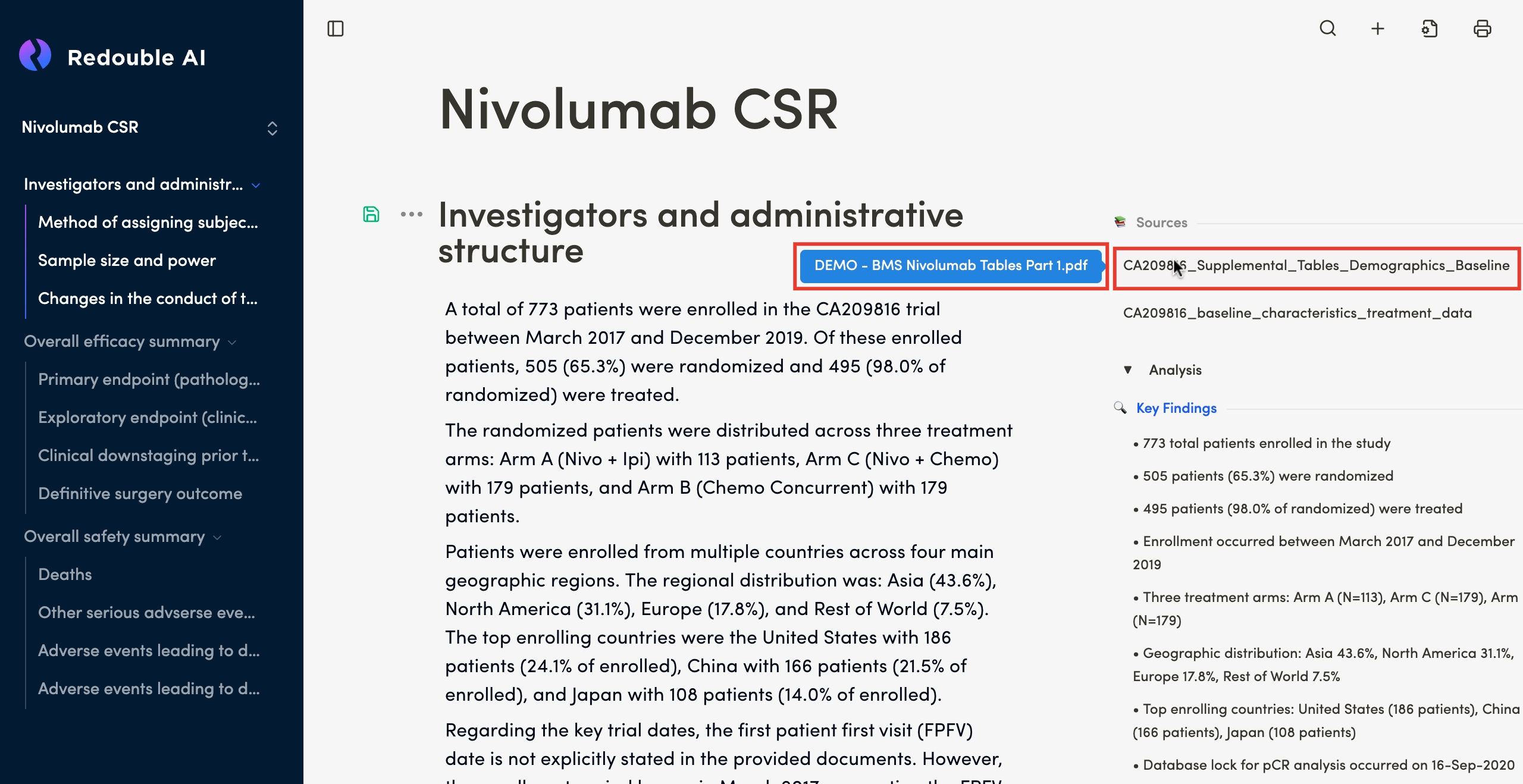
Purpose: The Sources Section is a feature of the Redouble AI system that ensures transparency and traceability in AI-generated answers. It displays all documents that contributed to the response, allowing you to verify information and access the original sources/ inputs. It is displayed at the end of an answer or in a dedicated panel on the right-hand side of the interface.
Functionality
Viewing sources
Steps:
- Generate or open an answer to a question
- Scroll to the bottom or to the side panel where the Sources are displayed
- Review the list of referenced documents
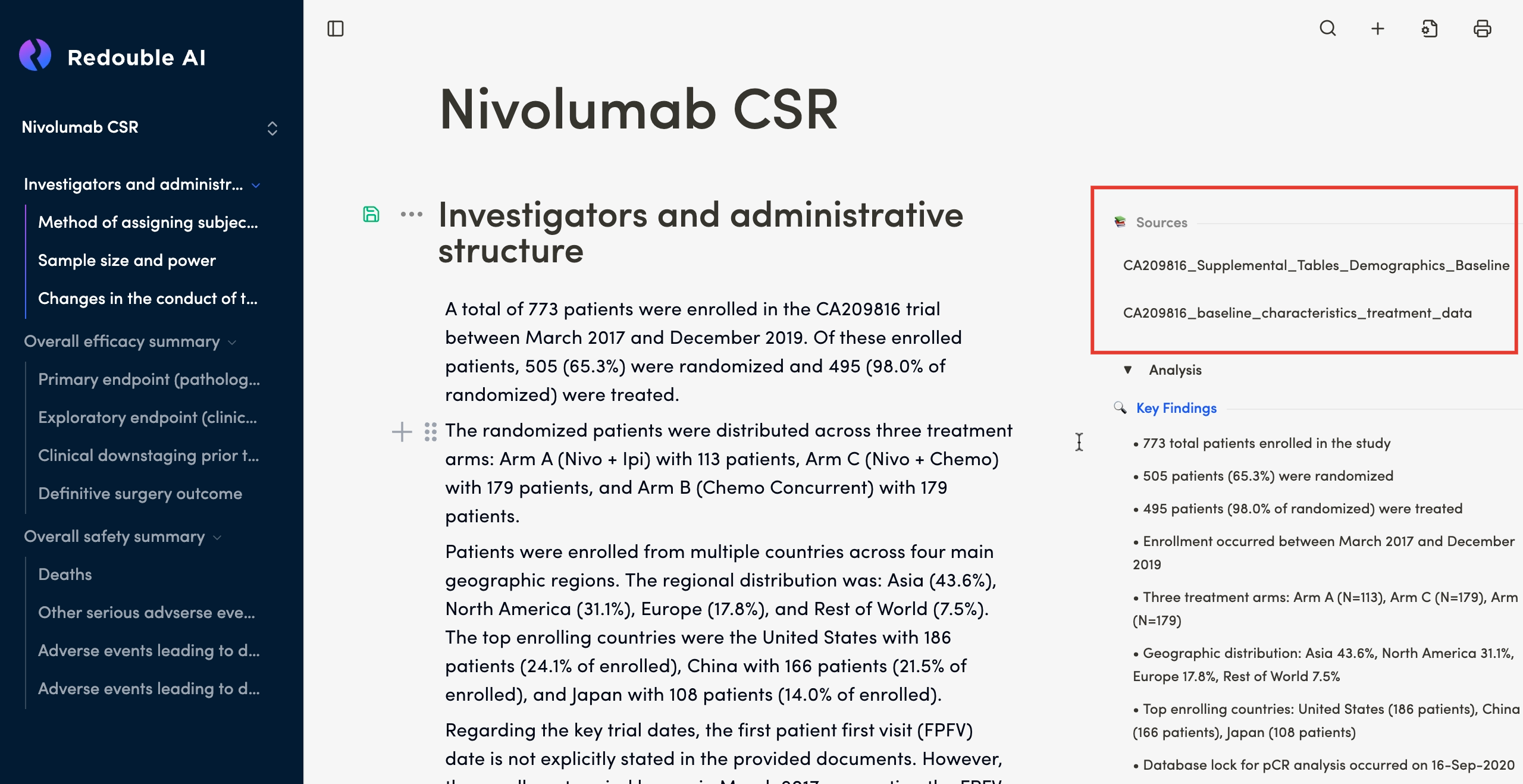
Result: You can see all documents that contributed to the answer. When you hover over one of the automatically created informativeEach document namesis shown with two names:
- Display name (shown in the
list,list):theAI-generatedoriginaldescriptive name for easy identification - Original filename (shown on hover in blue): The actual name of the
documentuploadedwillfile
Accessing source documents
Steps:
- Locate the desired document in the Sources list
- Click on the document name in the list
- The document content will appear in a separate panel
Result: You can review the original document content. For more detailed information please view page 5.1 Edit/View Attached Documents