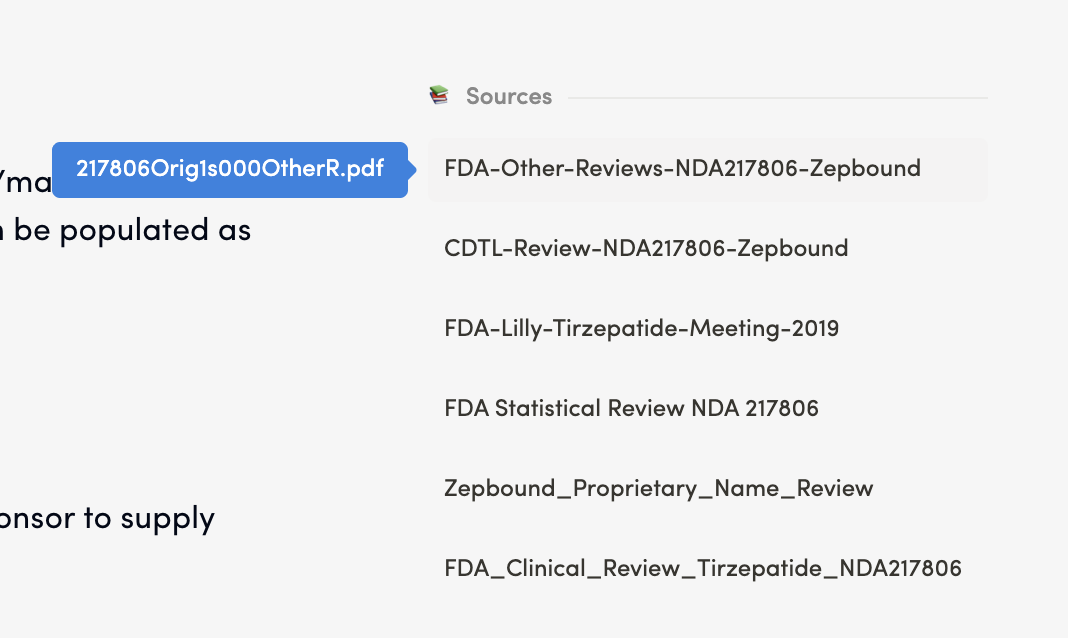
4.4 Sources
Purpose: The Sources Section is a feature of the Redouble AI system that ensures transparency and traceability in AI-generated answers. It displays all documents that contributed to the response, allowing you to verify information and access original sources. It is displayed at the end of generated question answers or in a dedicated side panel.
Functionality
Viewing Sources
Steps:
- Generate or open an answer to a question
- Scroll to the bottom or side panel where Sources are displayed
- Review the list of referenced documents
Result: You can see all documents that contributed to the answeranswer. When hover over, the name of the document from the "Atachments" section will be visible in blue tooltip
Accessing Source Documents
Steps:
- Locate the desired document in the Sources list
- Click on the document name in the list
TheDocumentdocumentcontentopenswillorappearbecomesinactiveseparate panel
Result: You can review the original document content. Document content will appear in separate panel.