
5.1 Edit/View Attached Documents
Access: You can access Document Details panel from the Analysis or Sources section.
The Document Details View provides comprehensive information about uploaded documents, including metadata, parsing results, attachments, and version history.
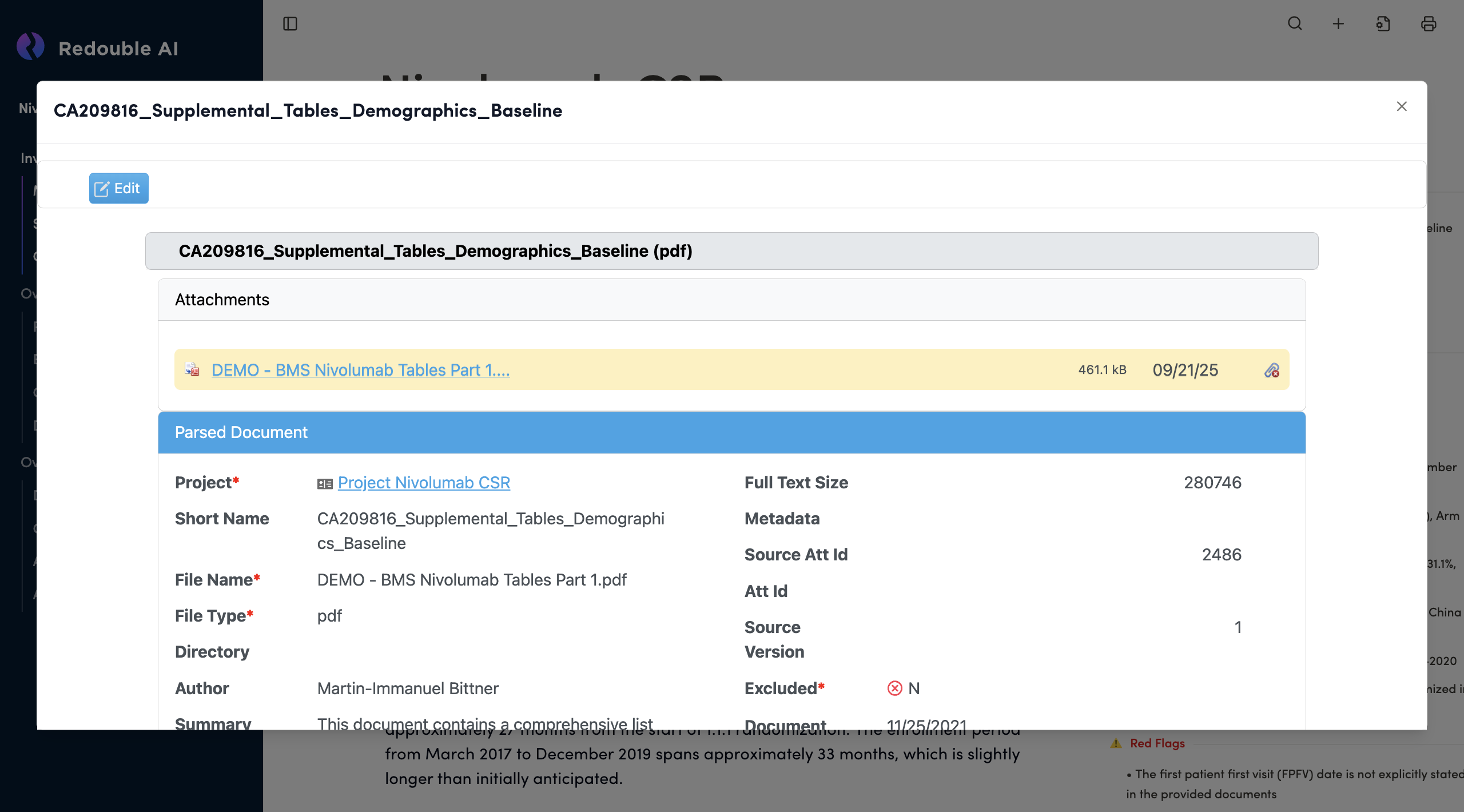
Panel Structure
Document Title Bar
- Displays the document name at the top
- Close Button (×): Located in the top-right corner to close the panel
- Edit Button: Blue button on the left to enable editing mode
Section 1: Document Name
Document Name Field
- Type: Text input field (gray background)
- Format: Displays document name with file format in parentheses
- Example: "FDA-Lilly Pre-NDA Meeting Minutes Aug 2022 (pdf)"
- Editable: Yes, when Edit mode is active