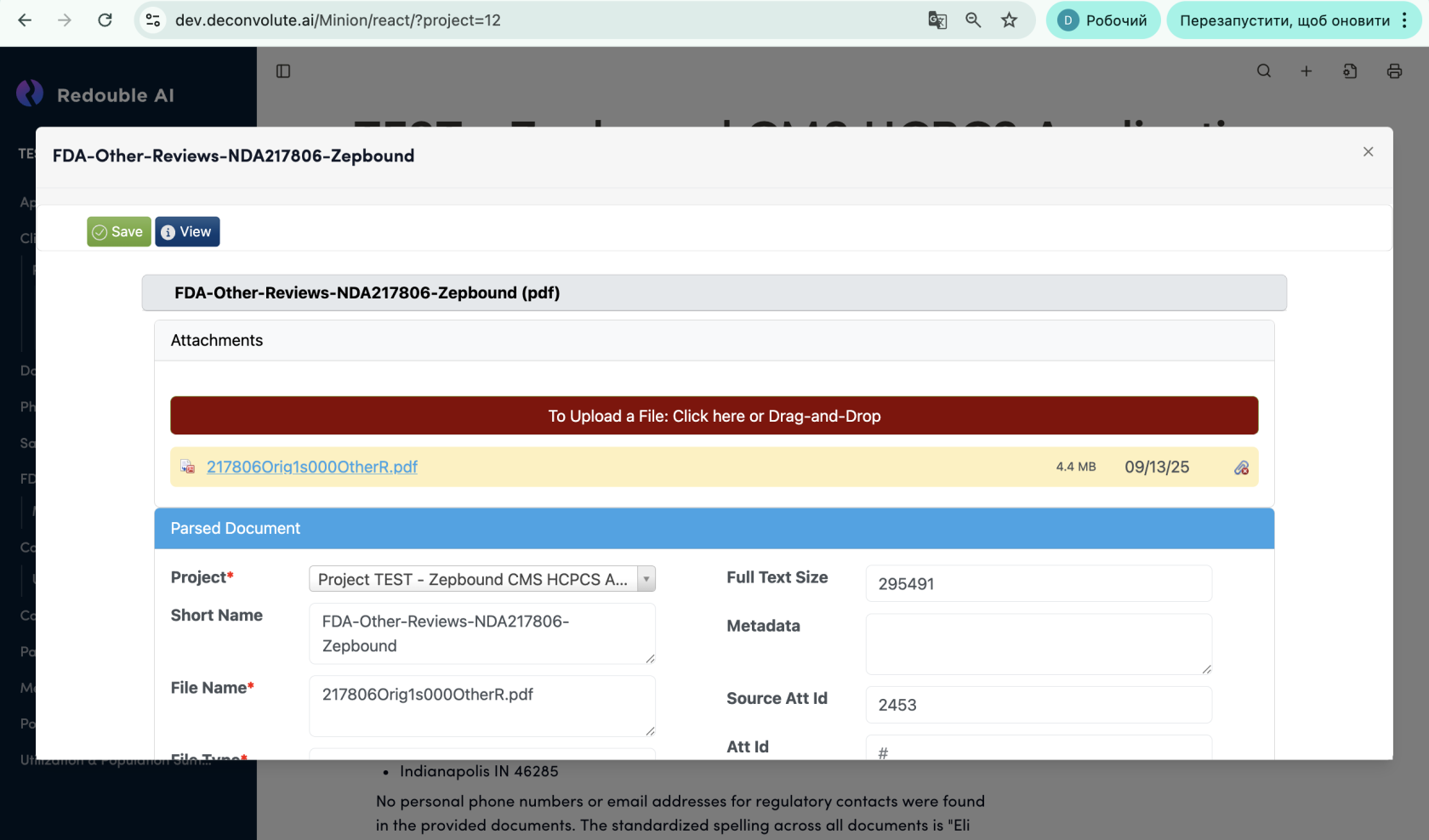
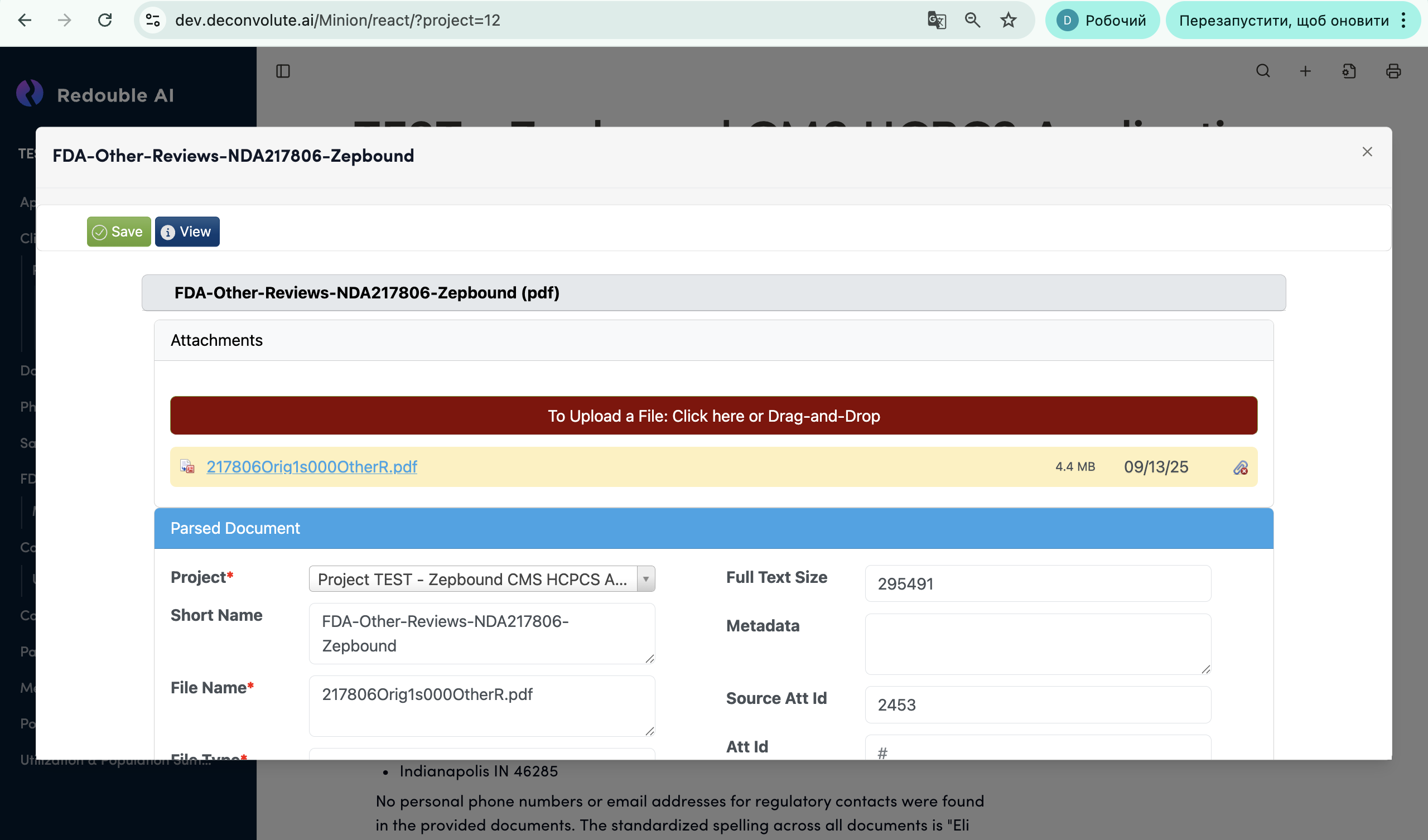
5.2 Edit Attached documents
Access: You can access Document Details panel from the Analysis or Sources section.
Steps:
- Open the Document Details panel
- Click the Edit button at the top
- Modify editable fields
- Save changes (button appears after Edit is clicked)