
5.2 Edit Attached documents
Access: You can access Document Details panel from the Analysis or Sources section.
Steps:
- Open the Document Details panel
- Click the Edit button at the top
- Modify editable fields
- Save changes (button appears after Edit is clicked)
Result: Updated information is saved to the document record
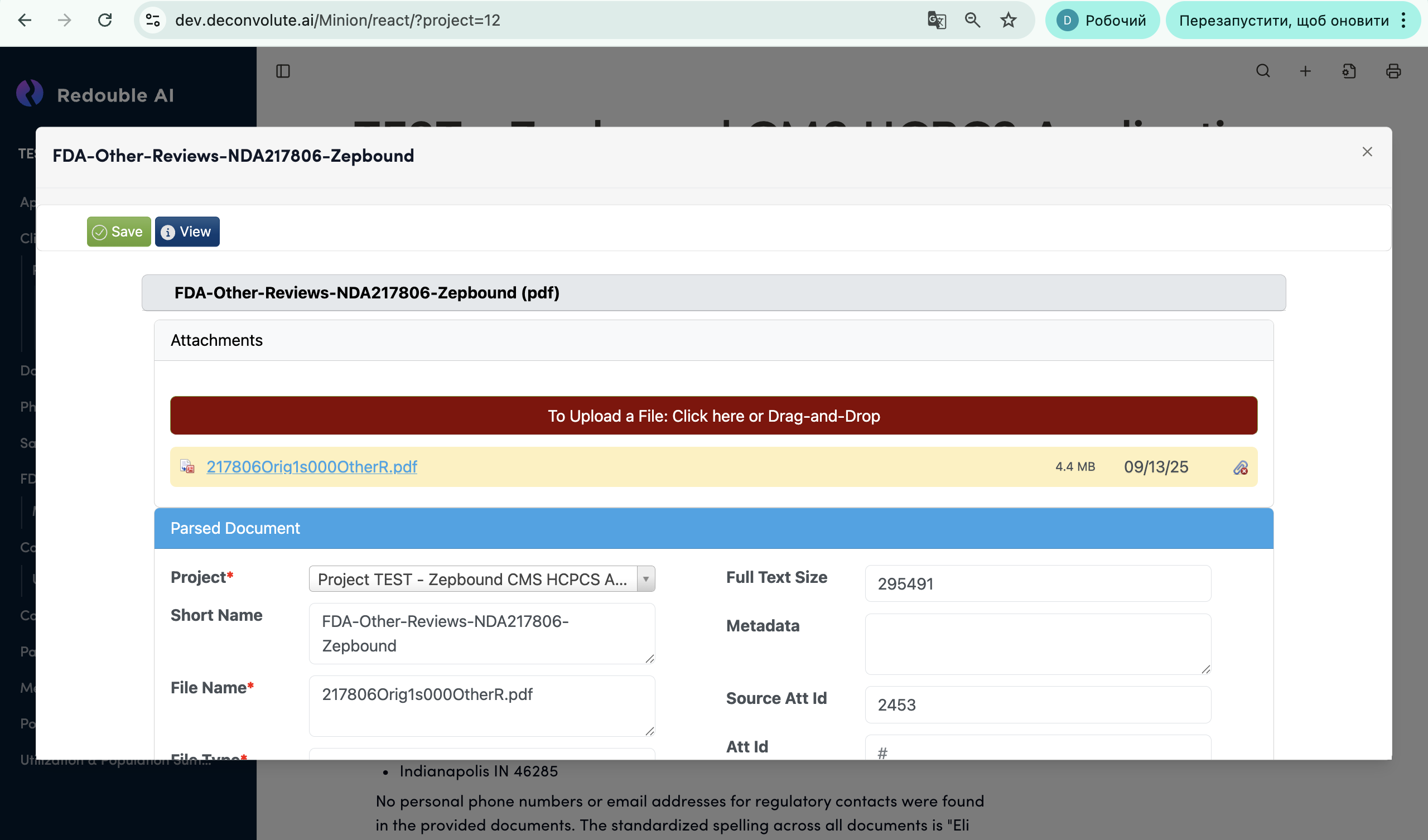
Editable Fields:
- Document Name
- Short Name
- Author
- Directory
- Comments
- Custom metadata fields
Non-Editable Fields:
- File Name (from original upload)
- File Type (system-detected)
- Id (system-generated)
- Created date (historical)
- Created By (historical)