
Getting Started
Preconditions:
- You have a Google account that is on the list of accounts allowed to access the dev environment.
- You know the application URL:
https://dev.deconvolute.ai/Minion/retrax/#/
Steps:
- Open the application URL in your browser.
- If you do not have an active session, Retrax automatically redirects you to the Google sign-in page (
accounts.google.com). - Enter the credentials of your allowed Google account and confirm.
- After a successful sign-in you are returned to the application and the Workflow runs list opens.
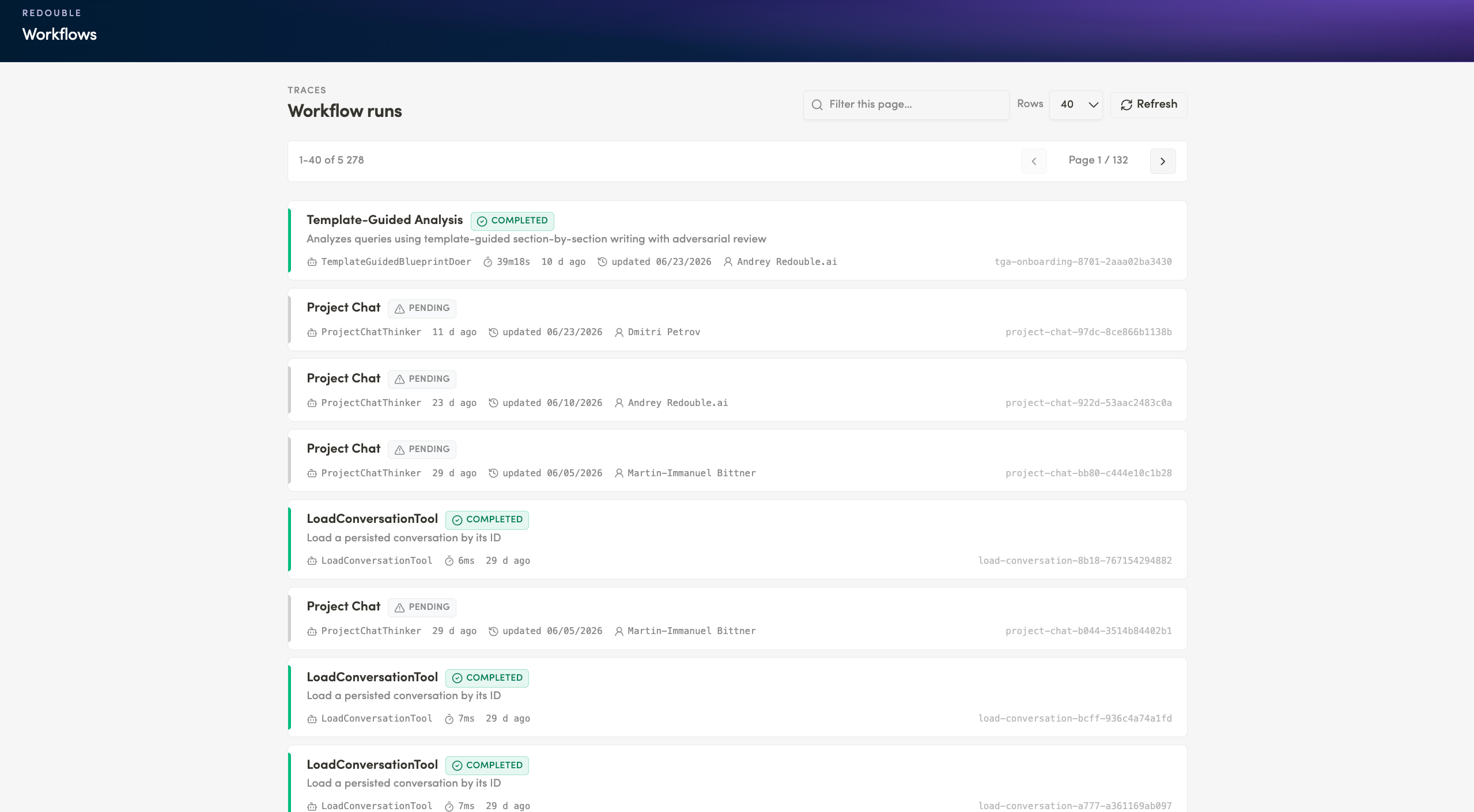
Result: You are authenticated and see the list of workflow runs. The session is remembered, so refreshing the page does not ask you to sign in again.
No comments to display
No comments to display